GitLab
Last updated: Oct 26, 2026
The integration is available only for the GitLab SaaS version, not for on-premises installations. The integration is part of the suite of local tools and extensions that are free of charge. By default, the integration creates issues and child tasks as confidential.
Follow these steps to configure the integration:
-
On the Fluid Attacks platform, select the Integrations section in the collapsible sidebar.

-
Click Use integration on the GitLab card.

-
Click the Connect button of the group that you want to integrate.
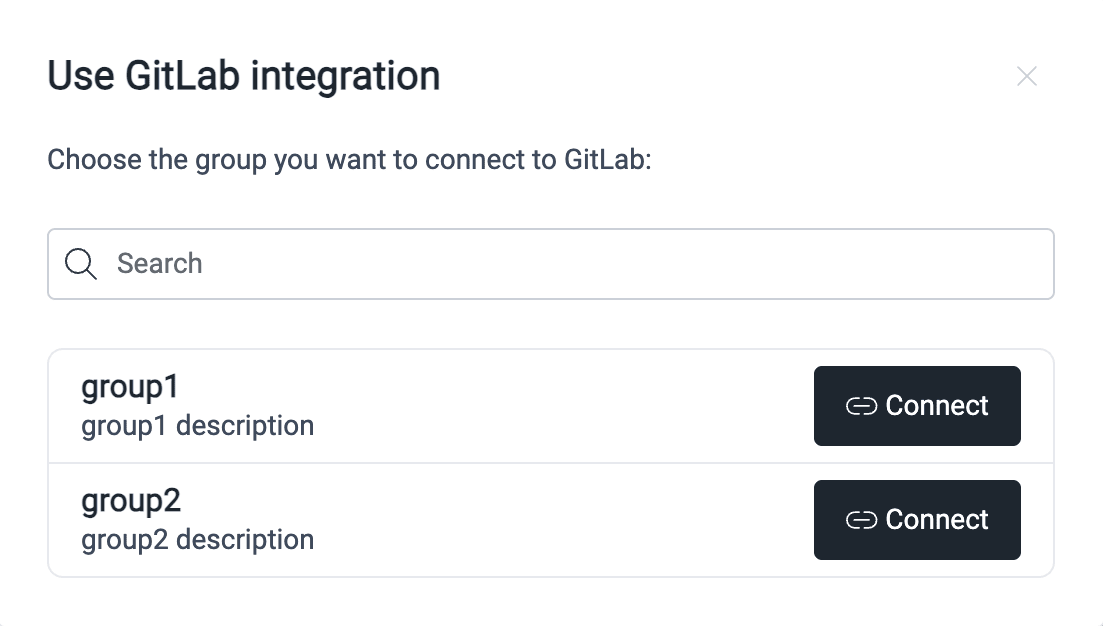
-
Click Authorize to connect your group to the GitLab account.
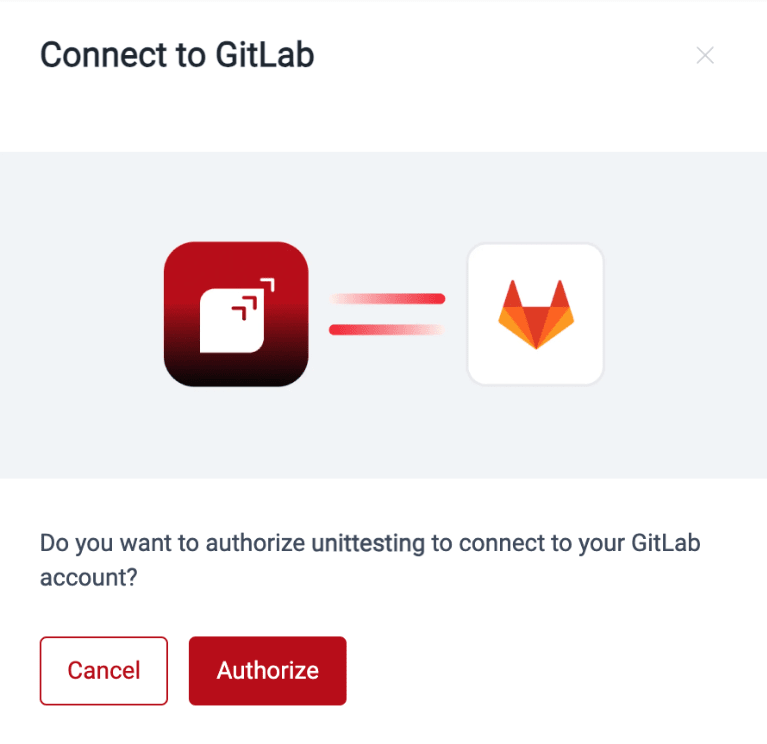
-
Read the permissions that you give Fluid Attacks. Click Authorize Fluid Attacks - Issue integration to agree to them.

-
On the Fluid Attacks platform, select your GitLab project.
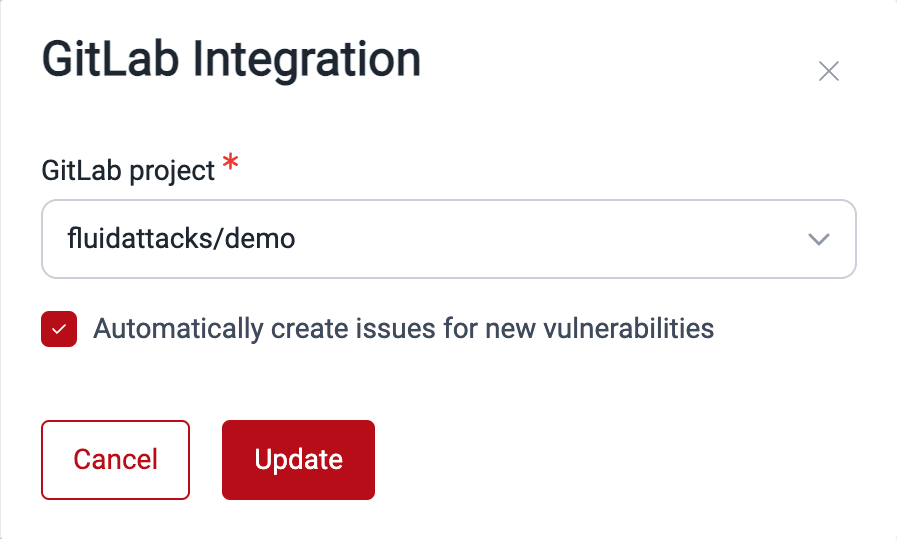
-
Click Update to start the integration.
The GitLab card shows how many of your groups have the integration configured.
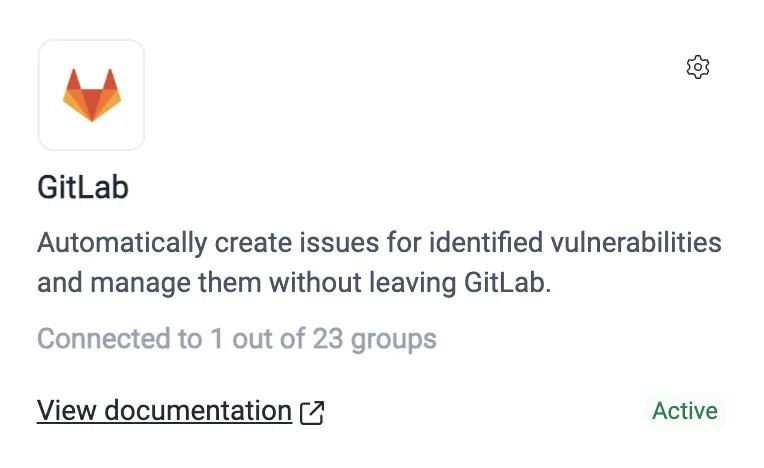
Read about the other BTS integrations: Azure DevOps and Jira Cloud.
Search for vulnerabilities in your apps for free with Fluid Attacks' automated security testing! Start your 21-day free trial and discover the benefits of the Essential plan. If you prefer the Advanced plan, which includes the expertise of Fluid Attacks' pentesting team, complete this contact form.