Install app for Jira
Last updated: Oct 26, 2026
The Jira integration of Fluid Attacks is free of charge, as are all the local tools and extensions.
With the Jira integration of Fluid Attacks, you can do these tasks:
- Manage the reported vulnerabilities of your software from Jira.
- Create Jira issues from vulnerabilities that Fluid Attacks reports.
- Link existing Jira issues to vulnerabilities.
- See the reported vulnerabilities that are linked to a Jira issue.
- Request reattacks on Jira to make sure that the fixes are correct.
- Get comments on Jira about changes in the status of vulnerabilities.
Follow these steps to install the Fluid Attacks app for Jira Cloud:
-
Log in to your Jira instance.
-
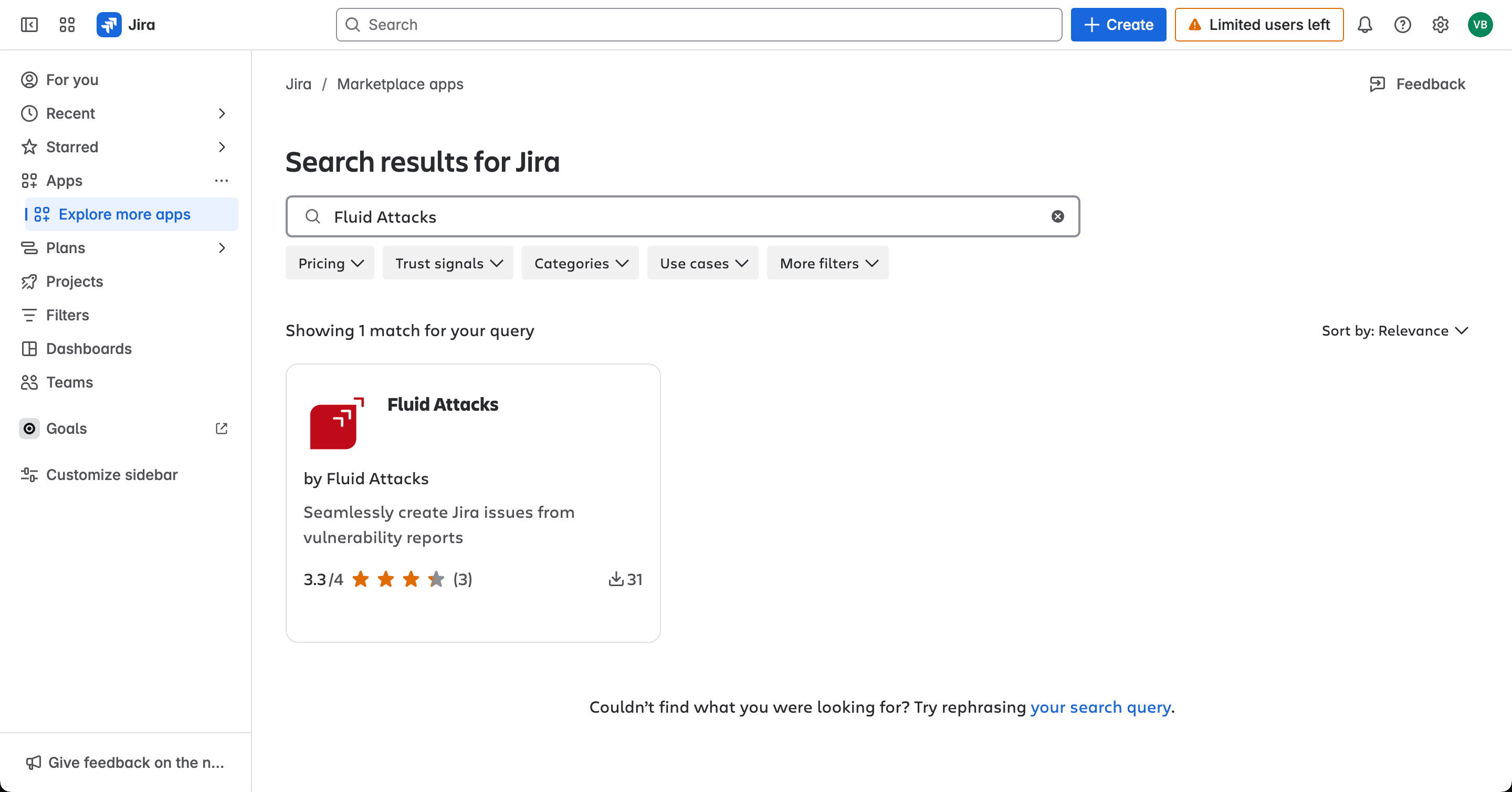
In the left-side menu, click Apps > Explore more apps.

-
Search for Fluid Attacks and click the app tile.
-
Click Get it now to start the installation of the Fluid Attacks app.

-
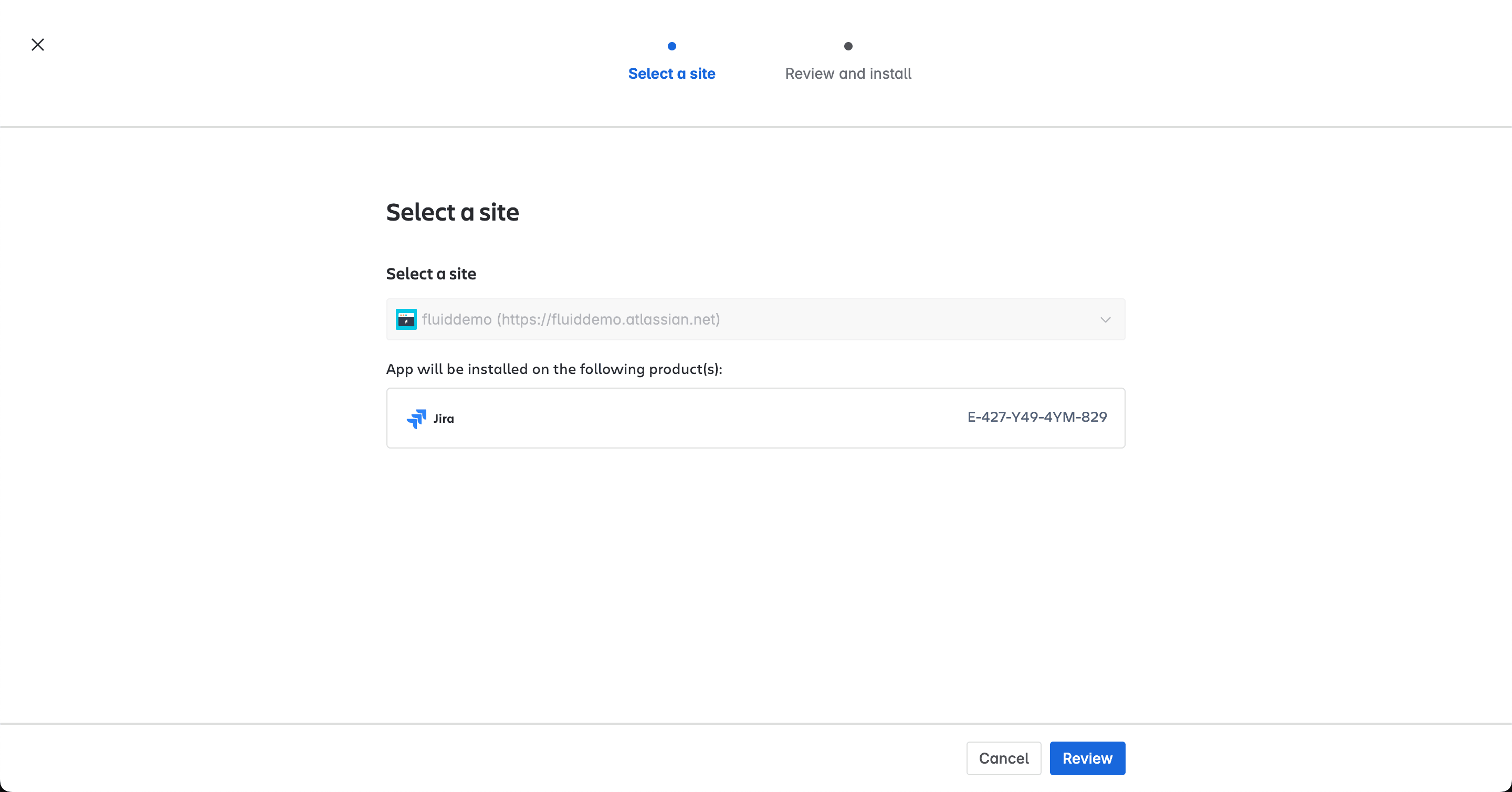
In Select a site, if you have more than one site, select the site that you want to integrate. Then click Review.
-
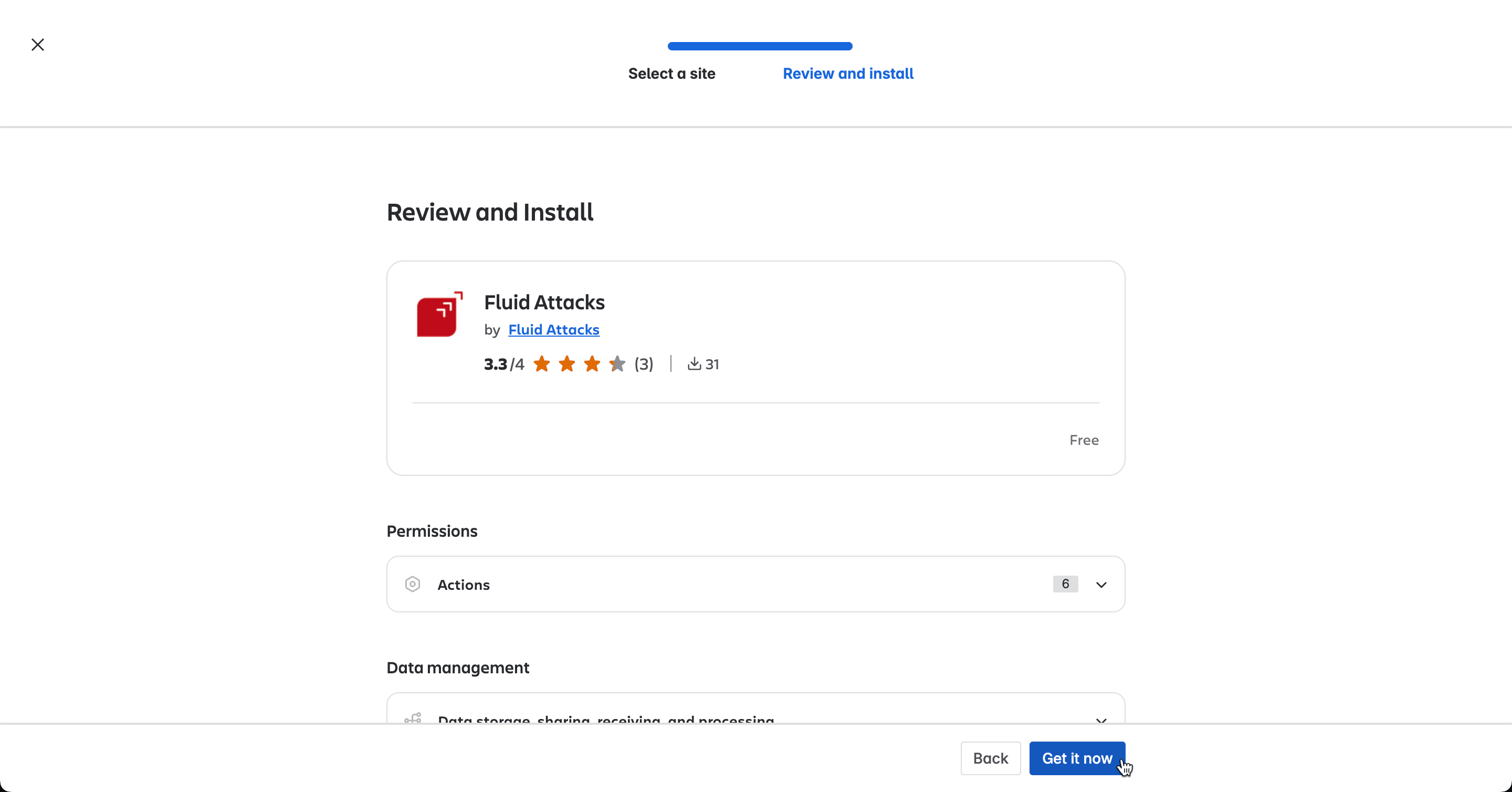
In Review and install, read the information about the permissions and data management of the app. Then click Get it now.
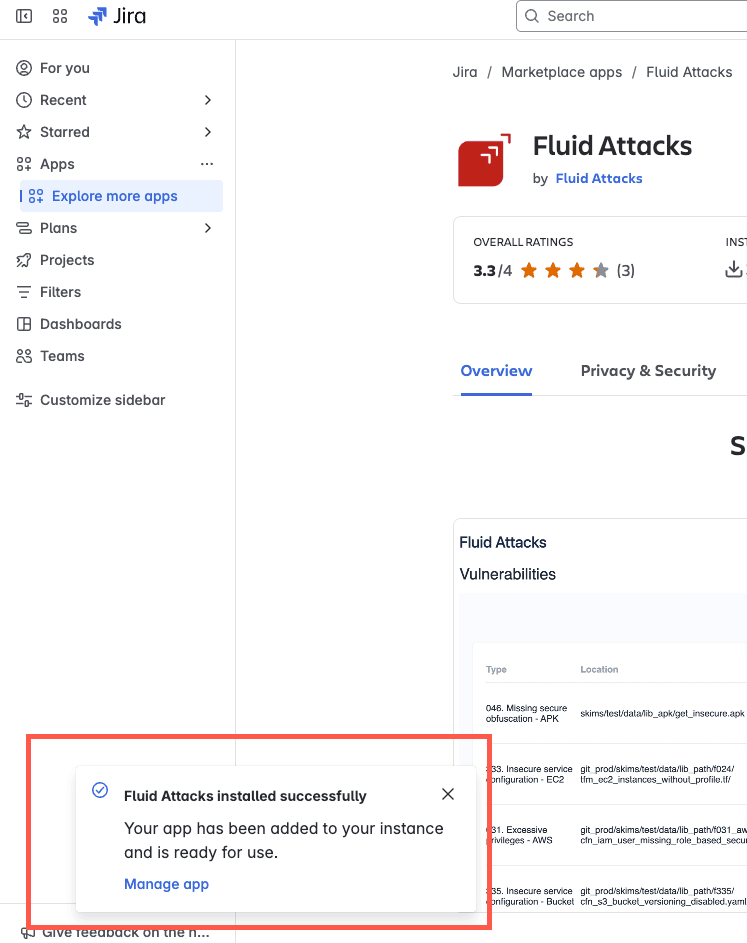
The app is installed. You can click Manage app to integrate your Jira Cloud projects with your groups on the Fluid Attacks platform. For the procedure, read Set up the Jira integration.
You can also install the Fluid Attacks app from the Atlassian Marketplace. Go to Fluid Attacks in the marketplace. Click Get it now. Then, follow the instructions.
Fluid Attacks app permissions:
(a) Read Jira project and issue data, search for issues and search for
objects associated with issues like attachments and worklogs
(b) Read and write to app storage service
(c) Create and edit issues in Jira, post comments as the user, create
worklogs and delete issues
Search for vulnerabilities in your apps for free with Fluid Attacks' automated security testing! Start your 21-day free trial and discover the benefits of the Essential plan. If you prefer the Advanced plan, which includes the expertise of Fluid Attacks' pentesting team, complete this contact form.