Docker installation
Last updated: May 29, 2026
-
Visit the Docker website.
-
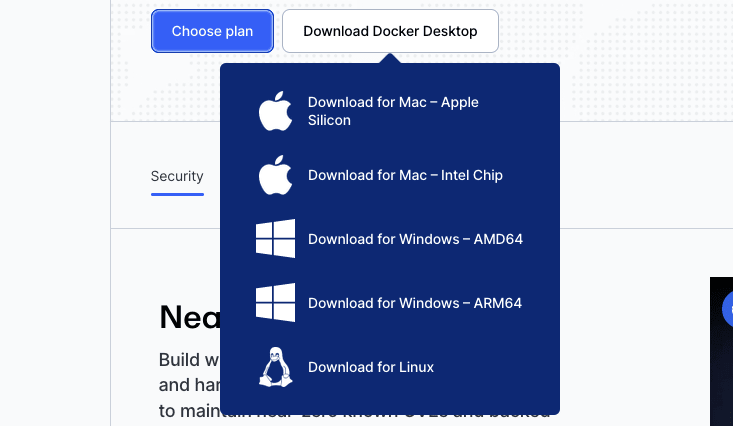
Download the Docker Desktop version for your operating system.
-
Open the Docker desktop application. It will start the Docker daemon. Keep it open and try running our scanners.
Capabilities and use cases
Complete reference for Fluid Attacks MCP tools — analytics, vulnerability management, asset discovery, security scanning, DevSecOps, and knowledge base capabilities.
Peer Reviewer Assistant
Automatically scan pull requests and merge requests and get comments on the security of contributions to help peer reviewers assess them faster.