Import repositories
Last updated: Oct 21, 2026
Import repositories using Open Authorization
After you sign up, Fluid Attacks needs access to your repositories to clone them and start security tests. With Open Authorization (OAuth), you give Fluid Attacks permission to get and clone your repositories without sharing credentials. Fluid Attacks recommends this method to add your repositories.
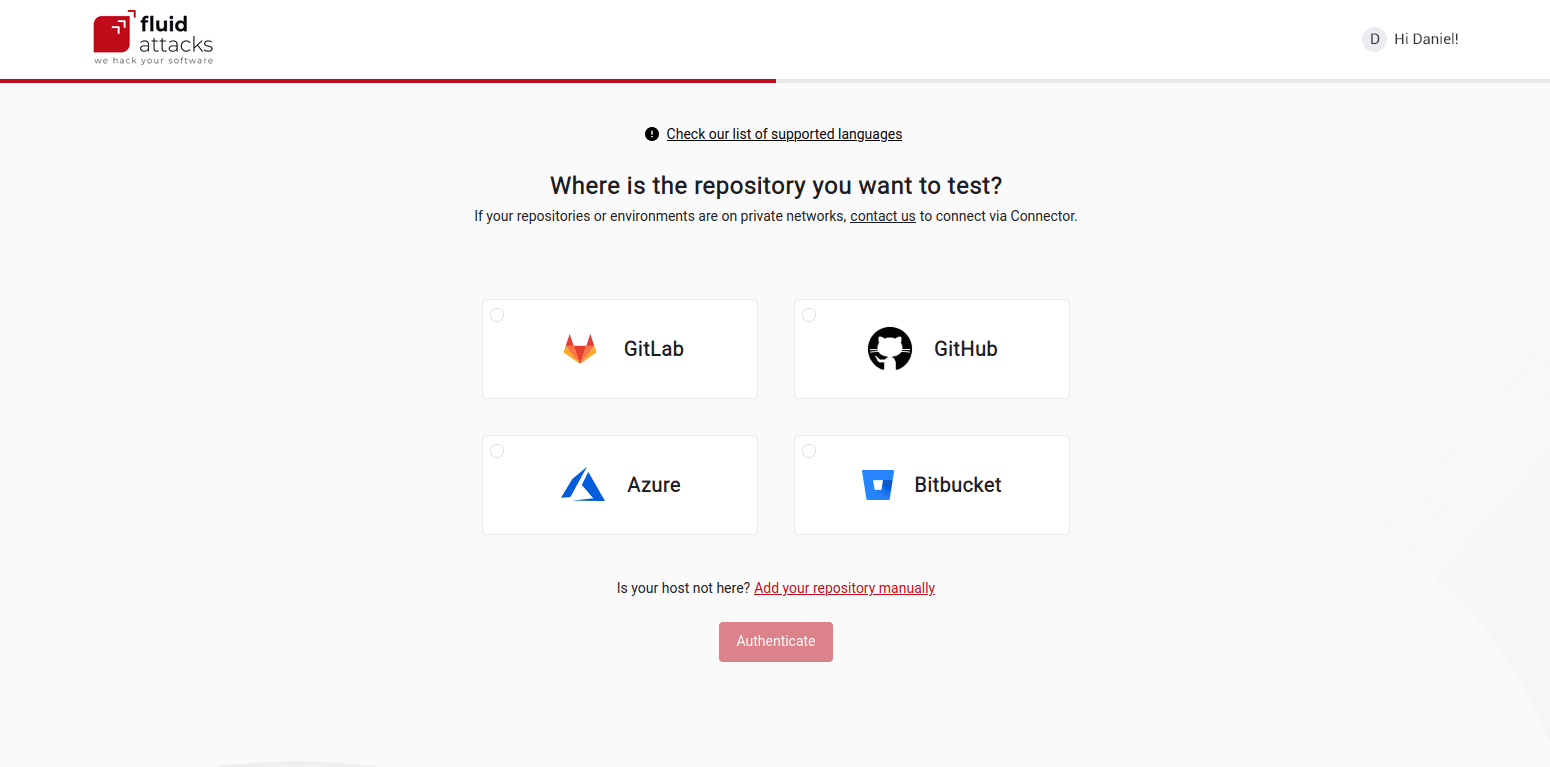
The Fluid Attacks platform supports OAuth only with GitLab, GitHub, Azure, and Bitbucket. If your repositories are on a different provider, you must add them manually.
Follow these steps to add one or more repositories with OAuth:
-
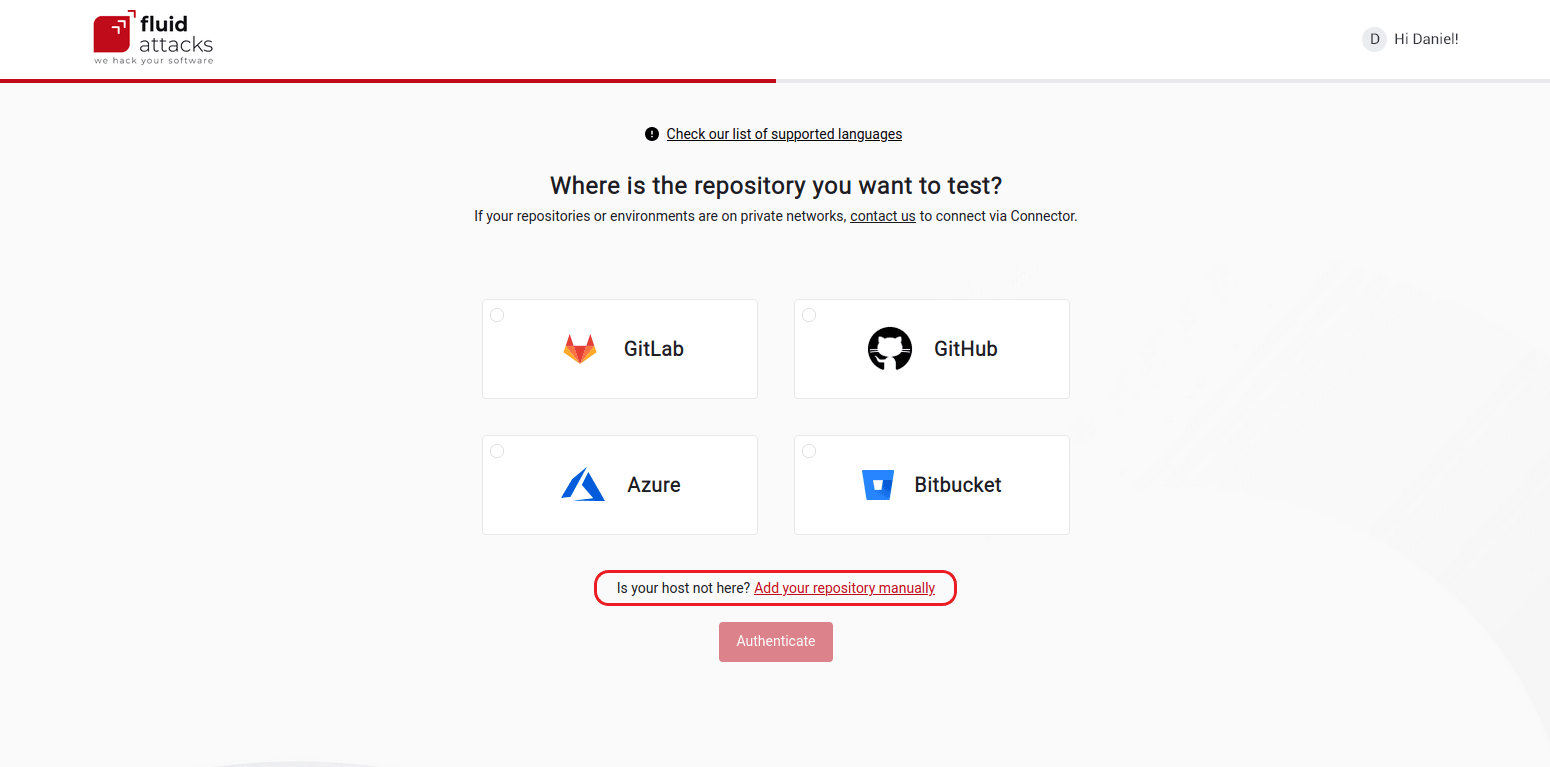
Select your code repository hosting provider on this screen. Then click the button below.
-
Sign in to your account on the authentication screen of the hosting provider.

-
Authorize Fluid Attacks to access your repositories.

-
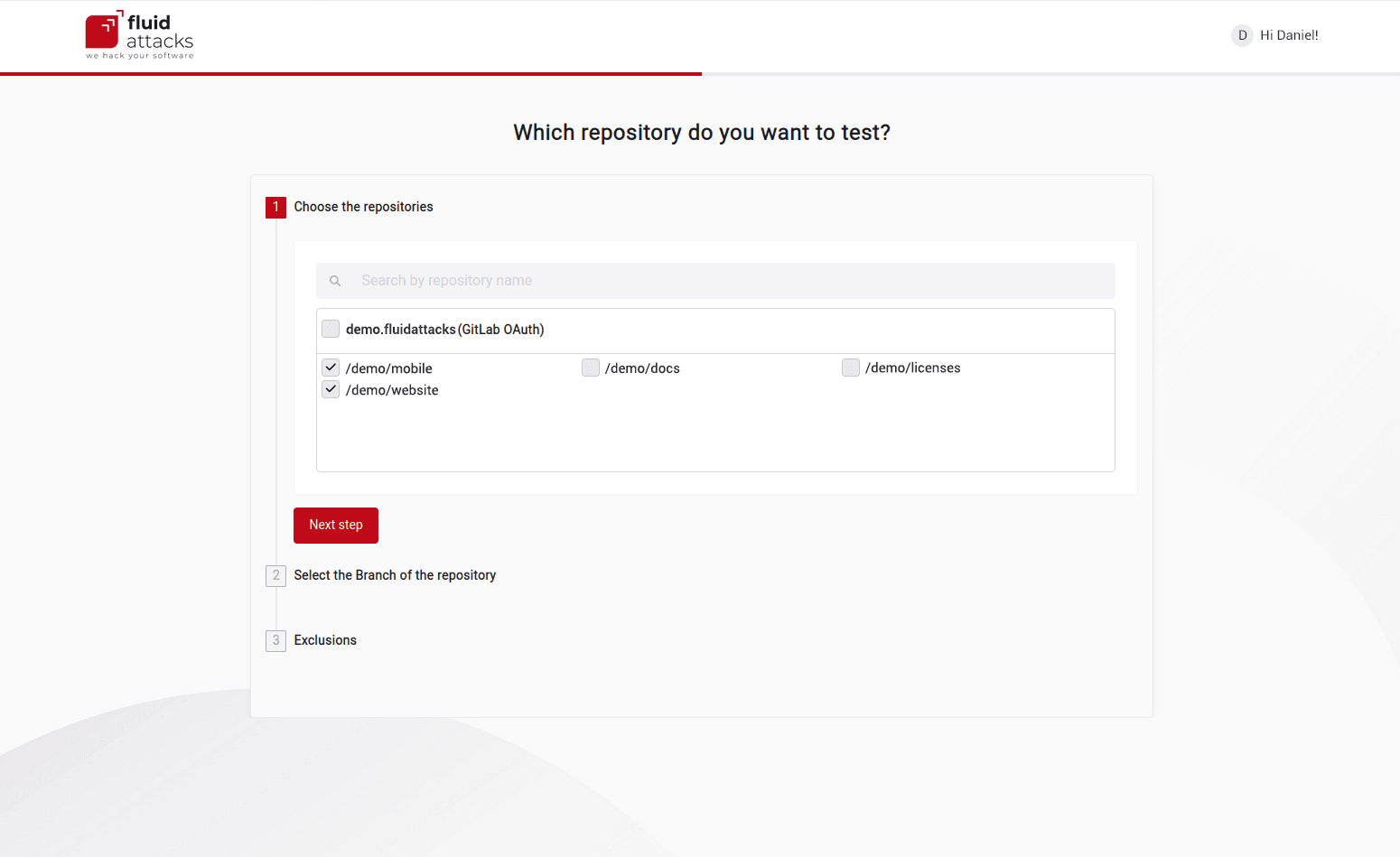
Do the steps on the screen to import one or more repositories.
-
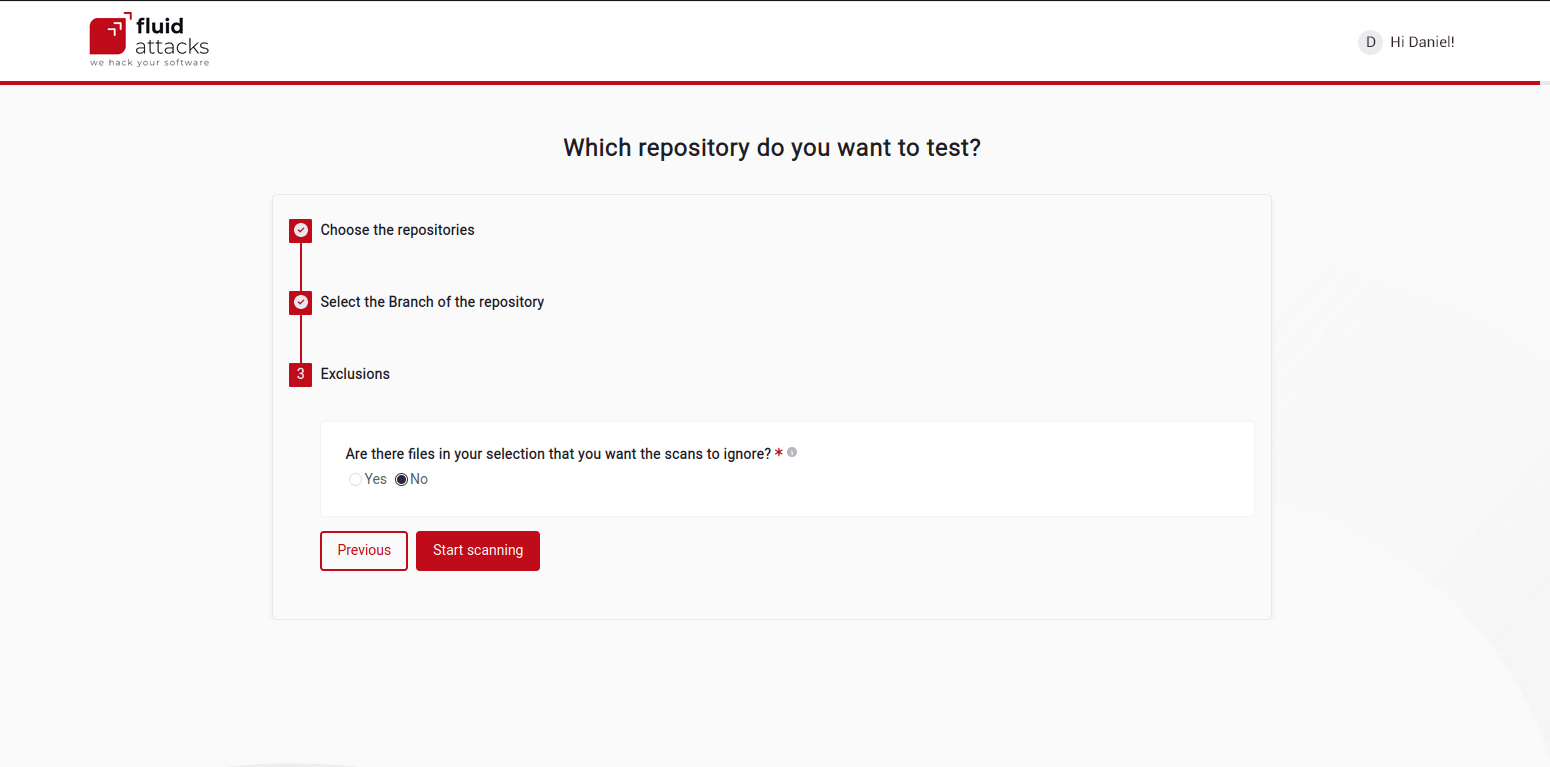
When you finish, click Start scanning.
When the AppSec testing tool of Fluid Attacks finds a security vulnerability, you can see it on the platform.
Then you can invite your team members to sign up on Fluid Attacks. Then you can assign the remediation of vulnerabilities to them.
Import repositories manually
If you cannot use OAuth, do this procedure to add repositories manually:
-
Select Add your repository manually on this screen.
-
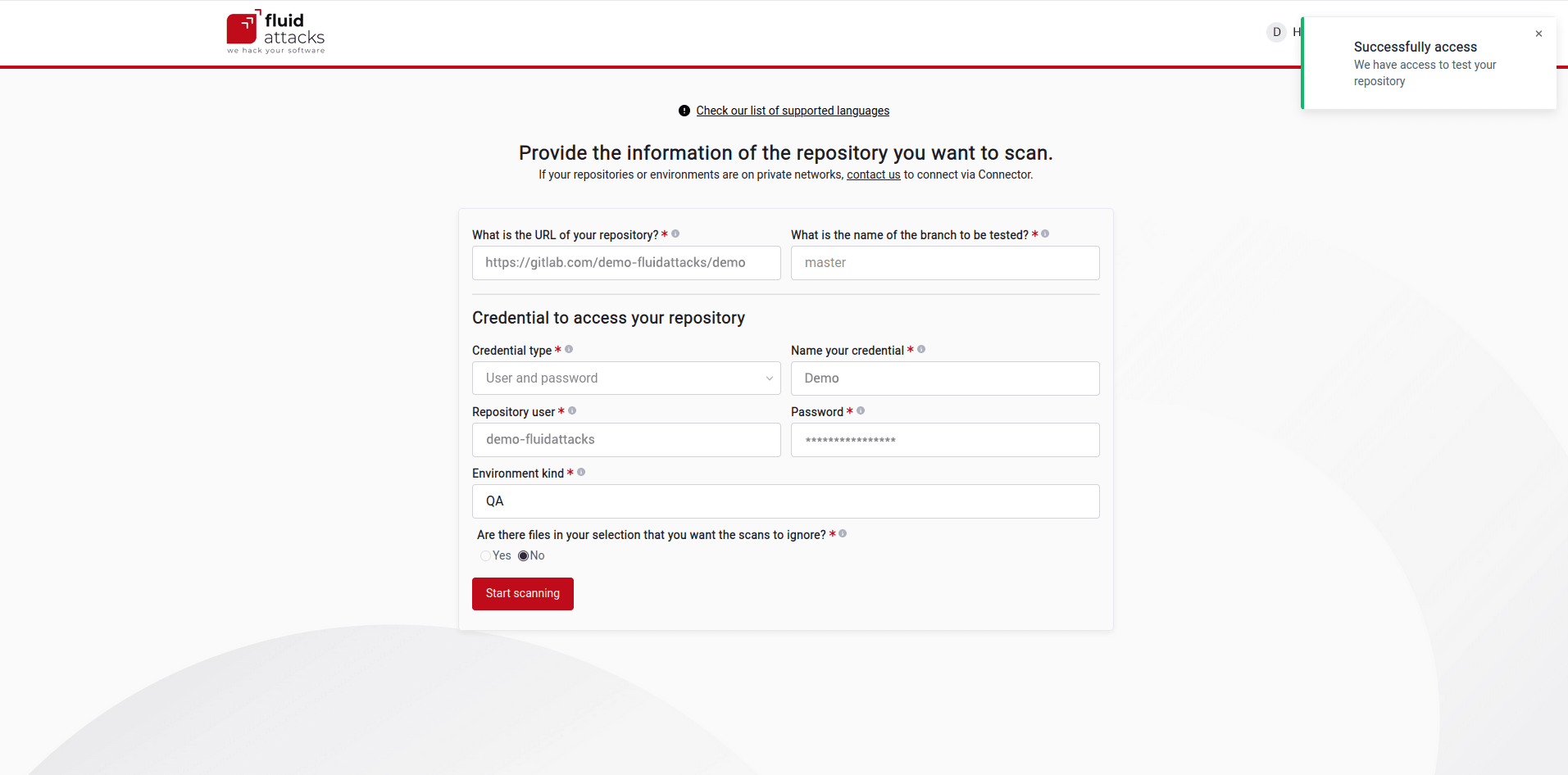
Type the data that this screen requests:
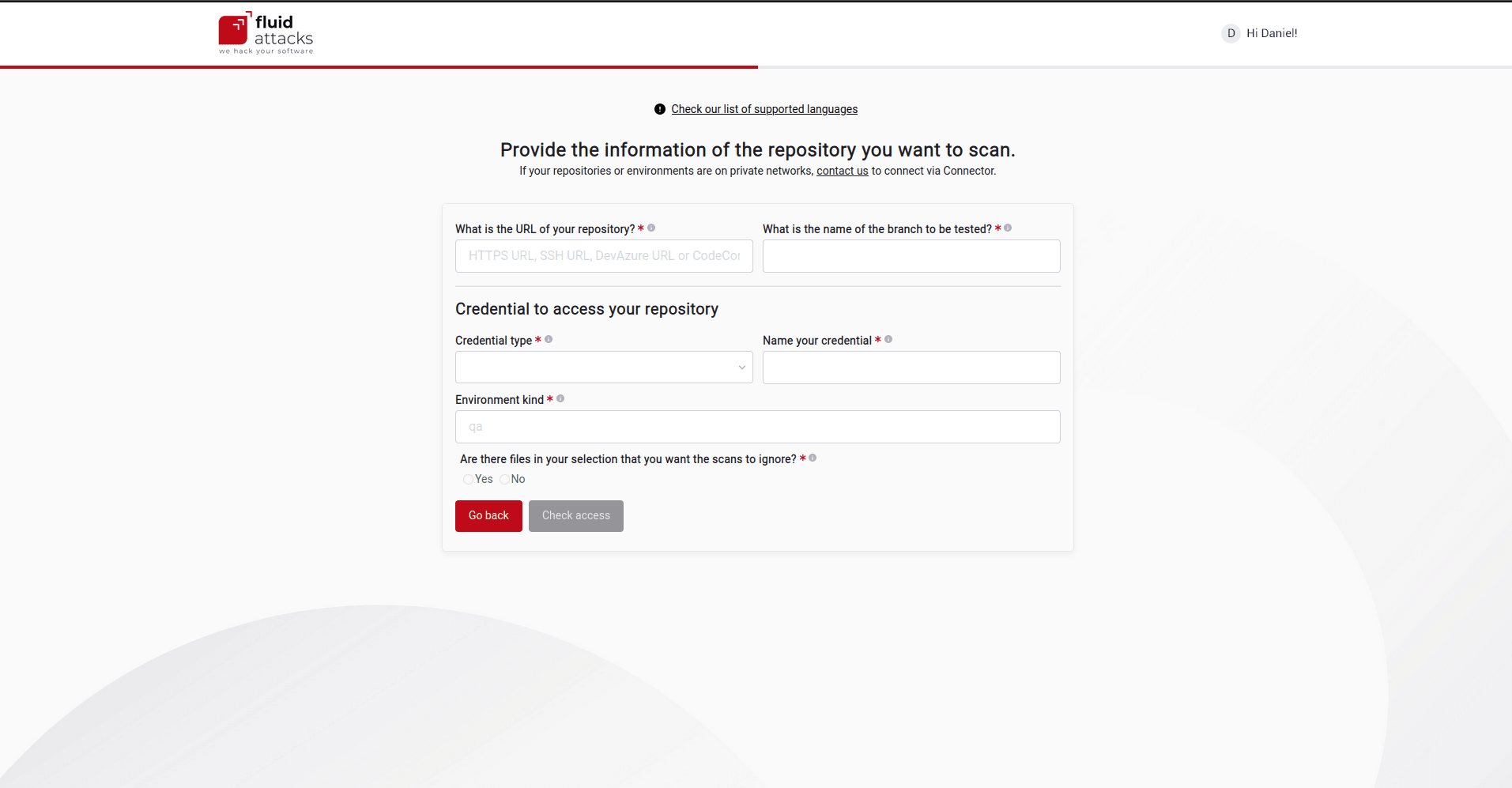
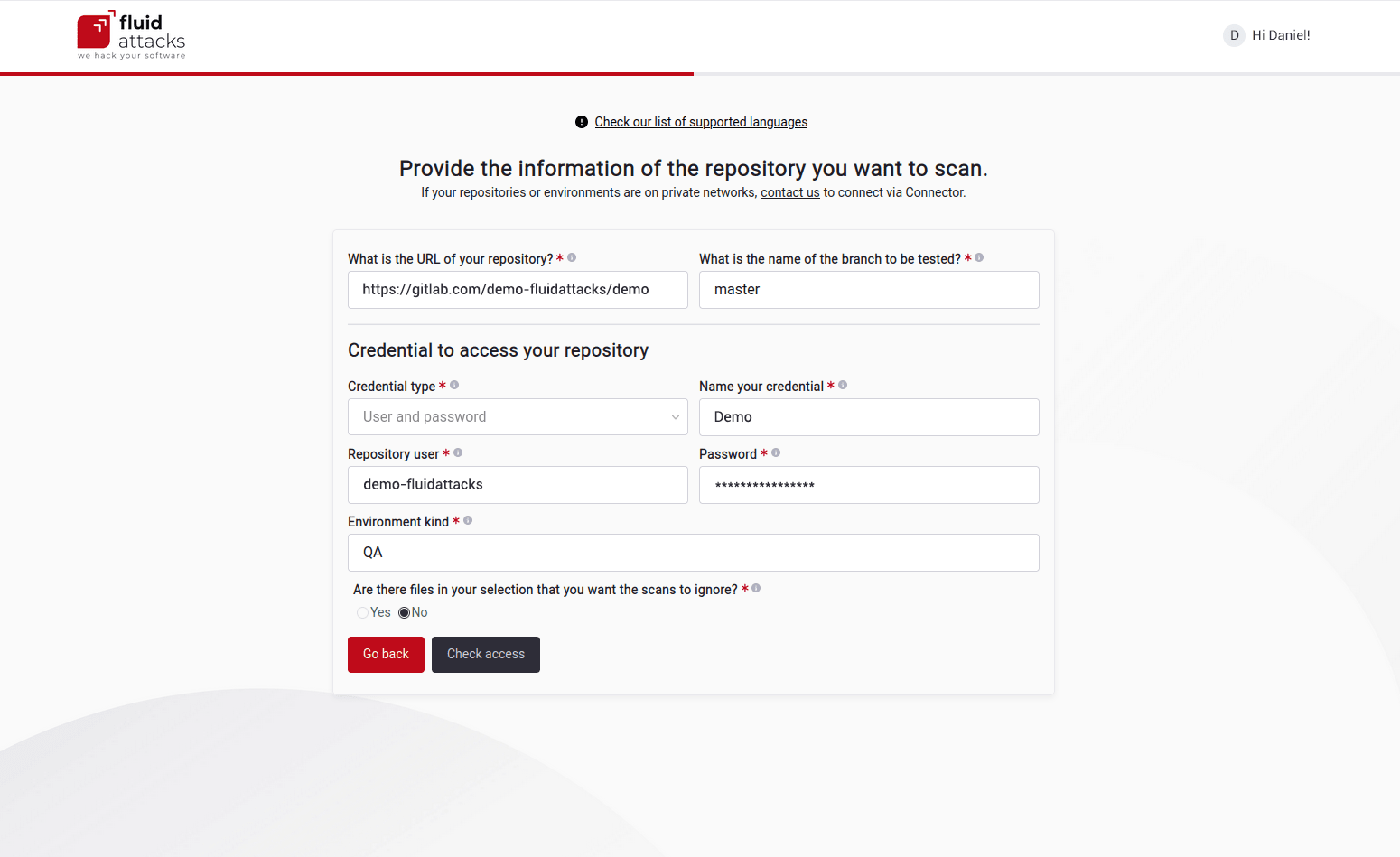
The images in steps 3 and 4 show an example with complete fields. The credentials are different for each repository. For example, they can be a user and password, an SSH key, or a Personal Access Token. Read the Credentials type page for more information.
-
When you finish, click Check access.
-
If the access with the credentials is successful, the Start scanning button becomes available. Click it to start security testing.