Create another organization
Last updated: Jun 30, 2026
Role required: User or Organization Manager
An organization is the representation of your enterprise on Fluid Attacks' platform. If absolutely necessary for better vulnerability management, you can create another organization. To do it, follow these steps:
-
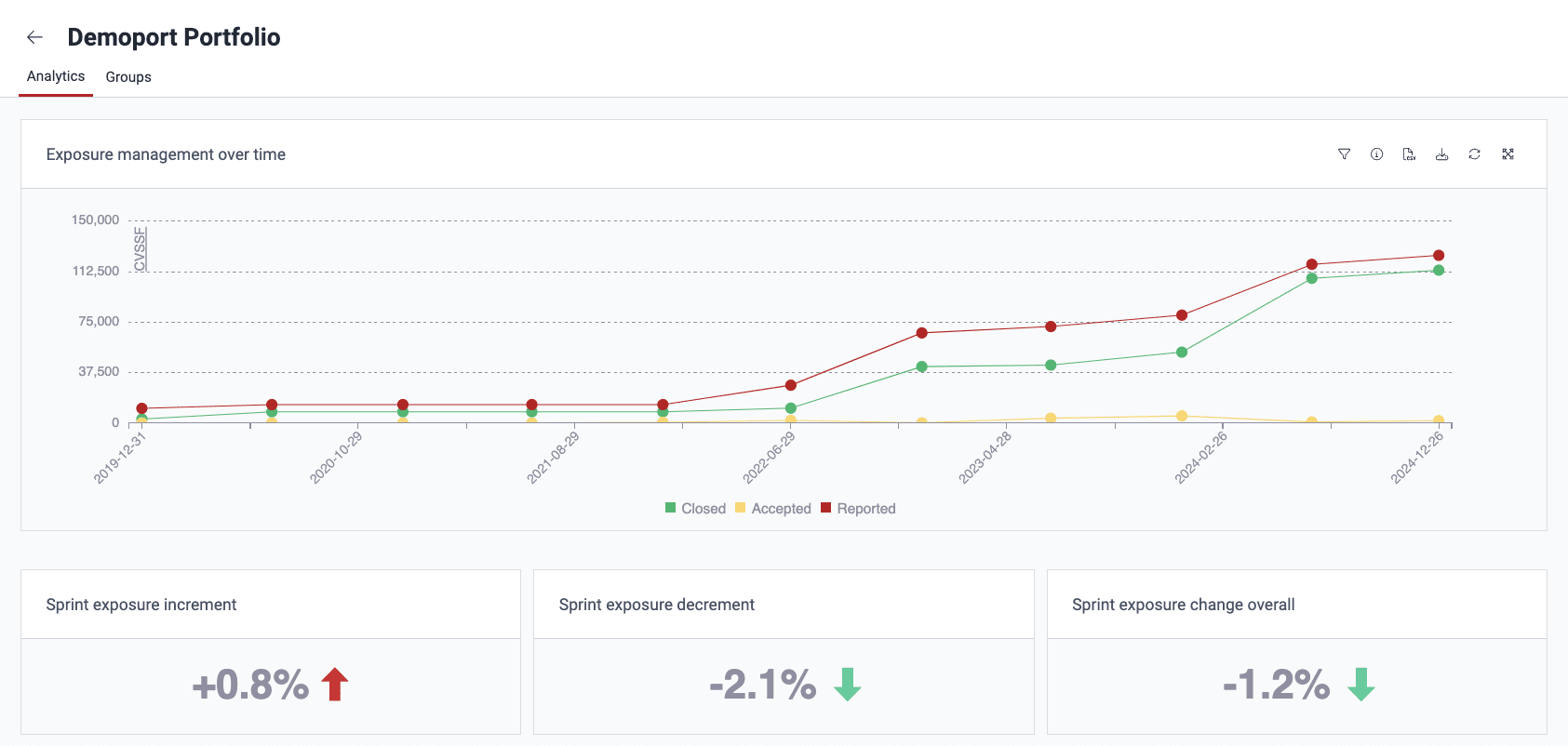
Locate the organization dropdown menu in the upper-left corner. It displays the name of the organization you are currently exploring. This menu facilitates effortless switching between your different organizations.
-
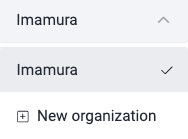
Click on the dropdown menu to reveal a list of your existing organizations.
-
Select New organization from the list.
-
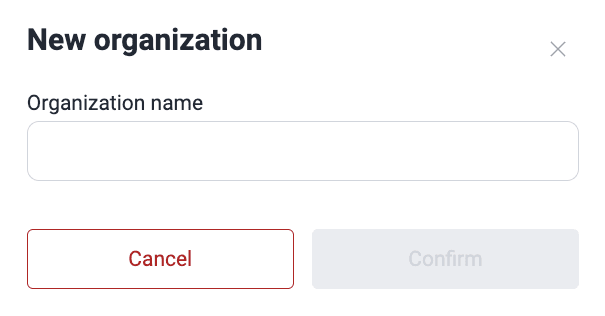
In the provided form, enter a unique name for your new organization.
-
Click the Confirm button to create your new organization.
Search for vulnerabilities in your apps for free with Fluid Attacks' automated security testing! Start your 21-day free trial and discover the benefits of the Essential plan. If you prefer the Advanced plan, which includes the expertise of Fluid Attacks' pentesting team, fill out this contact form.