AI Agent
Last updated: Oct 26, 2026
Role required: User, Vulnerability Manager or Organization Manager
You can chat with the AI Agent in natural language to get the information that you want from the platform. These example prompts show how to use this AI-powered feature:
- "List the details of the three vulnerabilities in group Narrabri of the organization Imamura that need the most urgent prioritization on the basis of their reachability and severity and % EPSS scores."
- "On the basis of the CI Gate's executions in group Narrabri of the organization Imamura during the last quarter, how many builds have been deployed with unmanaged risks?"
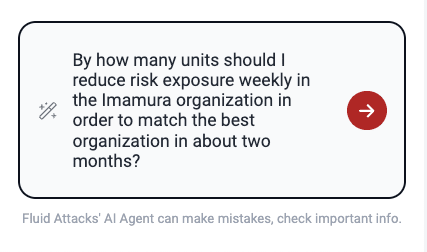
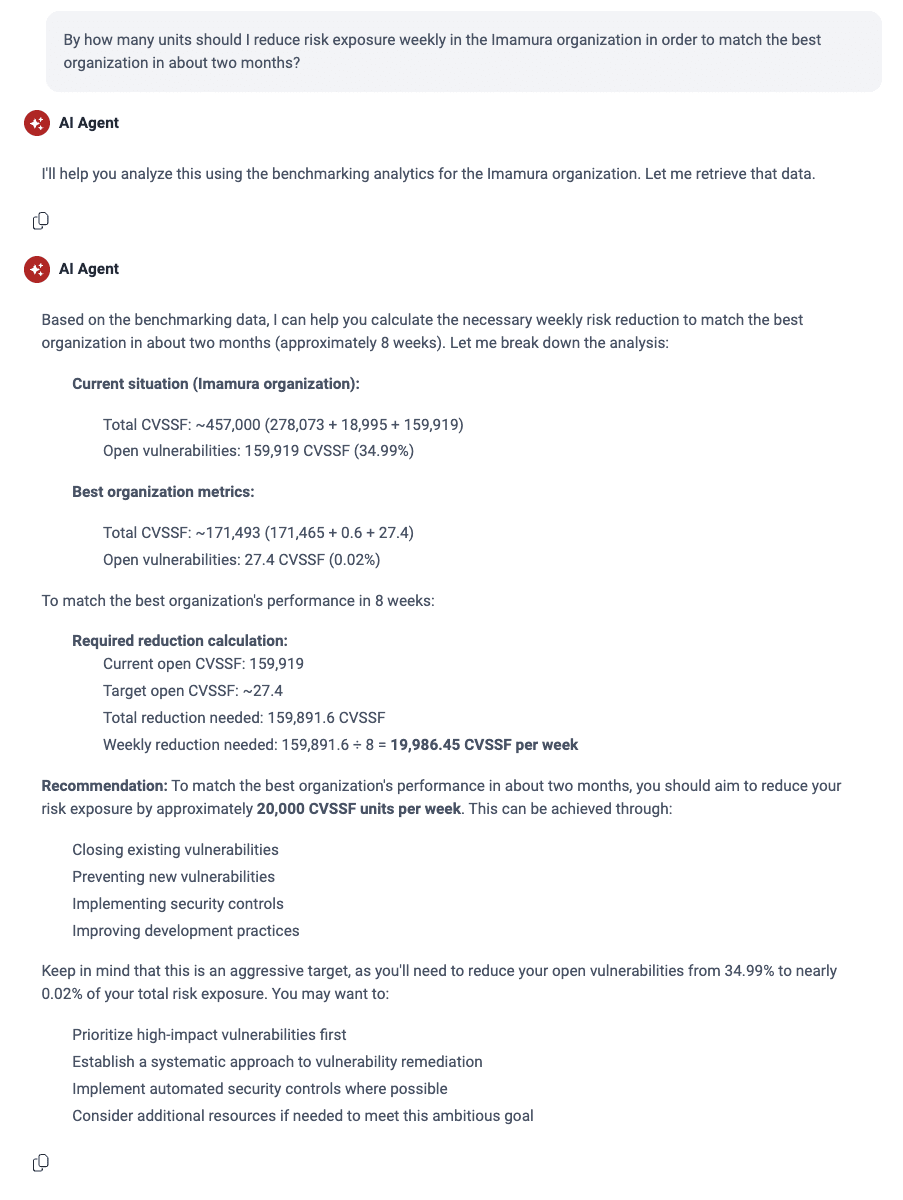
- "By how many units should I reduce risk exposure weekly in the Imamura organization in order to match the best organization in about two months?"
Fluid Attacks' AI Agent uses Claude Sonnet 4.6
To open this feature, click the AI Agent button in the header of the platform.

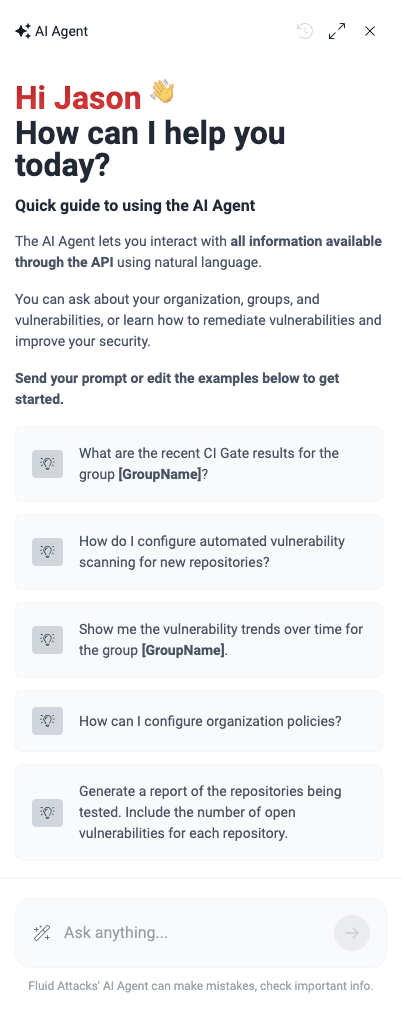
After you click the button, the platform shows a chat with hints and suggested prompts on the right side of the window.
To understand how Fluid Attacks' AI Agent works, see what it does with the last example prompt on this page:
After a short time, the AI Agent gives an answer.
This feature uses Fluid Attacks' MCP server, which you can install and use in applications like Claude and Cursor.
Use suggested prompts
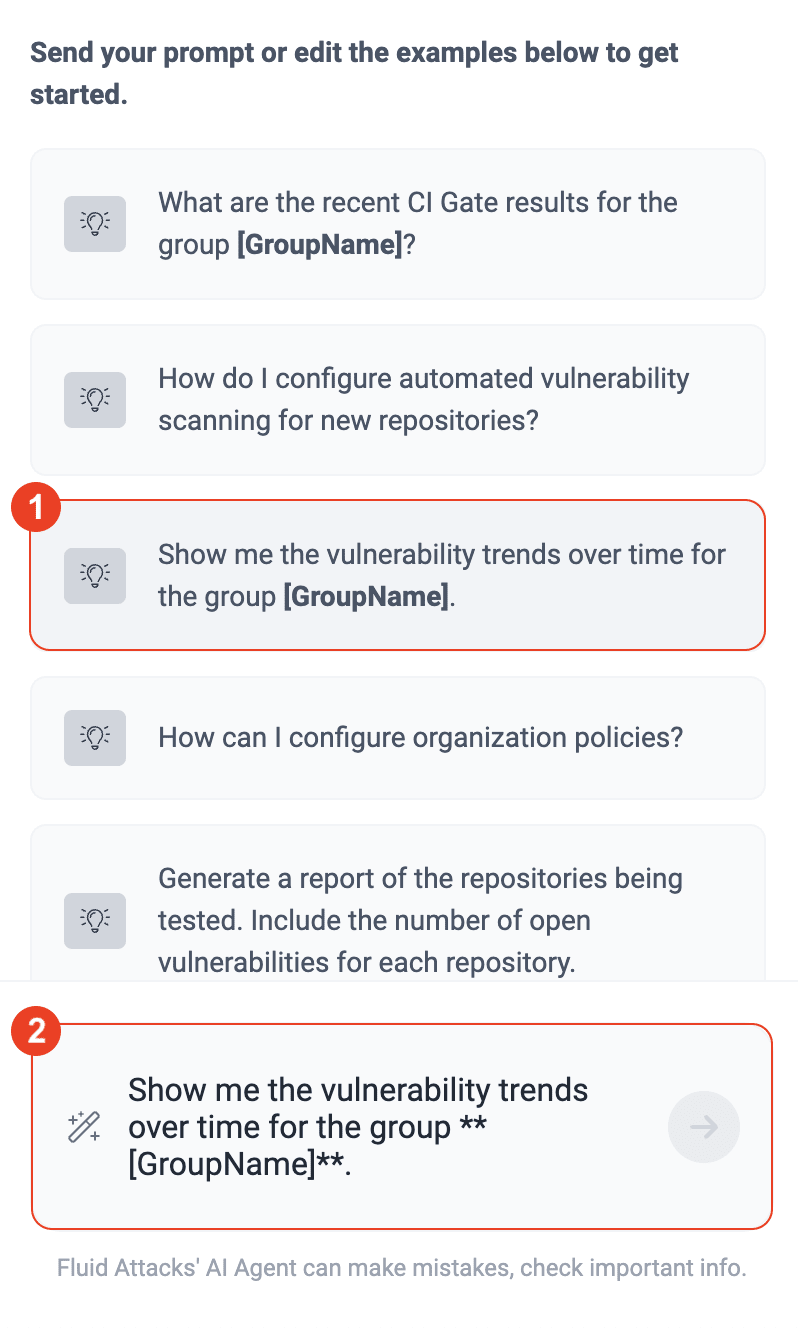
Each time you log in or clear the chat history, the AI Agent suggests some prompts. To use one of the prompts, click it. Then, edit it in the comment box. The only necessary change is to replace [GroupName] with the name of your group.
Copy responses
To copy a response of the AI Agent, click the copy icon.
Clear chat
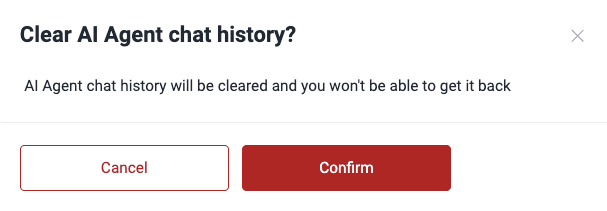
To clear your chat, click the history icon. The platform then tells you to confirm this action.
Expand chat
To expand the chat window, click the expand icon. To make the chat window small again, click the minimize icon.
If you need further guidance after chatting with the agent, explore other help options.
Search for vulnerabilities in your apps for free with Fluid Attacks' automated security testing! Start your 21-day free trial and discover the benefits of the Essential plan. If you prefer the Advanced plan, which includes the expertise of Fluid Attacks' pentesting team, complete this contact form.