Tutorial videos or demo
Last updated: Jun 30, 2026
Role required: User, Vulnerability Manager or Organization Manager
The Learn how to use option offers access to resources to help you maximize your use of Fluid Attacks' platform and other products. These resources are designed to make your learning experience as smooth as possible. Find the option after clicking on the Help button in the collapsible menu.
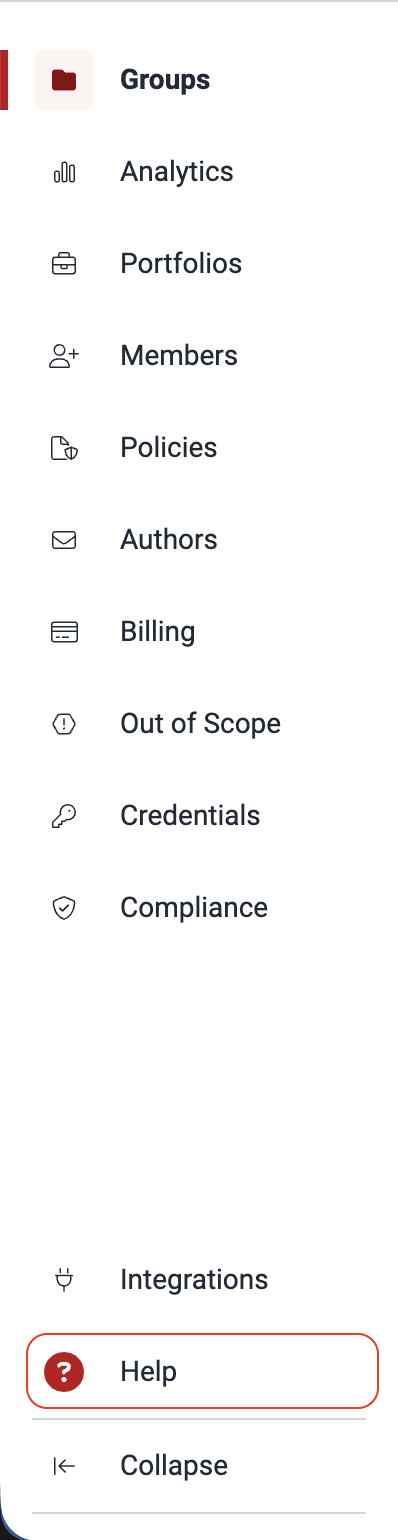
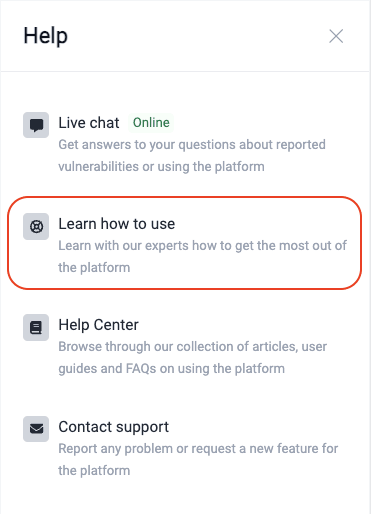
Upon selecting the Learn how to use option, you are presented with two choices in a pop-up window:
Get certified
Choose this option to access a collection of step-by-step video tutorials tailored to your role (User, Vulnerability Manager or Group Manager). They cover multiple vulnerability management functionalities within the platform and work with some other Fluid Attacks products (e.g., the CI Gate, the VS Code extension). Upon completion of the free online course, you get a free certification badge on Credly.
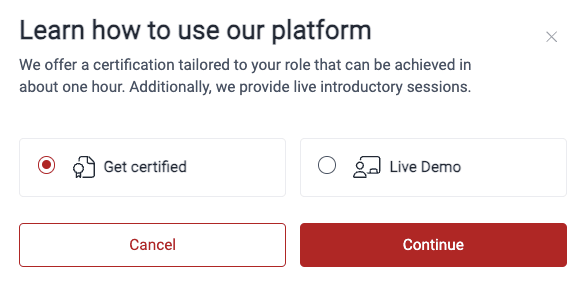
Access the certification options at training.fluidattacks.tech/collections.
Live Demo
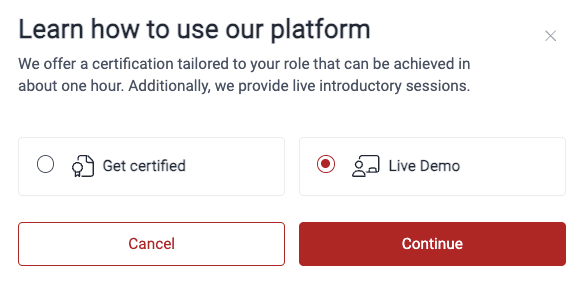
Choose this option to schedule a free, personalized video call with Fluid Attacks. This 30-minute session allows you to ask questions, receive comprehensive information about the platform and get a guided tour of its features.
These are the steps to book a demo:
-
Choose the Live Demo option in the pop-up window and click Continue.
-
You are directed to a Google Calendar booking page. There, select a convenient date and time for your 30-minute session.
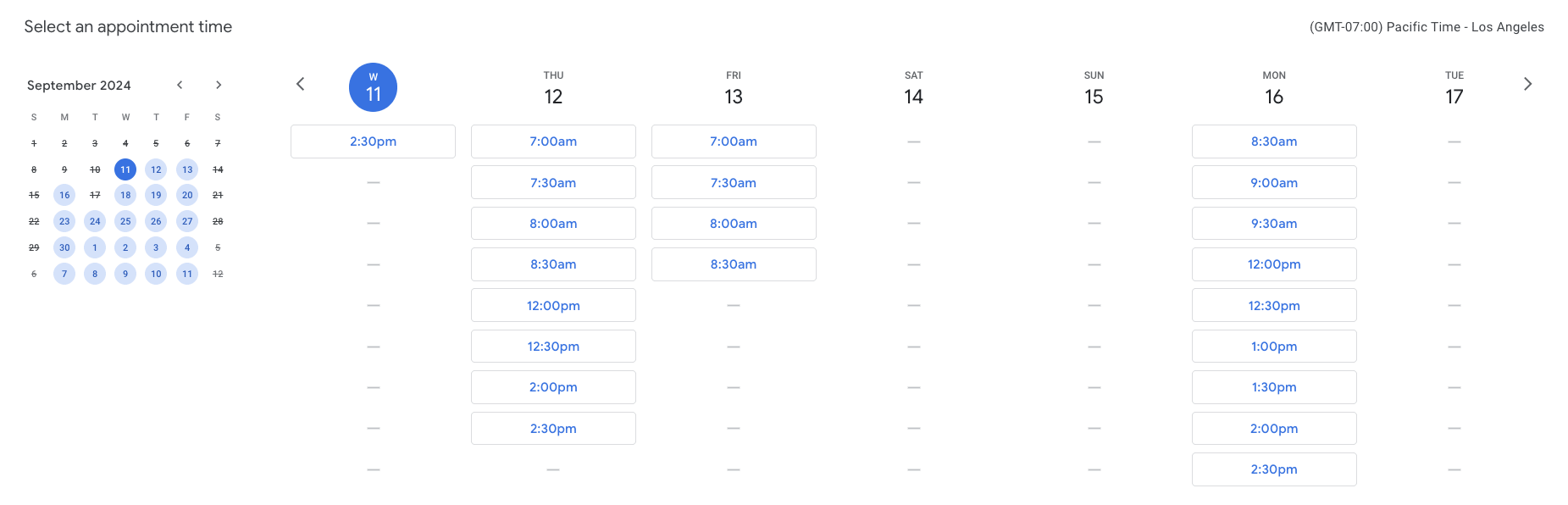
-
Fill out your contact information in the pop-up window.
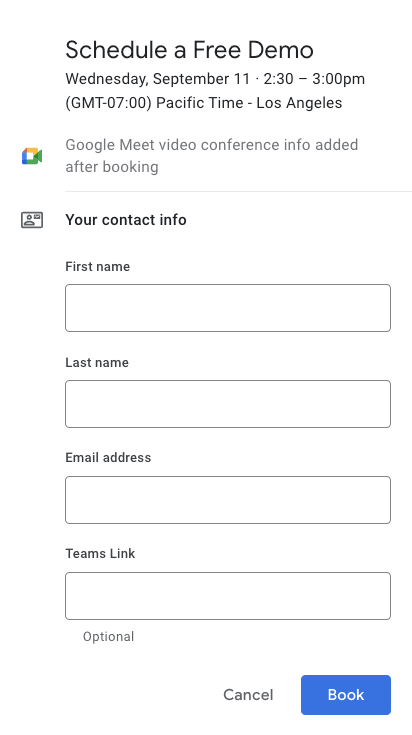
-
Click on Book when you are done.
Search for vulnerabilities in your apps for free with Fluid Attacks' automated security testing! Start your 21-day free trial and discover the benefits of the Essential plan. If you prefer the Advanced plan, which includes the expertise of Fluid Attacks' pentesting team, fill out this contact form.