ToE and SBOM
Last updated: Oct 26, 2026
In the Inventory section of the Fluid Attacks platform, you can see the status of the assets of your group.
Inventory has two sections. The Packages section shows the security of third-party components and lets you generate a software bill of materials (SBOM).

The Surface section gives a full overview of the target of evaluation (ToE). The ToE is the part of a system or product that Fluid Attacks tests for security vulnerabilities. The ToE sets the boundary of the evaluation.
On the Fluid Attacks platform, the platform makes the ToE dynamically from the repositories and environments that your team adds in the Scope section.
The Surface section has four sections.
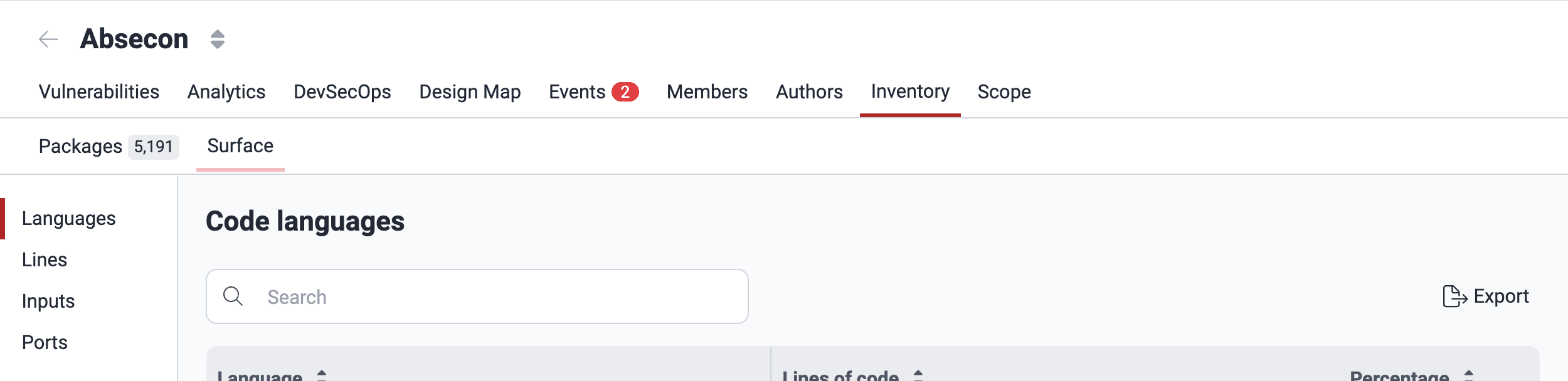
In short, Inventory shows these assets and components of your ToE:
- Packages: The third-party components that your software depends on
- Languages: The programming languages of your codebase
- Lines: The code files of the added Git repositories
- Inputs: The environments to test, such as URLs or IPs
Packages
A package ToE is a third-party component that the application depends on. With the Packages section of Inventory, you can find where your software uses these components and identify the components with reachable security weaknesses.
For detailed information about this section, read "Analyze your supply chain security".

Languages
This section of Surface shows the programming languages of the repositories that you added in Scope. To see the languages that the vulnerability scanning of Fluid Attacks supports, read the page "Supported languages."
Advanced plan users have support for more programming languages, because the pentesters also test languages that the scanner does not support.
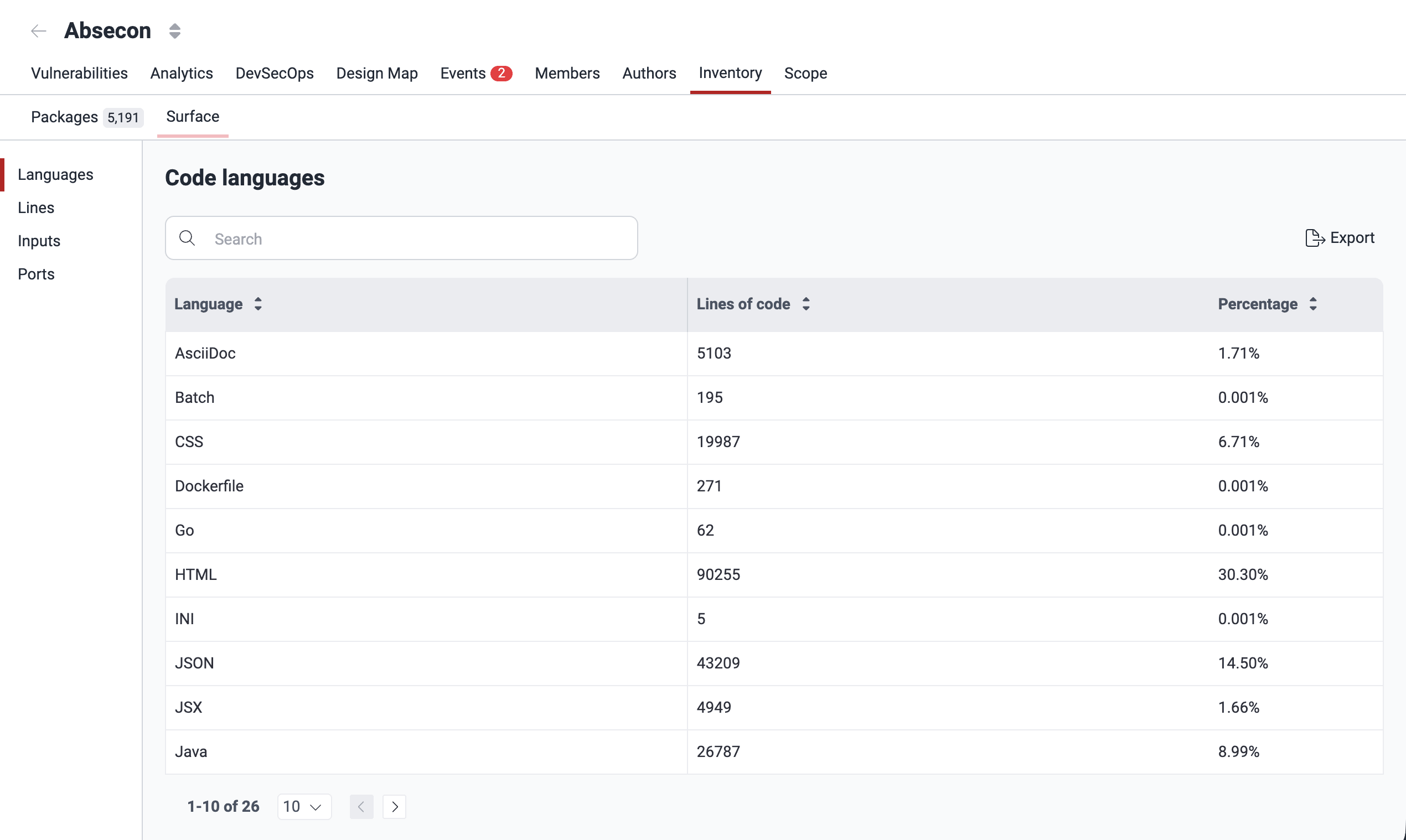
The Languages section shows a table with this information:
- Language: The specific programming language detected in your source code
- Lines of code: The total lines of code in that language
- Percentage: The percentage of use of the language in the project
Lines
A line ToE is a source code file that Fluid Attacks analyzes from the active roots in Git repositories. The platform automatically creates and updates these ToEs from the clone results. The platform creates a new line ToE for each new file. It updates the line ToE when the file length changes or when the file is removed. When a root is deactivated, its line ToEs stay.
The Lines section on the platform shows the root directories and their files, that is, the source code part of the ToE. Fluid Attacks tests this part with methodologies such as static application security testing (SAST) and secure code review.

Lines shows a table with this information
(to show or hide table columns, use the Columns filter
( )):
- Repository: The name of the code repository that you added in Git repositories
- Filename: The path of the file in the code repository
- LOC: The total number of LOC (lines of code) in the file
- Status: Shows if the file is vulnerable or safe
- Modified date: The last time that the file changed
- Last commit: The most recent commit that changed the file
- Last author: The last author who changed the file
- Seen at: The date when the file was added to the ToE
- In tests: Shows if the file is in an active repository, that is, in the tests
- Supported: If the language of the file is supported (the column shows 'NA' for files with a low probability of vulnerabilities, which Fluid Attacks does not test)
- Tested: If tools or pentesters examined the file
- Sorts Priority Factor: A column that only Fluid Attacks staff can see. It shows the probability of a file containing vulnerabilities, from a machine learning model
The Lines section has filters
to help you find information quickly.
To see these filters, click the filter button
( ).


The number of applied filters is next to the button, and the filters are above the table. To clear a filter, click the X button next to it.

Inputs
An input ToE is an accessible resource of an analyzed environment. It has a component (URI) and one entry point (access identifier or hint) that describe a target of evaluation.
The security analysts of Fluid Attacks add or change input ToEs manually. The platform removes them automatically if their roots are inactive and the ToE has no linked vulnerabilities.
The Inputs section on the platform shows the environments of the Scope section and the entry points of the application. Fluid Attacks tests them with techniques such as dynamic application security testing (DAST) and, only for the Advanced plan, penetration testing as a service (PTaaS).
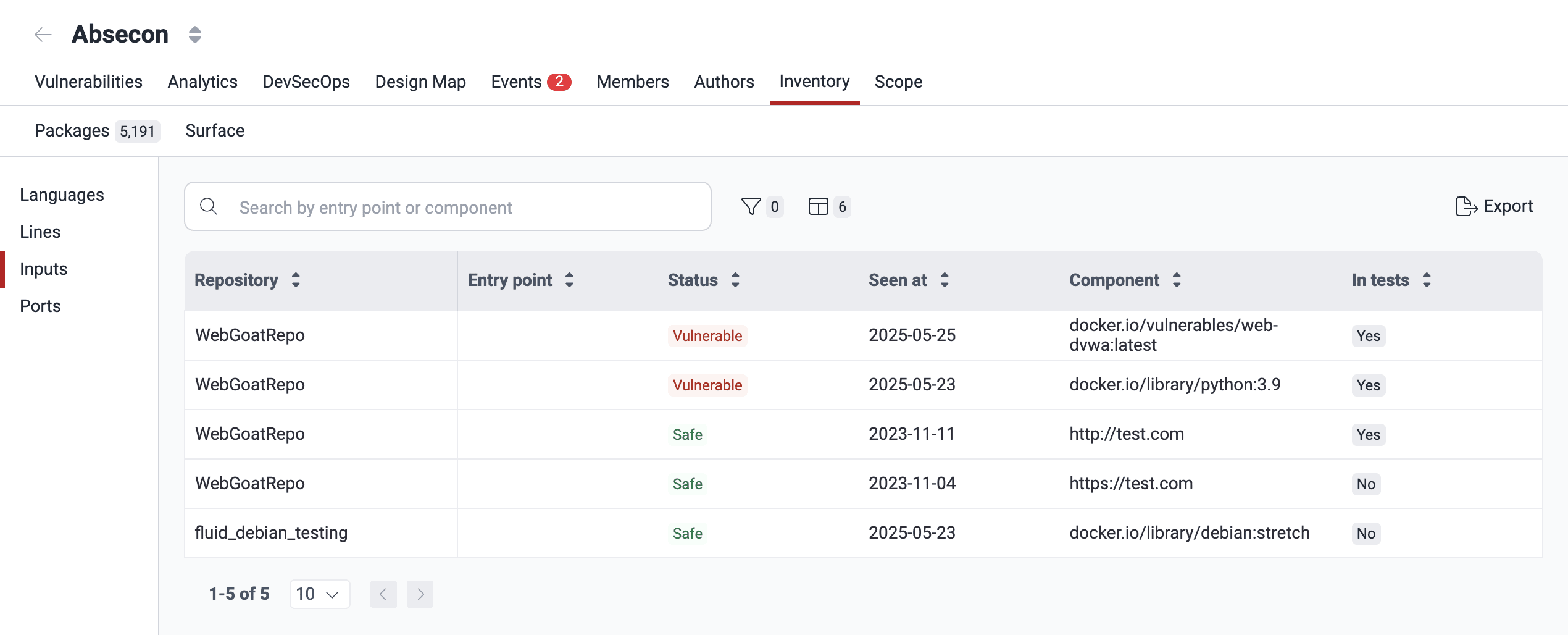
The Inputs section shows a table with this information
(to show or hide table columns, use the Columns filter
()):
- Repository: The name of the code repository of the environment, as the Scope section shows
- Entry point: The input field of the component
- Status: Shows if the component is vulnerable or safe
- Seen at: The date when the component was added
- Component: The URLs or IPs of the environment
- In tests: Shows if the file or document is in the repository
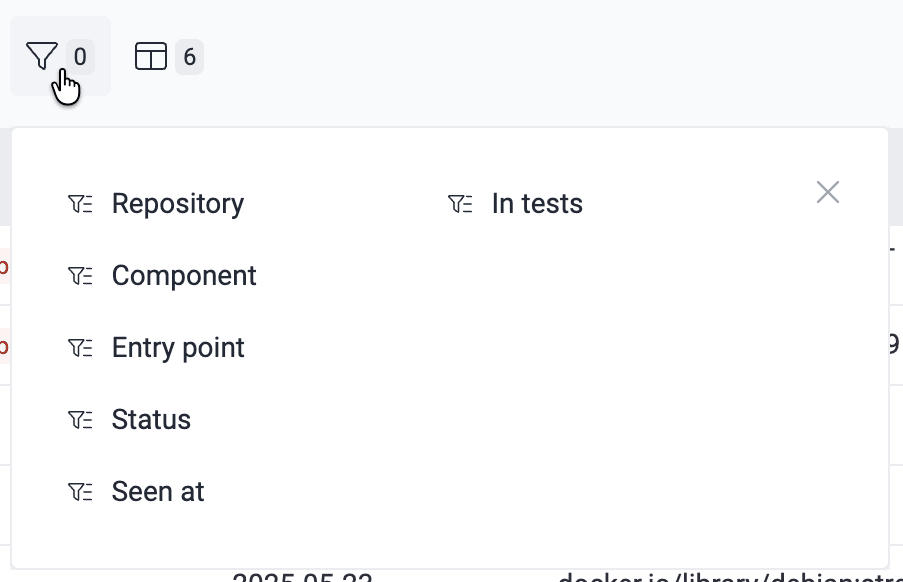
The Inputs section has filter options.
To see them, click the filter button
().
(Read the instructions to clear filters above.)
Export to CSV
The Languages, Lines, and Inputs sections have an Export button to download the information of the section in comma-separated values (CSV) format.
Export SBOM
Application security is more than proprietary code, because the security of your development project depends on the security of your software supply chains.
In the Packages section of Inventory on the Fluid Attacks platform, you can monitor the dependencies of your software and their security status. You can also download a software bill of materials (SBOM).
This document is available in the CycloneDX and SPDX formats. It gives you a useful, standardized inventory. In Packages, click Export SBOM. Then, do the steps that the platform shows. For details, read "Analyze your supply chain security".
Search for vulnerabilities in your apps for free with Fluid Attacks' automated security testing! Start your 21-day free trial and discover the benefits of the Essential plan. If you prefer the Advanced plan, which includes the expertise of Fluid Attacks' pentesting team, complete this contact form.
Repositories out of scope
View repositories retrieved via OAuth that are not yet associated with any group on the Fluid Attacks platform and outside the scope of security testing.
Manage your credentials
Manage organization credentials and OAuth connections that give Fluid Attacks access to repositories to start security testing.