CI Gate configuration
Last updated: Jul 21, 2026
You can install Fluid Attacks' CI Gate to automatically enforce the vulnerability acceptance policies.
CI Gate, aligned with your organization's or group's general policies, can automatically break builds that contain vulnerabilities that have not been remediated nor accepted. Breaking the build means preventing any software author from deploying a build with said vulnerabilities into production. This mechanism prompts your team to address security issues, effectively prioritizing security at that moment of the software development lifecycle.
A Group token is required for the installation of the gate.
It is the same credential Fluid Attacks' scanners use to authenticate
(as INTEGRATES_API_TOKEN), not a personal token.
See CLI authentication.
To use CI Gate,
ensure Internet connectivity so it can connect to Fluid Attacks' API.
Continue reading to learn how to manage this token.
Further below are references to configuring policies
to break the build and viewing CI Gate's executions.
Prefer not to manage a long-lived secret? Your CI can authenticate short-lived via OpenID Connect (OIDC) instead — no token to generate, store, or rotate. See OIDC federation.
Token generation, update, and reset are completely up to your team.
Generate the Group token
Role required: User, Vulnerability Manager or Group Manager
Follow these steps to generate the Group token on Fluid Attacks' platform:
-
Go to the DevSecOps section of the group where you want to use CI Gate.

-
Click the Manage token button.
-
In the pop-up window, click on Generate.
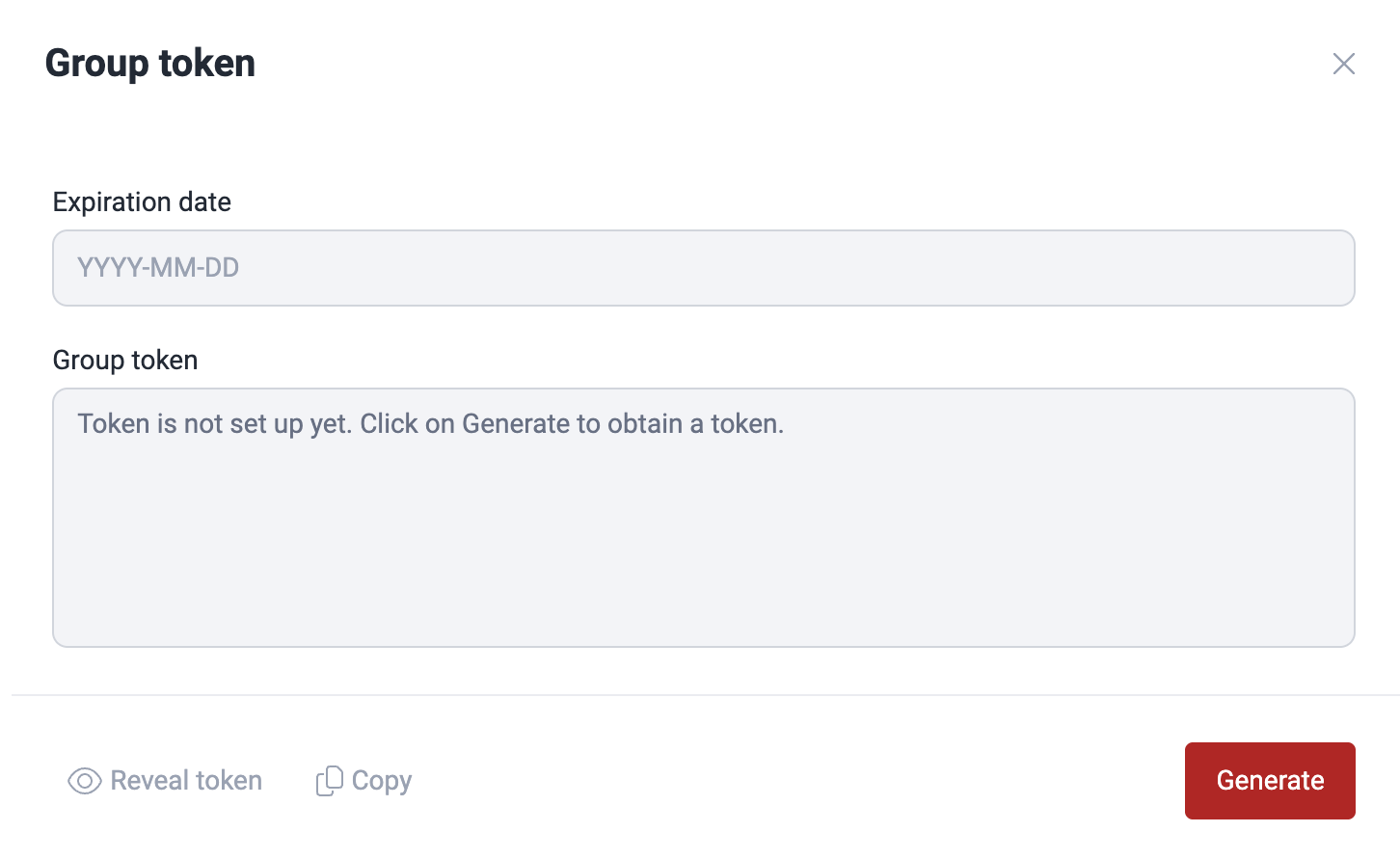
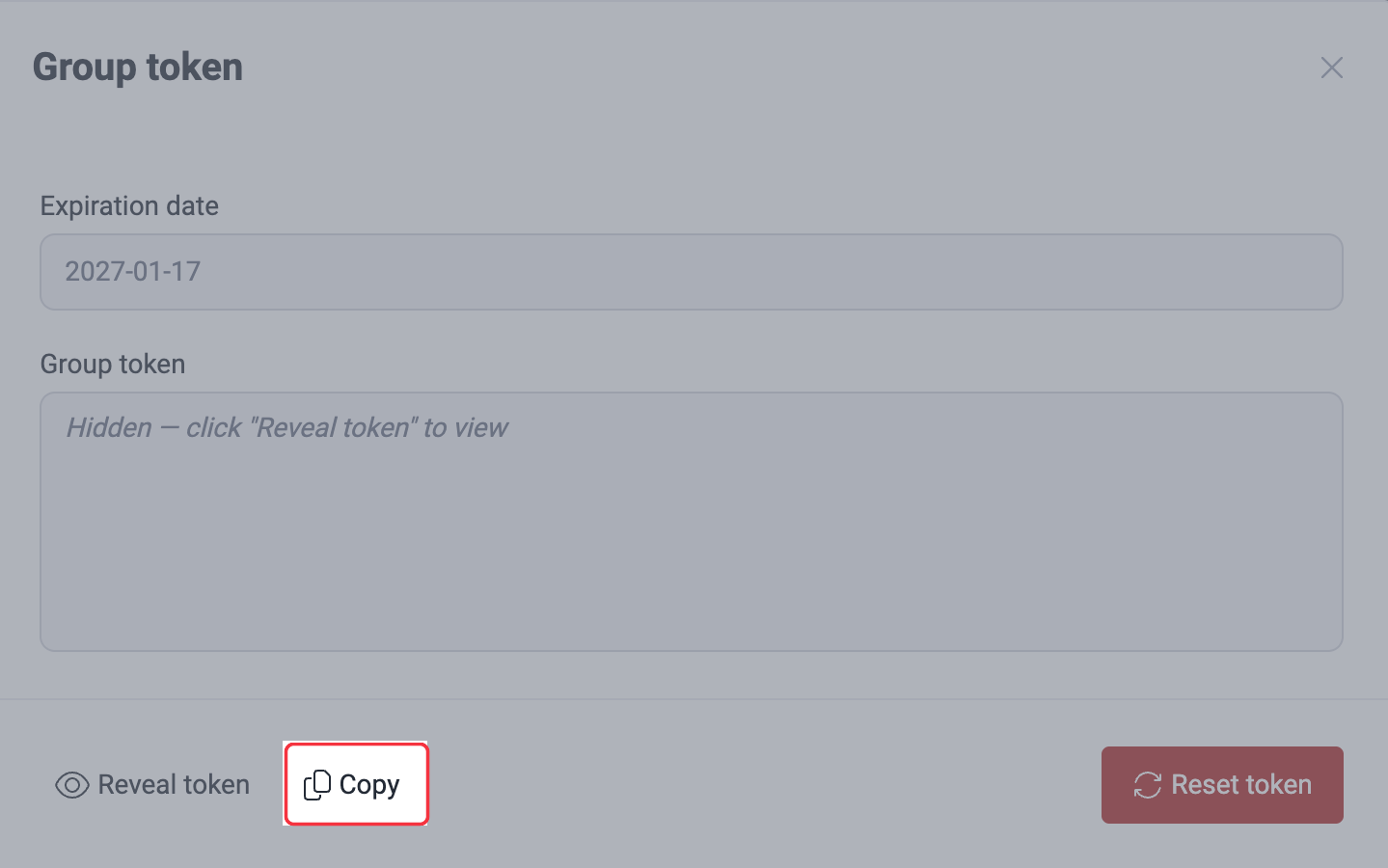
Once generated, you can click on Copy to capture the token for immediate use. The token is valid for 180 days and is unique to the group where it is created.
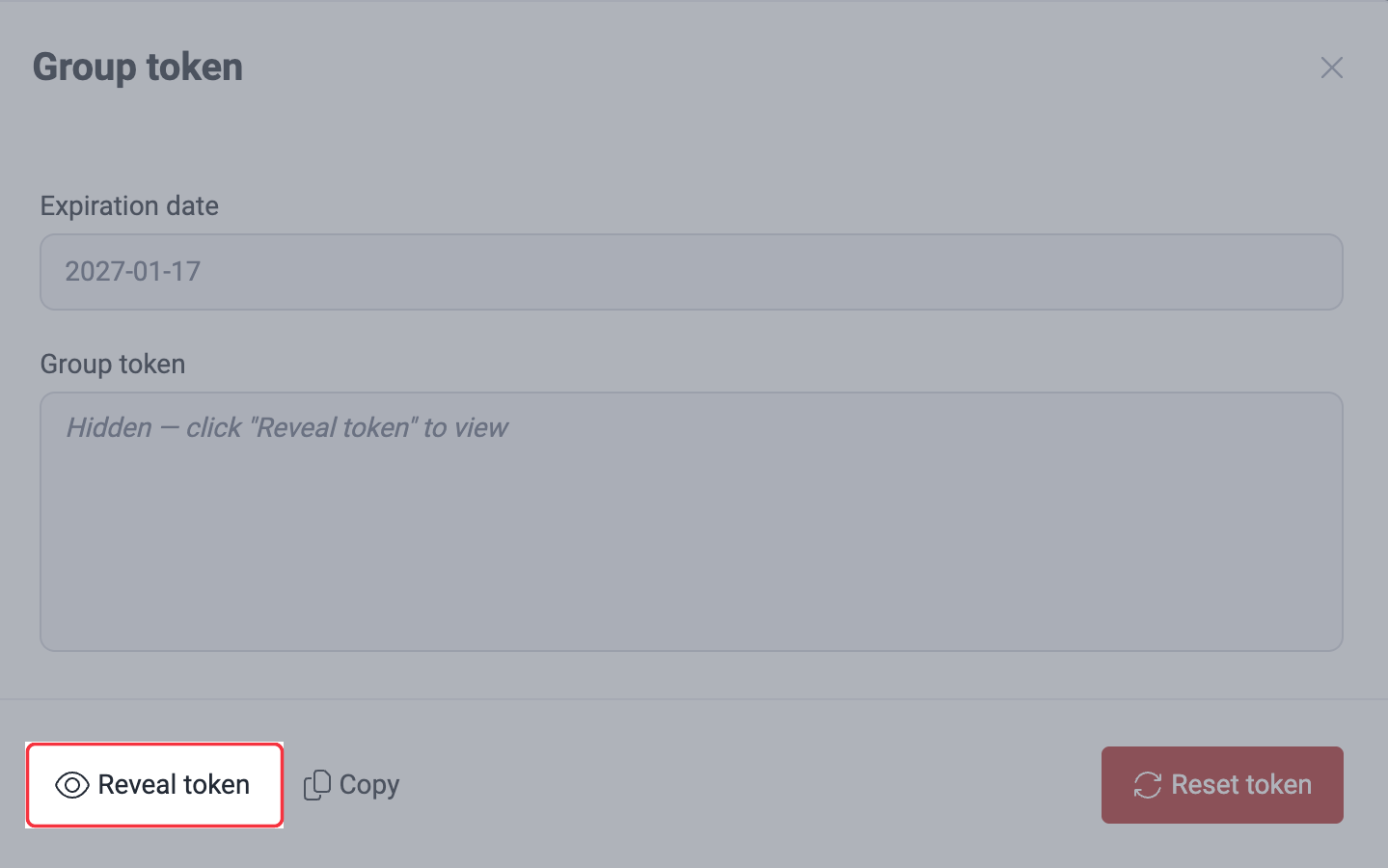
You can always come back and click on Reveal token to view it.
Update the Group token
Role required: User, Vulnerability Manager or Group Manager
Fluid Attacks' platform sends you a notification seven days before the Group token expires.
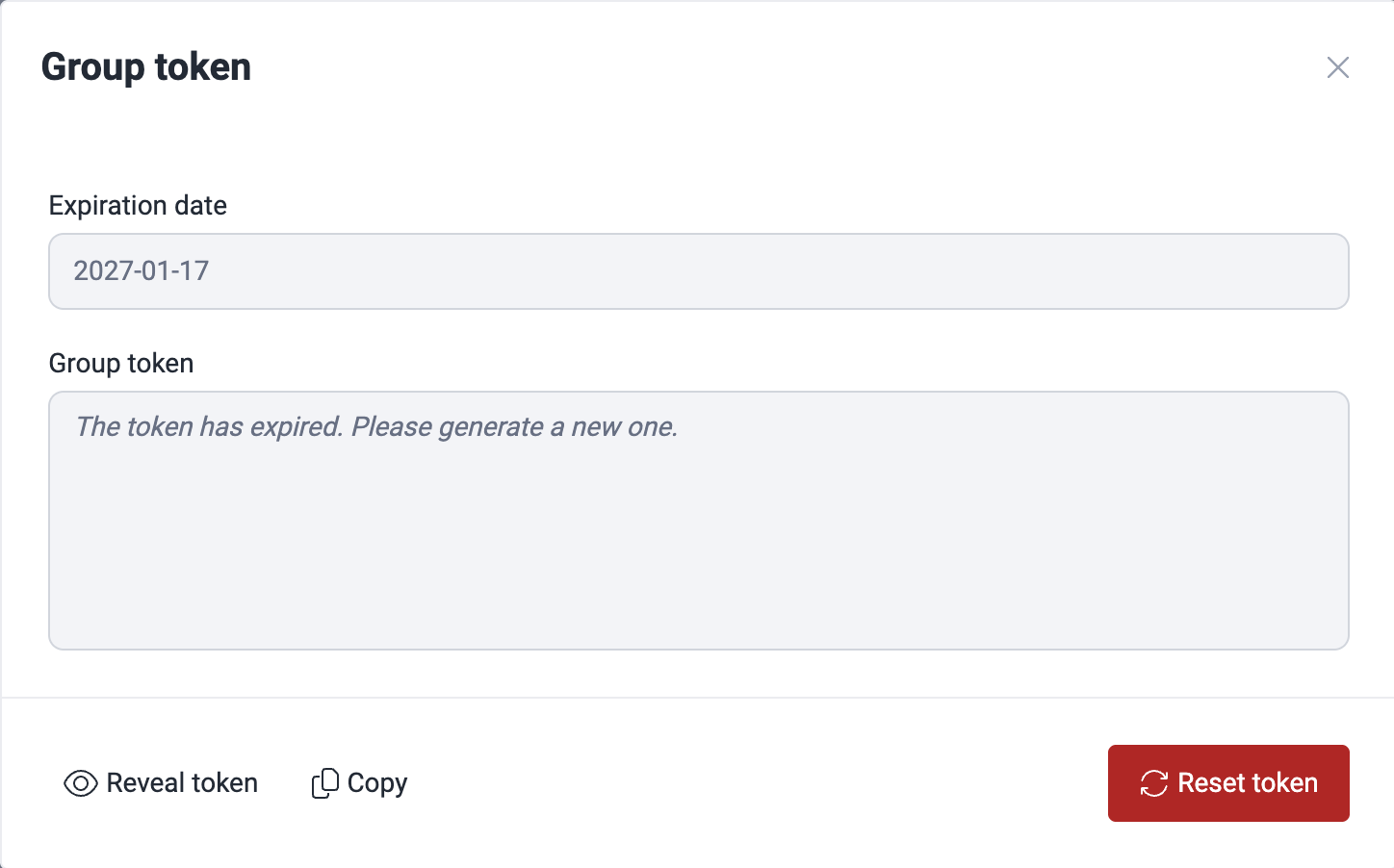
After your token expires, you must follow the same instructions provided above. In this case, the pop-up window referred to in step 3 states that the token has expired.
Reset the Group token
Role required: User, Vulnerability Manager or Group Manager
You can reset the Group token while your current one is still valid. Follow these steps:
- Go to your group's DevSecOps section and locate the Manage token button.
- In the pop-up window, click on Reveal token.
- Once your current token is displayed, click the Reset button to generate a new token.
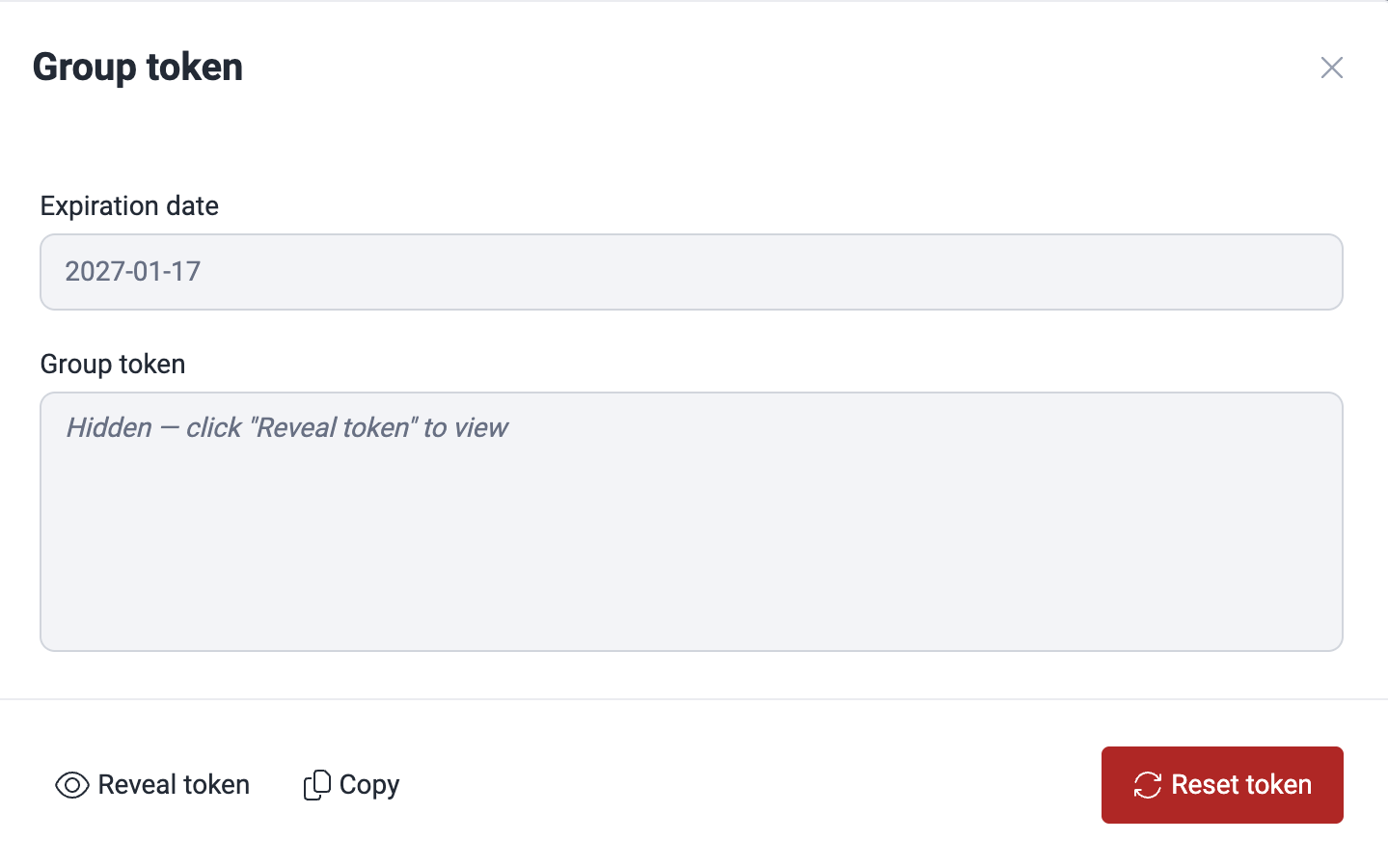
The new token is generated in the pop-up window, and you can copy it for immediate use.
Troubleshooting: If you encounter errors during token management, refresh the DevSecOps section and retry. If the issue persists, contact Fluid Attacks support at [email protected] with detailed information about the problem.
Configure policies to break the build
Role required: User, Vulnerability Manager or Group Manager
Fluid Attacks' platform allows you to configure the following policies related to breaking the build:
- Grace period where newly reported vulnerabilities will not break the build
- Minimum CVSS score of an open vulnerability to break the build
- Number of days until vulnerabilities are considered technical debt and do not break the build
To configure them for your entire organization or for specific groups, go to the Policies section.
To learn about these policies in detail, read "Security gates".
View the CI Gate execution details
Role required: User, Vulnerability Manager or Group Manager
On Fluid Attacks' platform, you can inspect the outcomes of each execution of CI Gate for a specific group, such as whether it broke the build and what unremedied vulnerabilities it found. To do it, go to the group's DevSecOps section. Read about the latter in View details of the security of your builds.
Search for vulnerabilities in your apps for free with Fluid Attacks' automated security testing! Start your 21-day free trial and discover the benefits of the Essential plan. If you prefer the Advanced plan, which includes the expertise of Fluid Attacks' pentesting team, fill out this contact form.
Chart options
Analytics on the Fluid Attacks platform include interactive charts with the options to apply filters, get chart information and download, among other.
CI Gate executions
View the execution details of the Fluid Attacks CI Gate, the security measure that acts as a security gate in CI/CD environments and breaks the build.