Notifications
Last updated: Oct 26, 2026
With notifications, you get information about the vulnerabilities of your system, group activity, scope changes, and updates on the Fluid Attacks platform.
You can customize the notifications that the platform sends to your email in the Notifications section:
-
Click the user menu in the top-right corner of your screen.

-
Select Notifications from the menu.

-
In Notification configuration, use the on/off button next to a notification type to enable or disable the emails of that type.
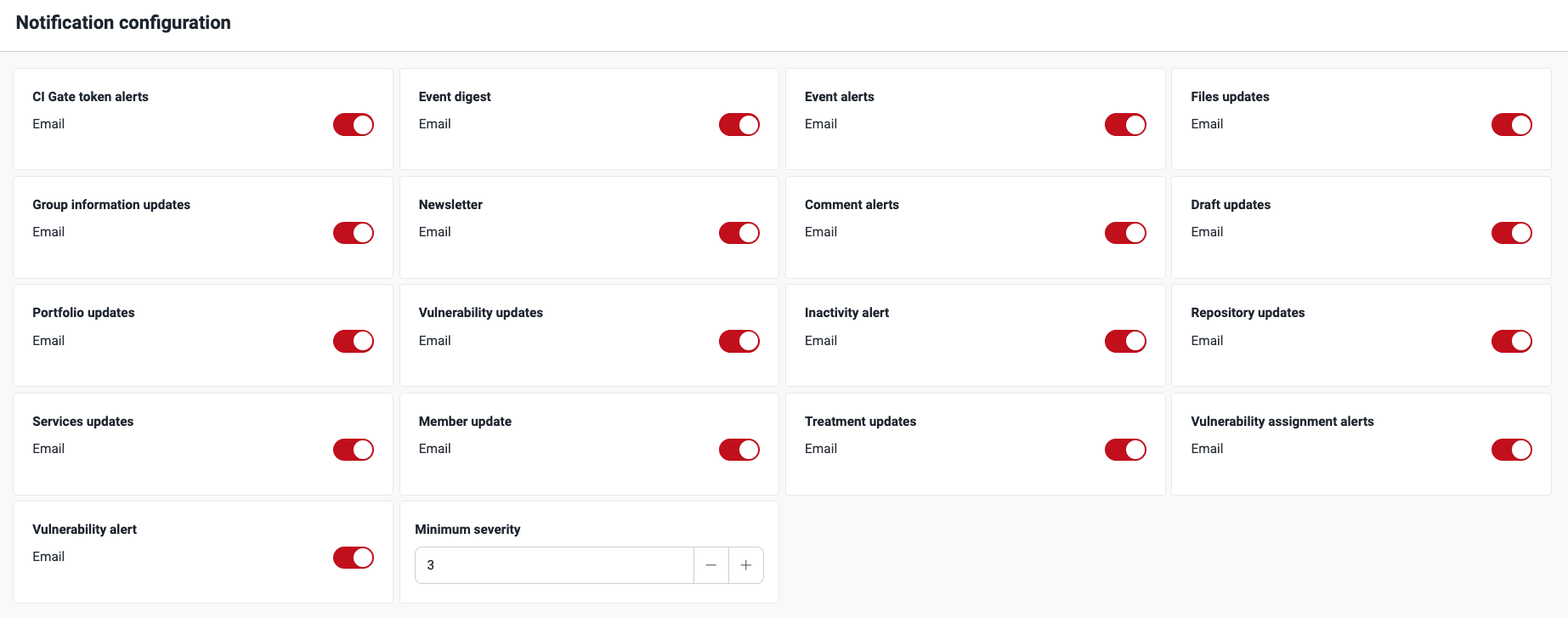
Hover over a notification type to see a short description.
These are the descriptions of the types of notifications that Fluid Attacks sends.
Notifications for clients
Group token alerts
Role required: Group Manager
Group token
If the Group token alerts notification is enabled, you receive an email when a member generates or resets a CI Gate token. The message shows the email address of the group member who generated or reset the token and the date. It also tells you the purpose of the gate and gives support information and a link to the configuration instructions.

Group token expiration
If Group token alerts are enabled, you receive an email seven days before the Group token of a group expires. The email tells you to update the token before it expires. The message shows the name of the group, the expiration date of the token and the path on the platform to update the token.

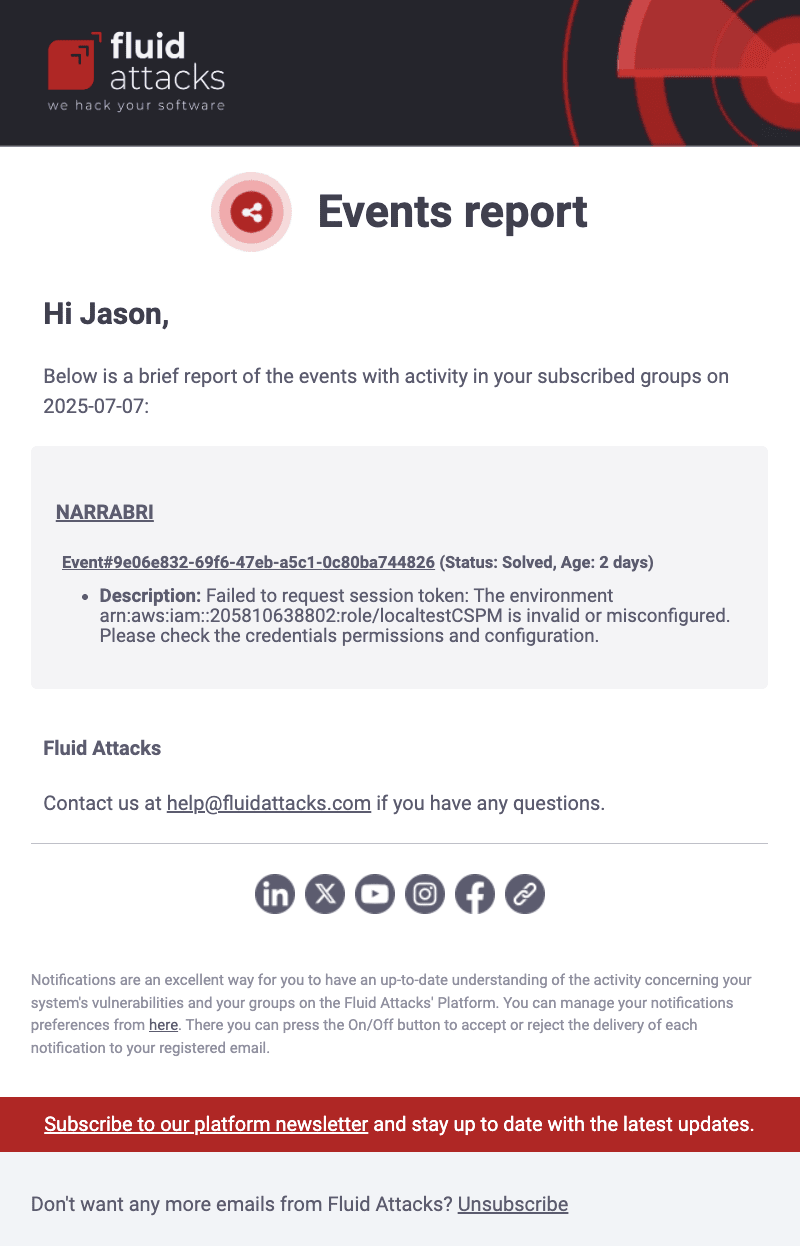
Event digest
If enabled, you receive an email with a list of all the events of the previous day in all the groups that you have access to. Events are situations on your side that prevent the security testing of part or all of the scope. This notification also shows the new comments in the Comments sections of the events.
Event alerts
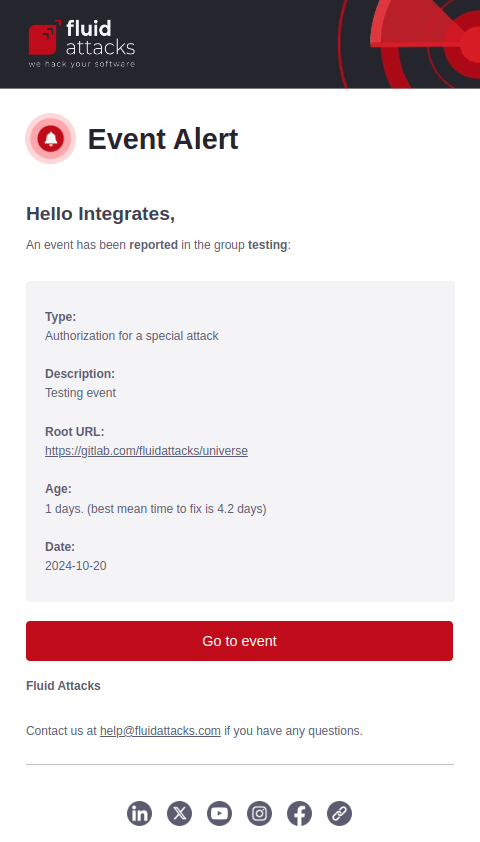
When enabled, you receive emails about new events reported and solved in a group. The notification of unsolved events includes details such as the event type, the creation date, and the number of days that it is unsolved.
If the event stays open, you receive more emails after seven days and after 30 days. When the status of the event changes to Solved, you receive a final email. This email includes the description of the solution that your team gave. Each notification has a direct link to the event report on the platform.
Files updates
Role required: Group Manager
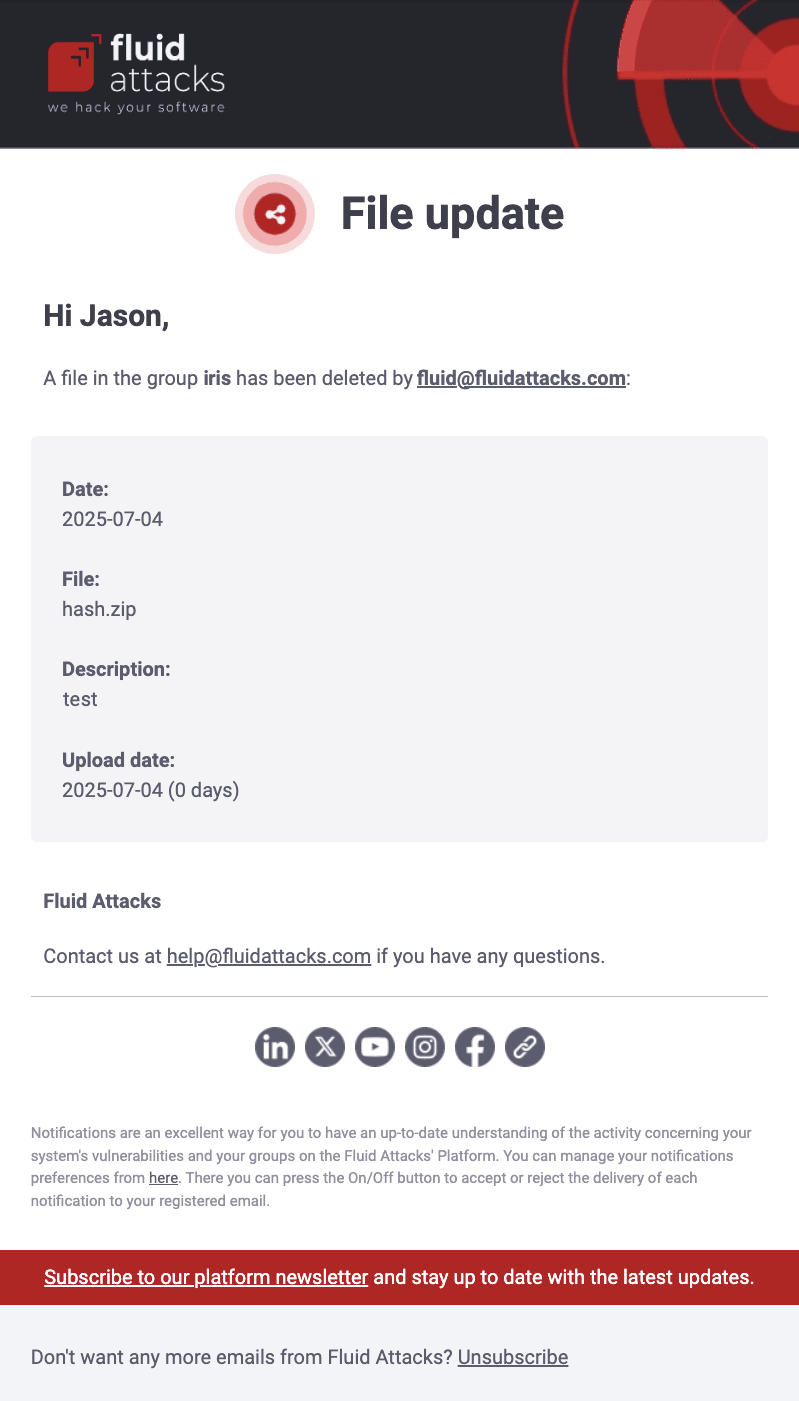
When enabled, you receive an email each time that a member adds a file or removes a file in the Scope section. The message shows the email address of the member who added or removed the file, and the name, description, and upload date of the file.
Group information updates
Role required: Group Manager
Group alert
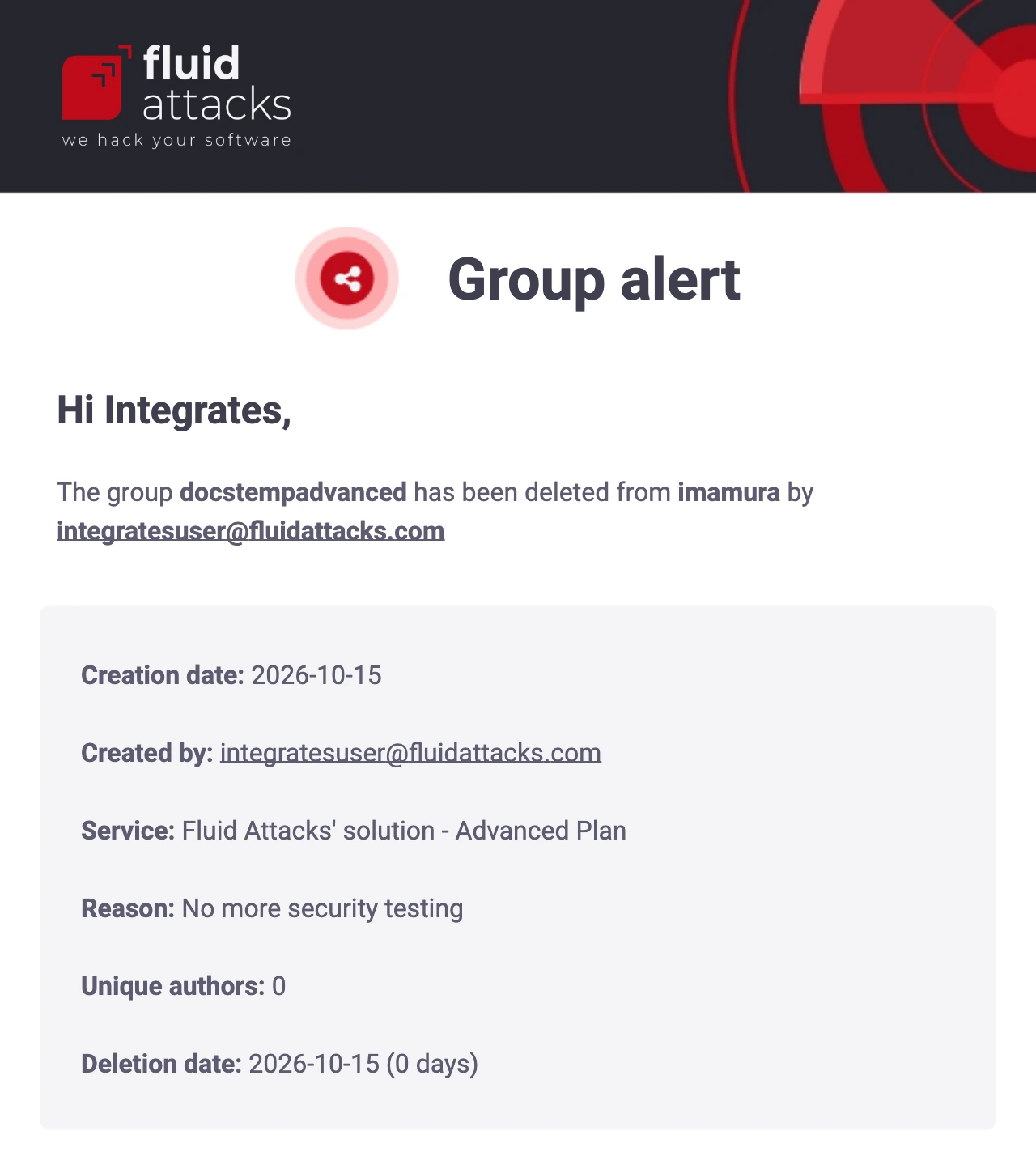
If the Group information updates notification is enabled, you receive an email when a member deletes your group or when the platform deletes it after a free trial expires. The message shows information such as the email of the member who deleted the group, the subscription plan and the reason for the deletion.
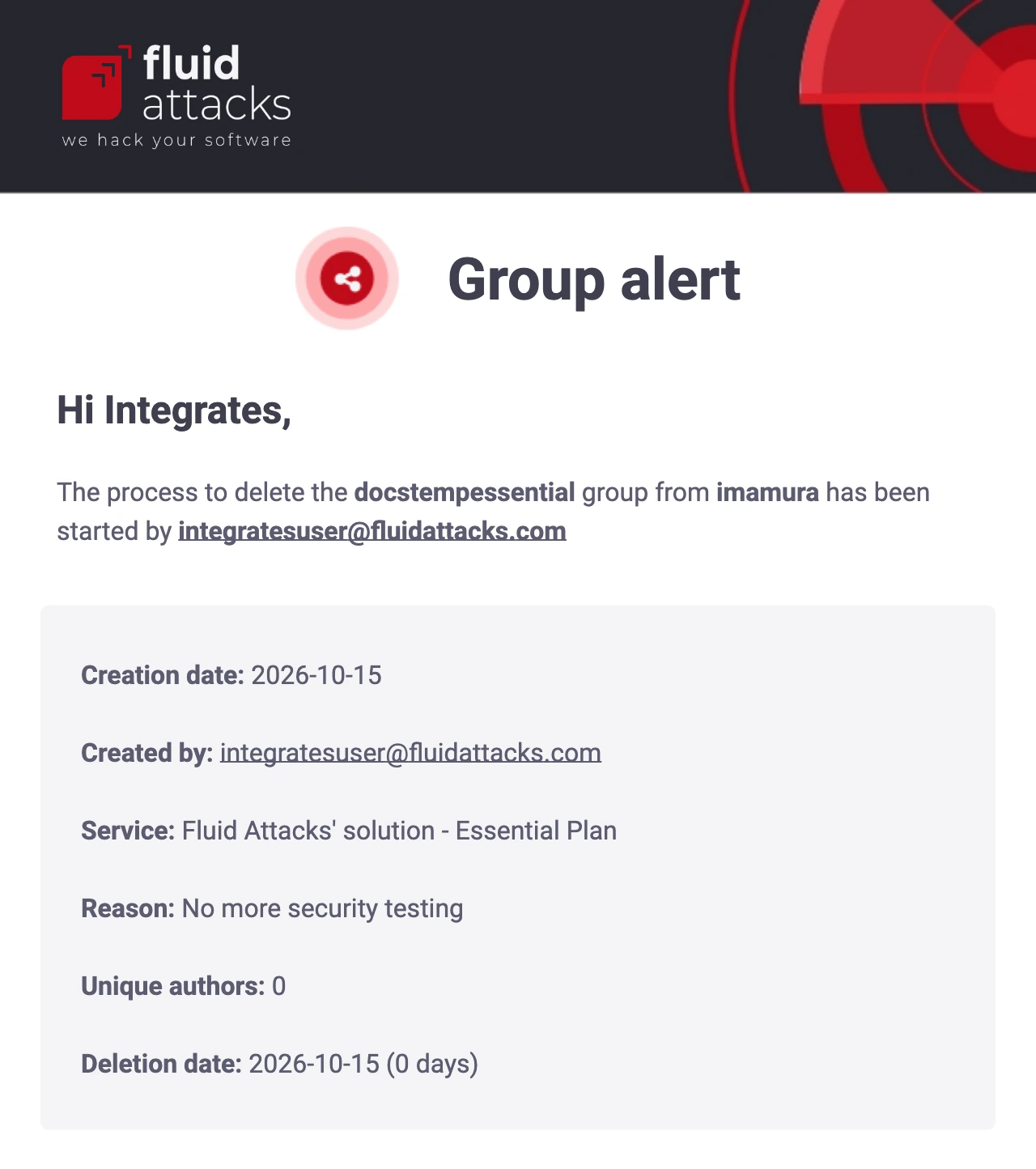
When the platform completes the deletion, you get a second email. This email has the same details as the previous email.
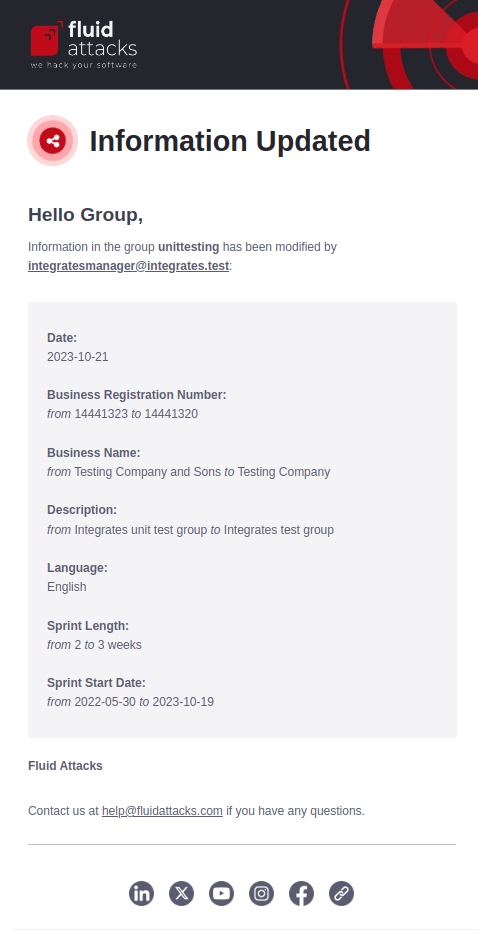
Updated group information
If the Group information updates notification is enabled, you receive an email when a member changes the group information. The message shows who changed the information and the previous and current values.
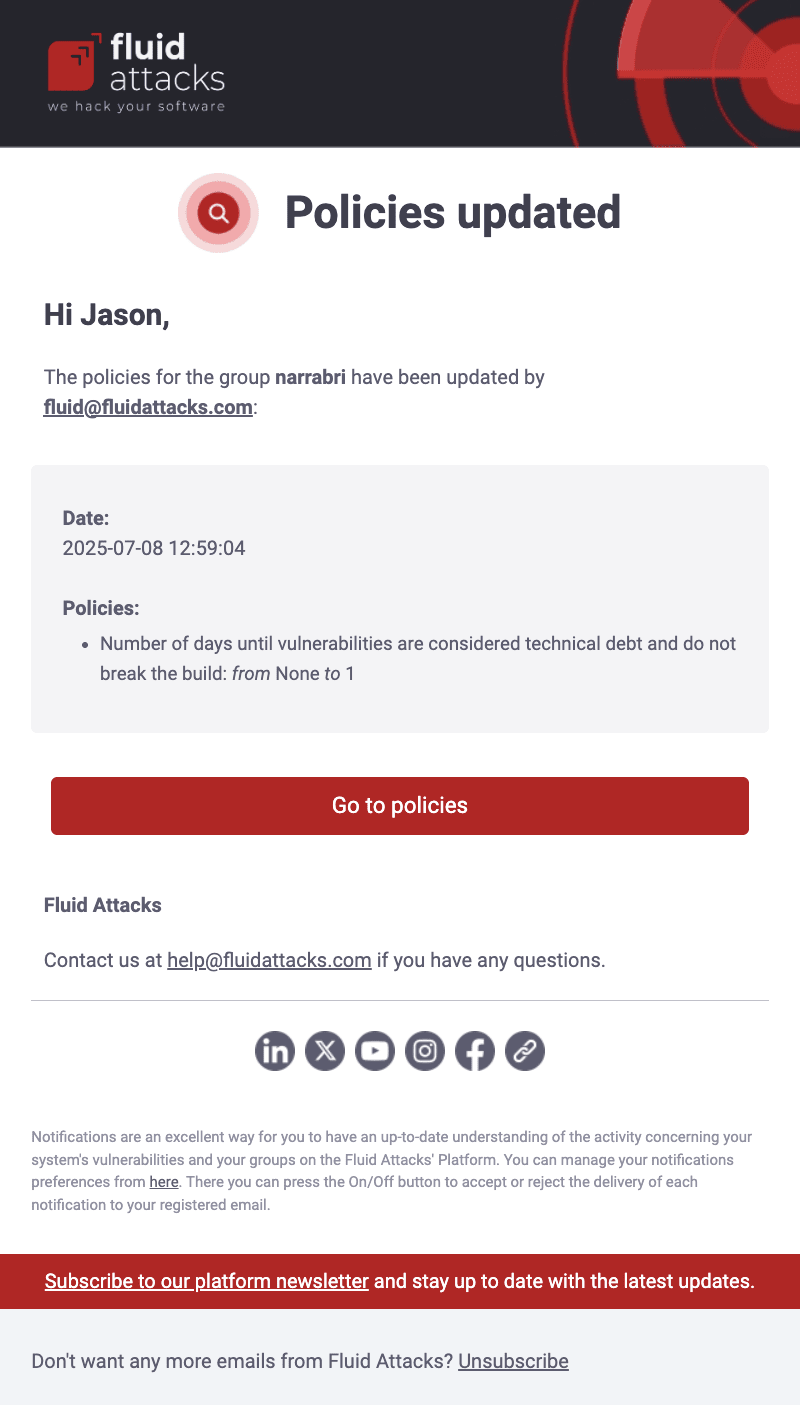
Policies updated
When the Group information notification is enabled, you receive emails about updates to your policies. The message shows the organization, the policy name, and the newly selected values. It also has a direct link to your policies.
Newsletter
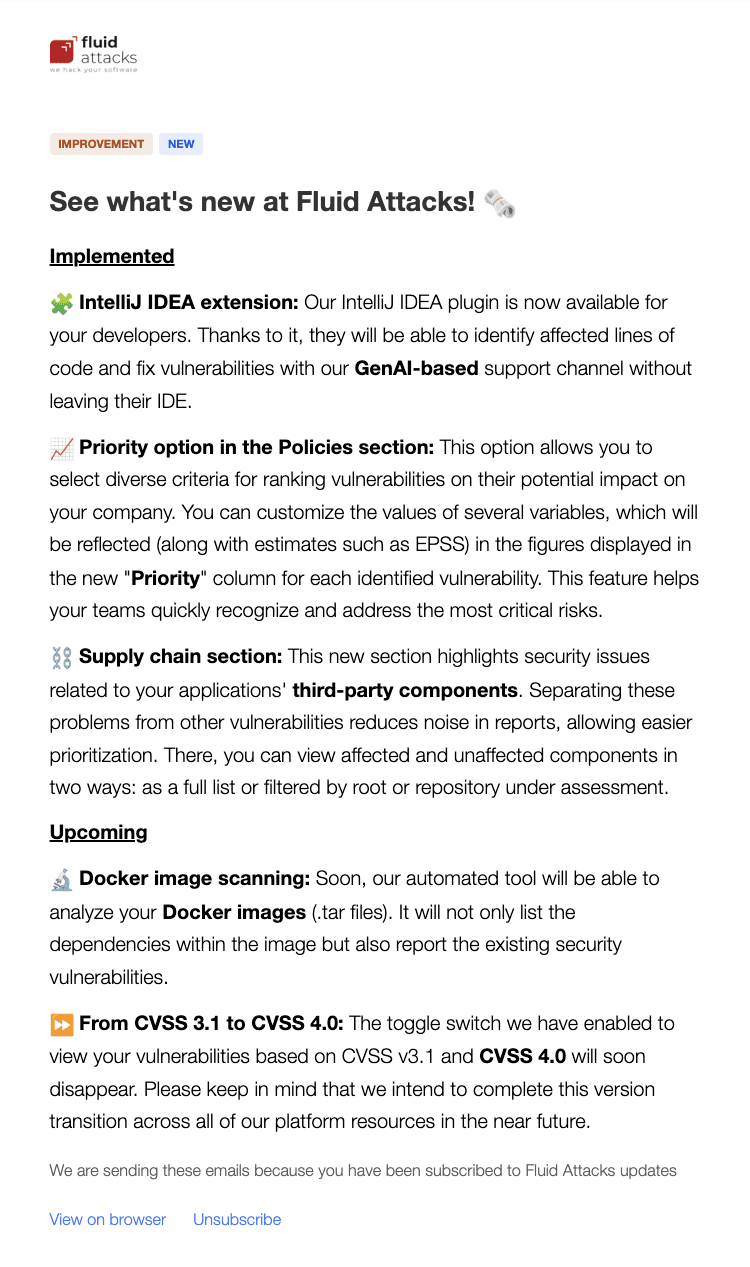
If enabled, you get monthly emails about implemented and upcoming features or enhancements in Fluid Attacks' products.
Consulting alerts
Plan required: Advanced
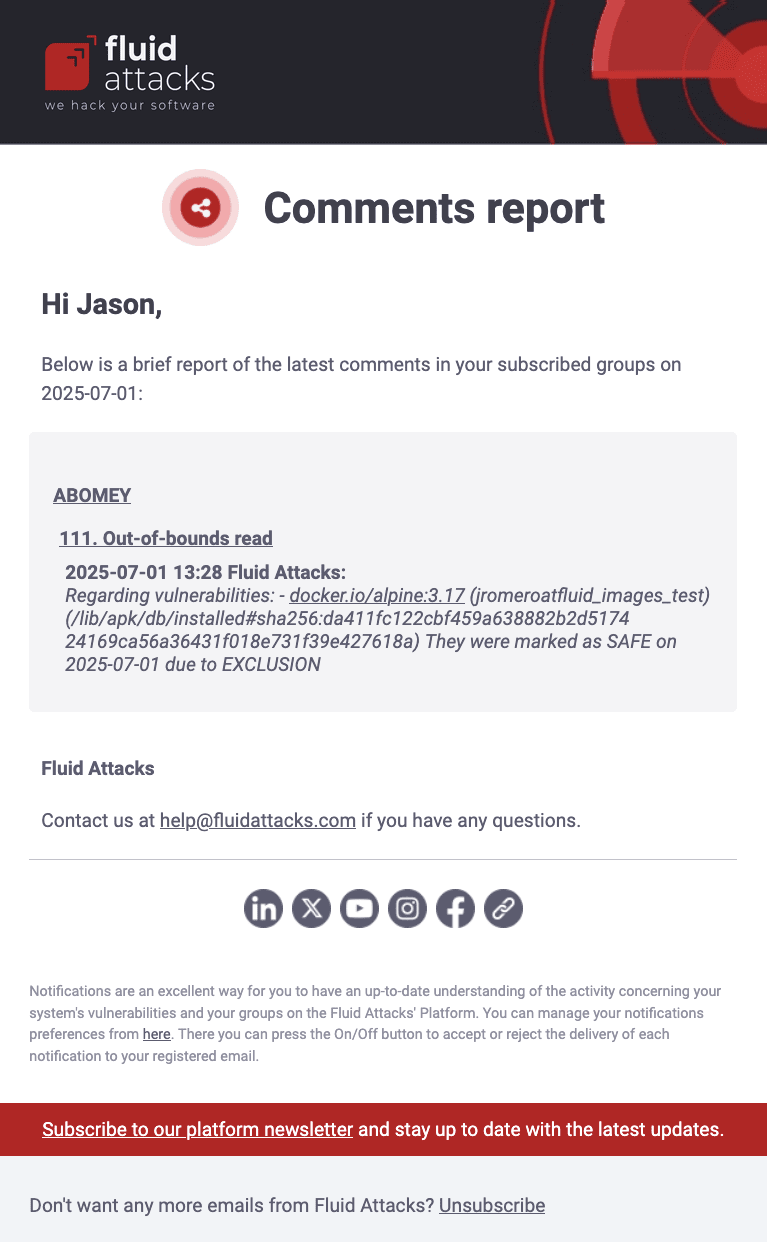
When this notification is enabled, you receive an email each day. It shows the new comments of the previous day in the Comments sections of your groups. The message shows the name of the group and the ID of the event or the name of the weakness. It also shows the comments and the date and time of each comment.
Portfolio updates
Role required: Group Manager
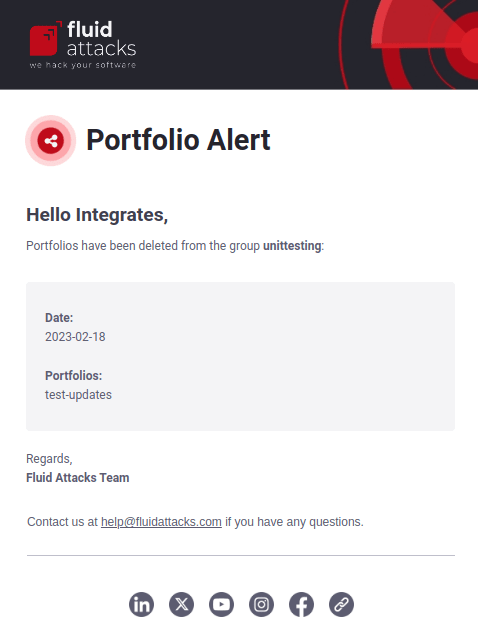
When enabled, you receive an email each time that a member adds a portfolio tag to a group or removes it from a group. These tags help you compare Analytics information between selected groups. You manage them in the Scope section. The message shows the group, the tag name, and the date of the change.
Inactivity alert
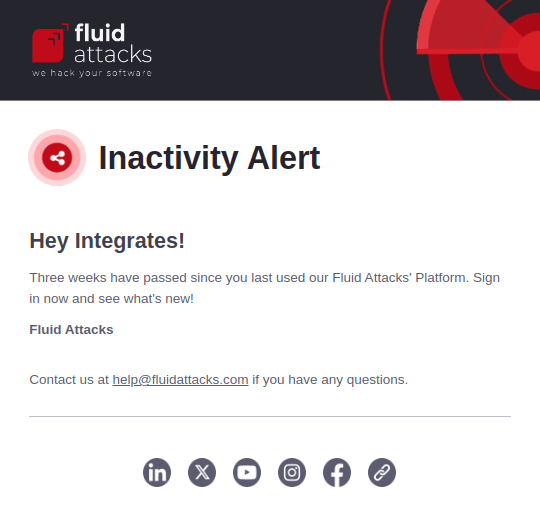
If enabled, you receive an email if you do not log in to the platform for three weeks.
Regardless of their role, a member is automatically removed after 90 days of inactivity.
Repository updates
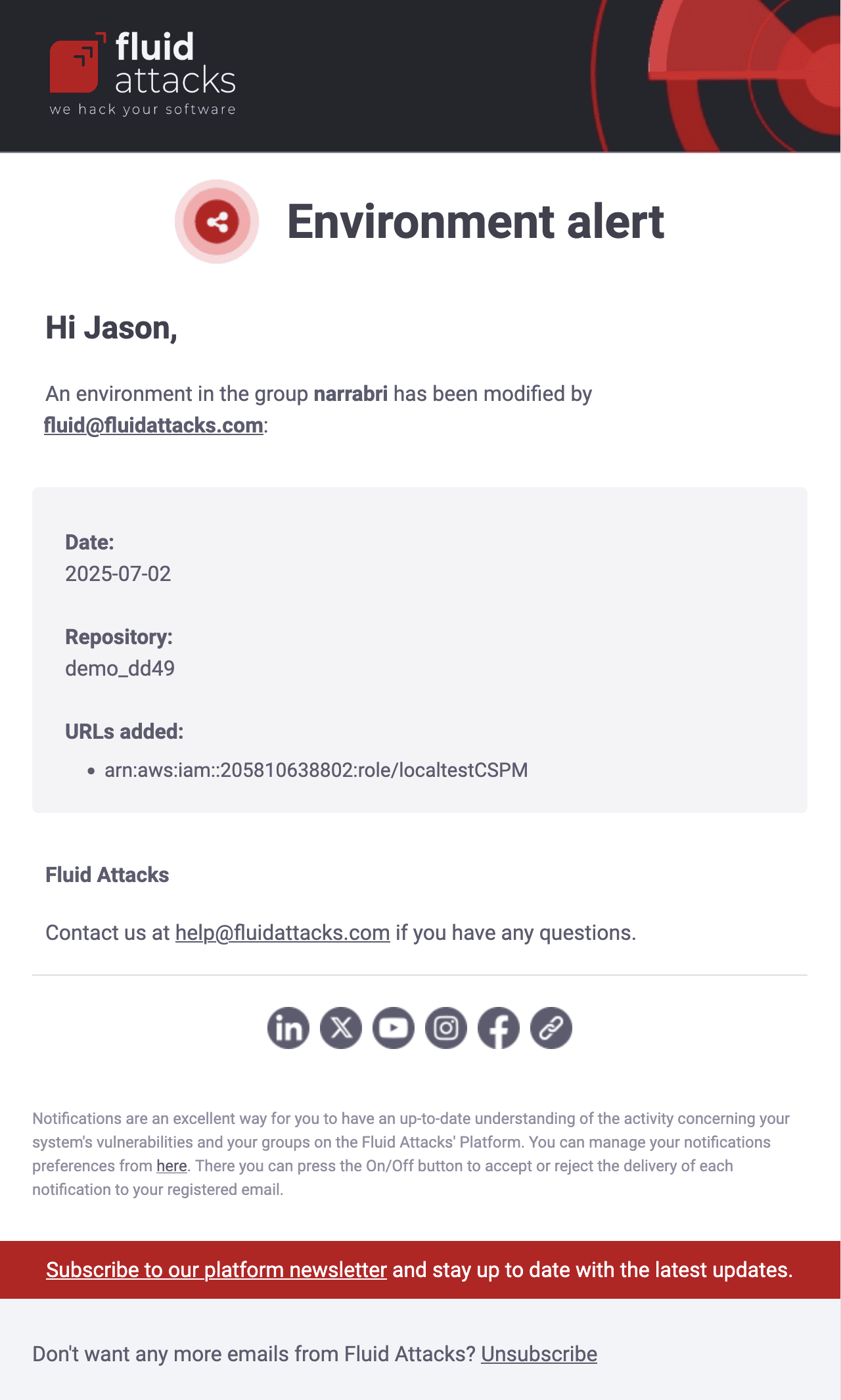
Environment alert
Role required: Group Manager
If Repository updates is enabled, you get emails each time that a member adds, edits or removes an environment. The message shows who made the change, the date, the related Git repository and the environment URL.
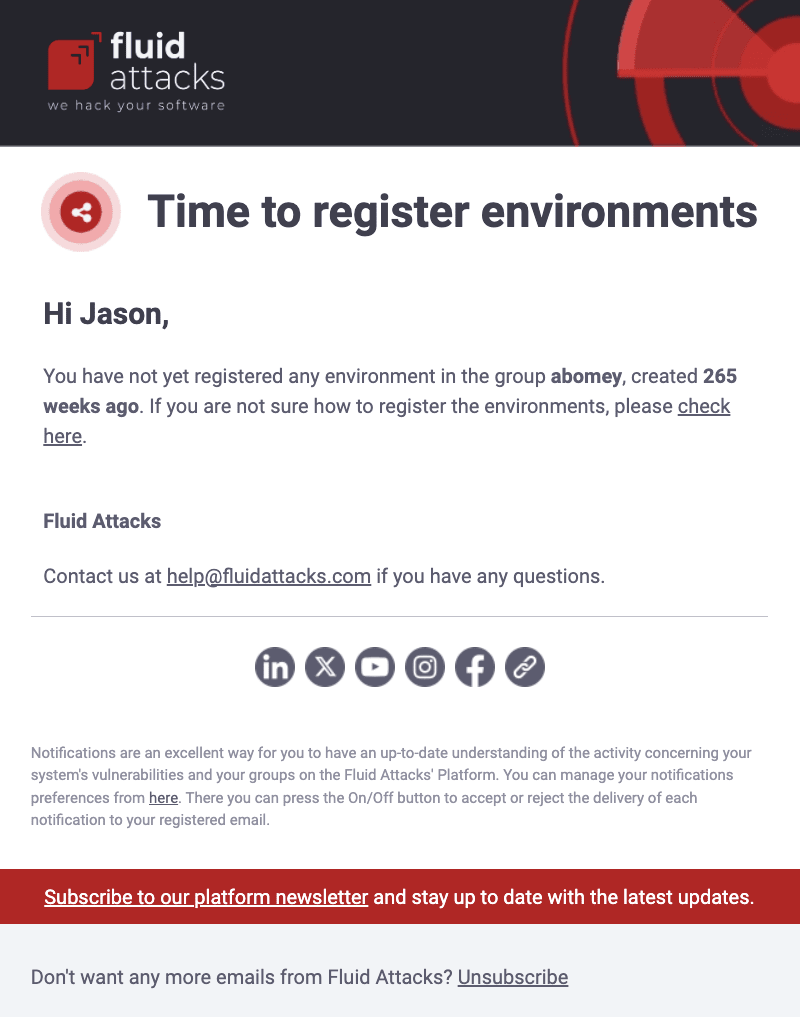
Time to register environments
Role required: Vulnerability Manager or Group Manager
If you have Repository updates enabled, you receive an email when a group has no environments seven days after its creation. If your team does not add environments, you receive this email again every 30 days from the creation date of the group. The message shows the name and age of the group. It also has a link to the Fluid Attacks documentation about adding environments.
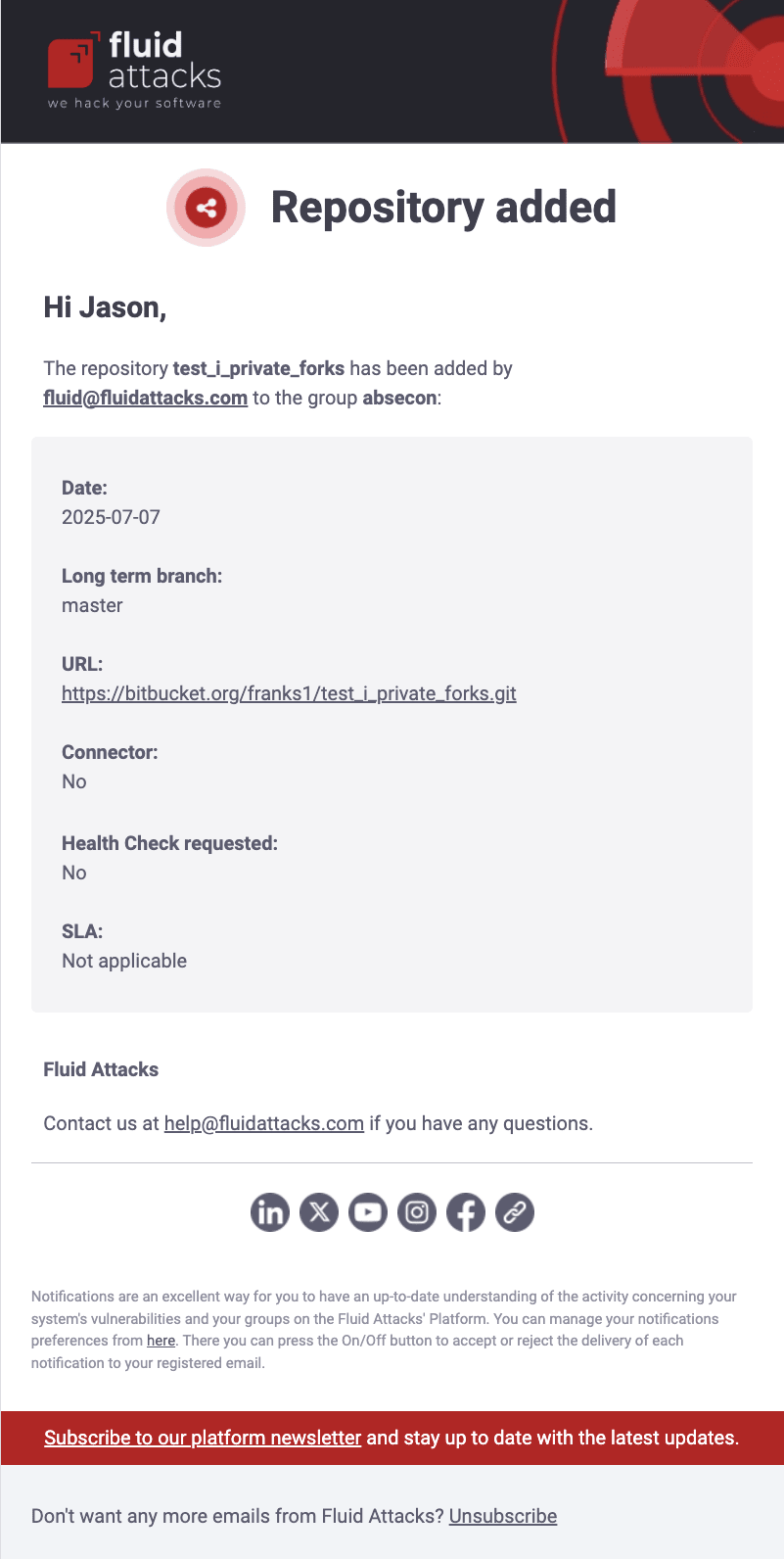
Repository added
Role required: Group Manager
When Repository updates is enabled, you receive an email each time that a member adds a new root in the Scope section of your group. It shows the email address of the member who added it and some information about this target of evaluation. Examples are the evaluated branch and if the member requested a Health Check (manual testing of the existing source code).
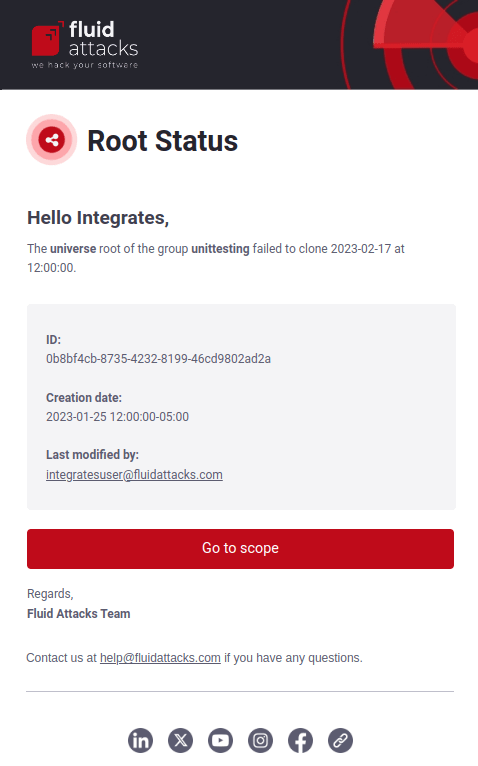
Repository status
Role required: Group Manager
If the Repository updates notification is enabled, you receive emails when the Fluid Attacks team cannot clone or access a registered root. The message shows the date when cloning failed, the ID of the root and the last person who changed it, and other information.
Repository deactivated
Role required: Group Manager
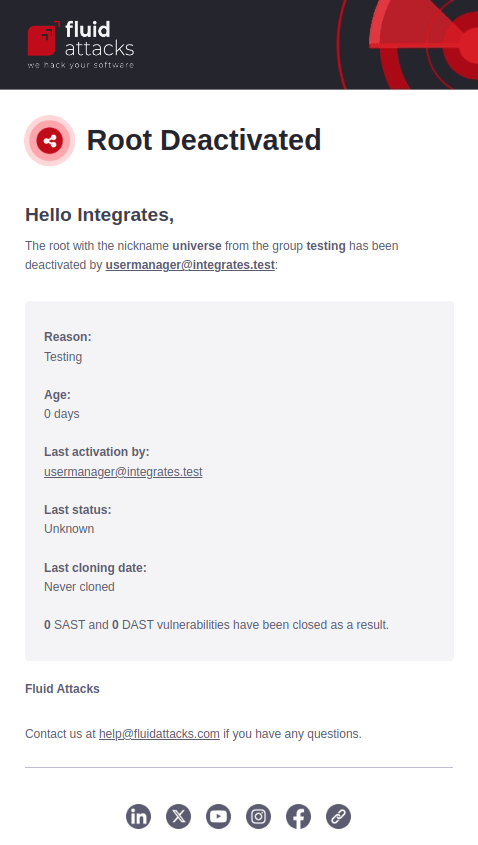
If Repository updates is enabled, you receive this notification when a member deactivates a root. It includes details such as these:
- The reason for the deactivation
- How long the root was on the platform
- The vulnerabilities that SAST and DAST scans found in the root and that the deactivation closed (their status changes to "Safe")
Repository moved
Role required: Group Manager
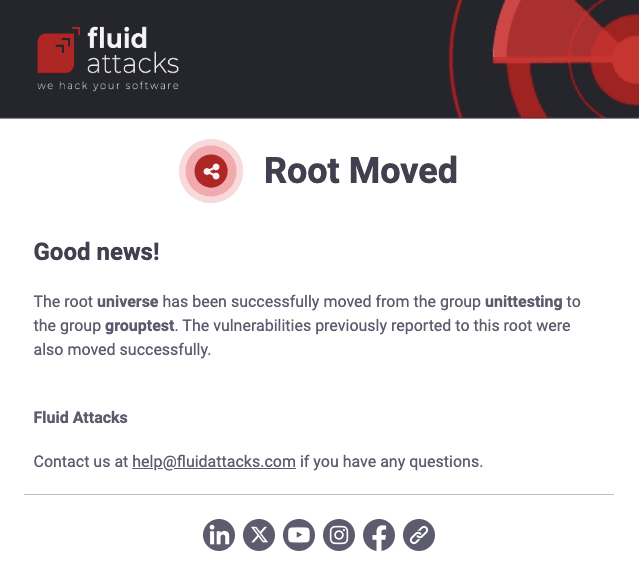
If Repository updates is enabled, you receive this notification if a member moves a root to a different group. The email shows the root that moved, its original location and its new location.
Repository updated
Role required: Group Manager
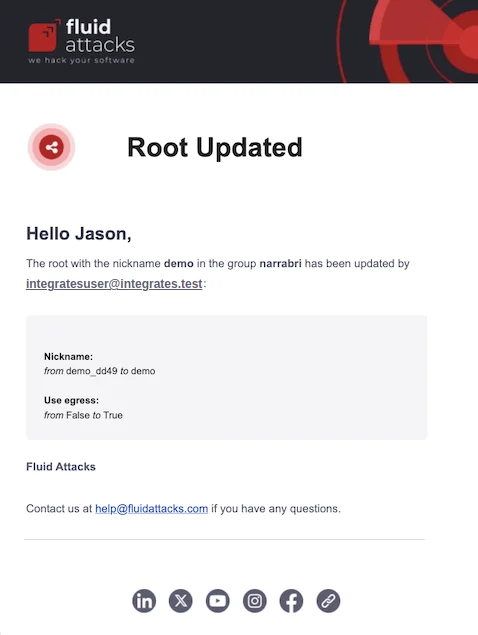
You receive this notification when Repository updates is enabled. It goes when a member edits an existing root in the Scope section. The email shows the nickname of the root that changed, the email of the member who changed it, and the changes, with the previous and current values.
Services updates
Role required: Group Manager
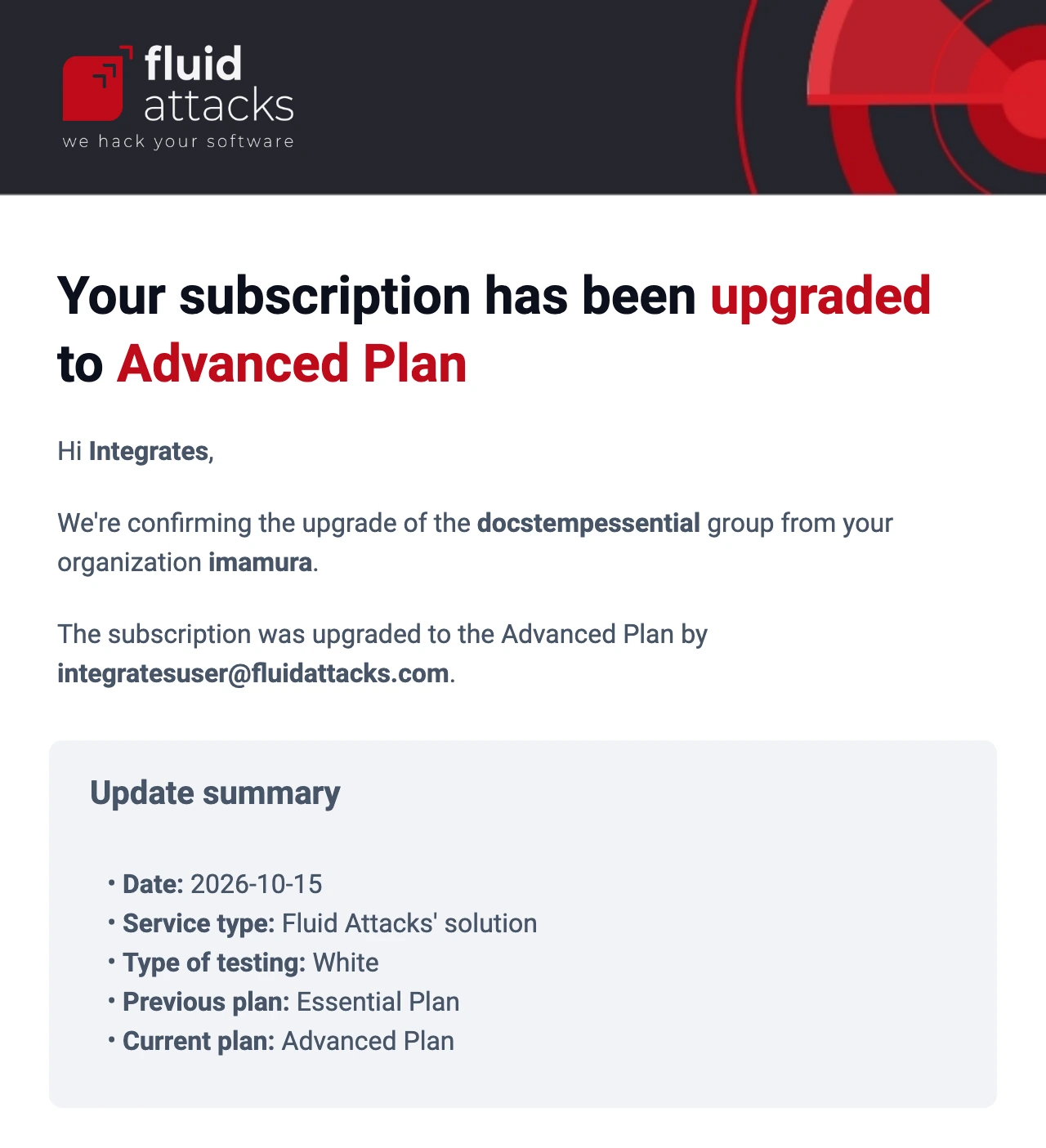
If enabled, you receive an email when a member changes one of the Services fields in the Scope section. These fields configure the characteristics of the subscription of a group. The message shows who changed the information and the previous and current values.
Member update
Role required: Group Manager
If enabled, you receive this notification when a person is removed from one of your groups. The message shows the email of the person, the group that they left and the date.
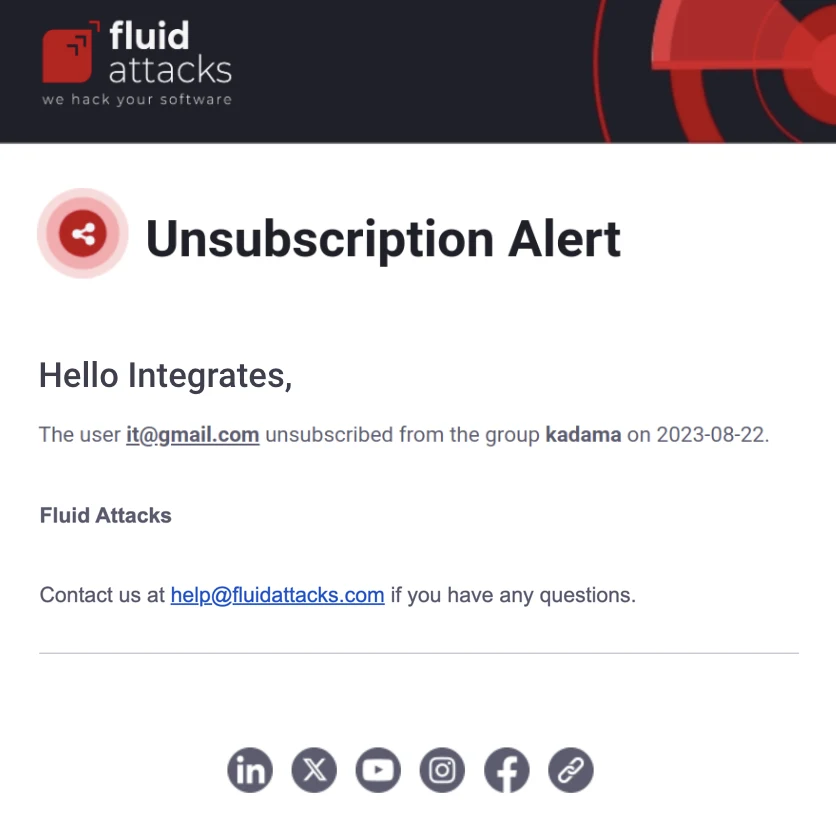
Treatment updates
Role required: Vulnerability Manager or Group Manager
Treatment report
When Treatment updates is enabled, you receive an email when a member requests or approves a temporarily accepted or permanently accepted treatment for a vulnerability. The message shows the vulnerability, who approved the treatment, the comments of that person and other information.
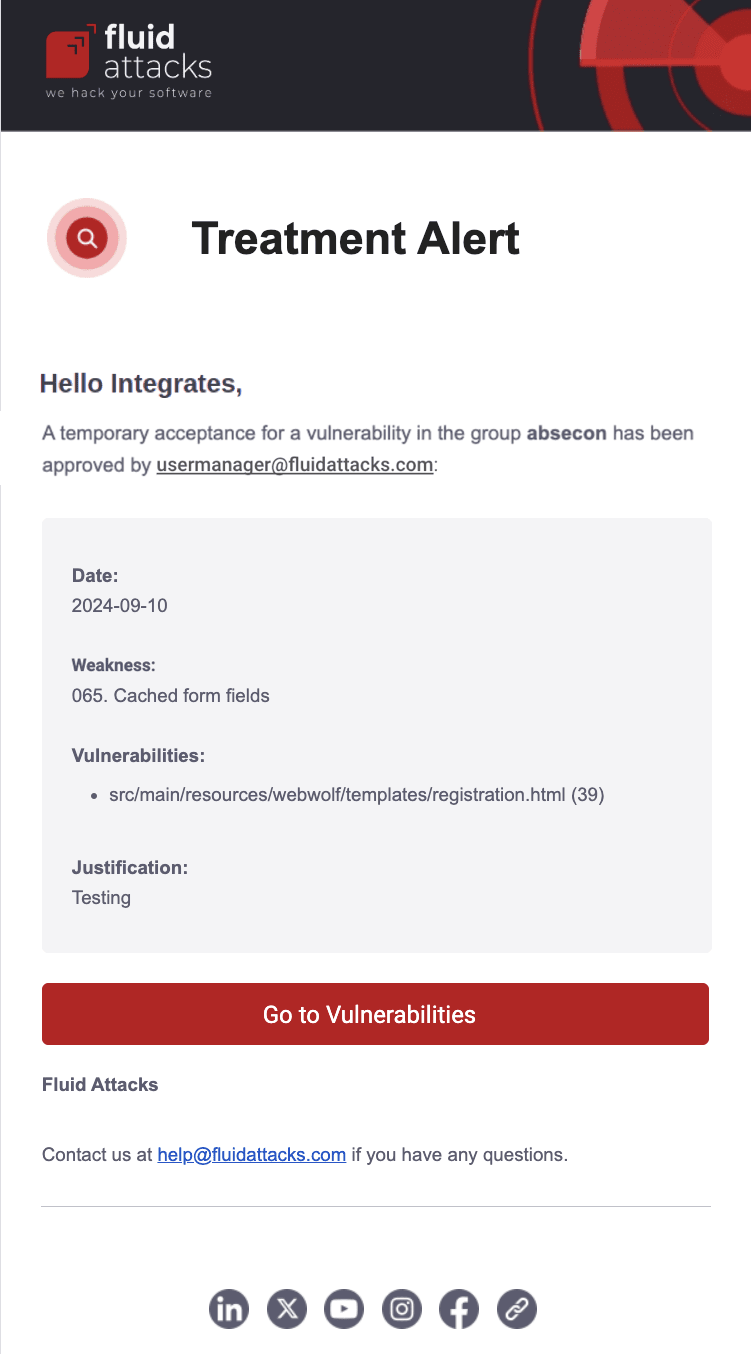
Updated treatment
When enabled, you receive an email each time that a member defines new treatments for vulnerabilities or changes existing treatments in your organization. The notification shows the weakness, the group where Fluid Attacks reported it, the assigned member, and the applied treatment. It also has a direct link to the weakness on the platform.
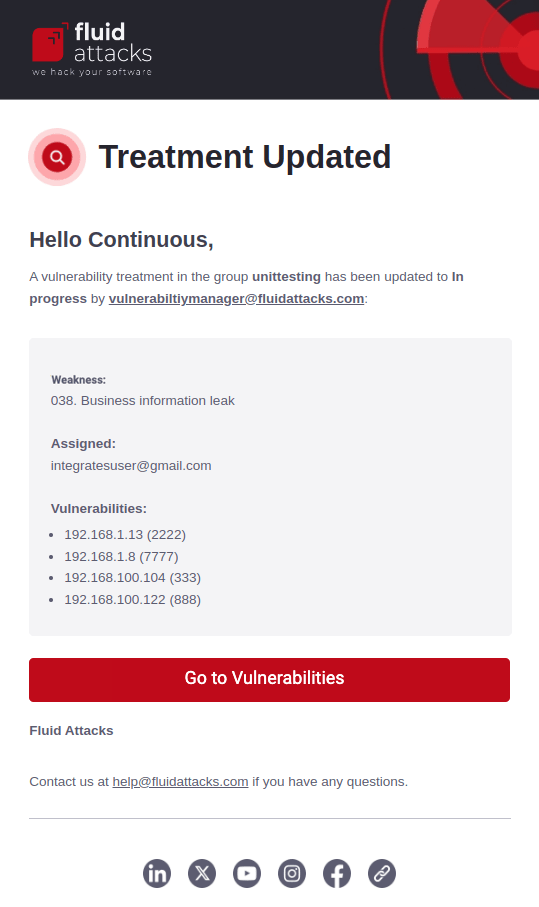
Vulnerabilities expiring
When you have Treatment updates enabled, you receive daily emails for seven days before a temporarily accepted treatment expires for vulnerabilities in your groups. The message shows the name of the group, the weakness, the location of the vulnerability, and the number of days until the expiration.
Vulnerability assignment alerts
If enabled, you receive an email when a member assigns vulnerabilities to you. This notification includes the name of the weakness, the vulnerability's location(s), the group where Fluid Attacks reported it, and a direct link to the weakness on the platform.
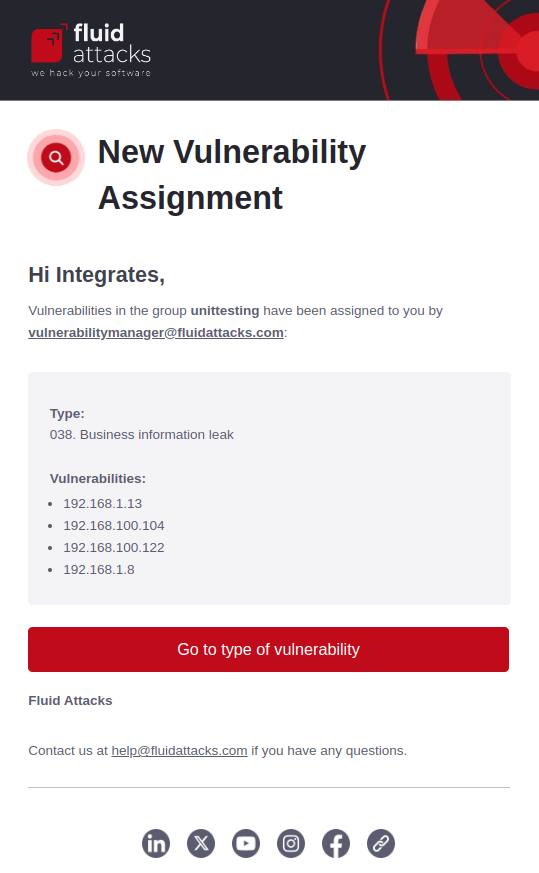
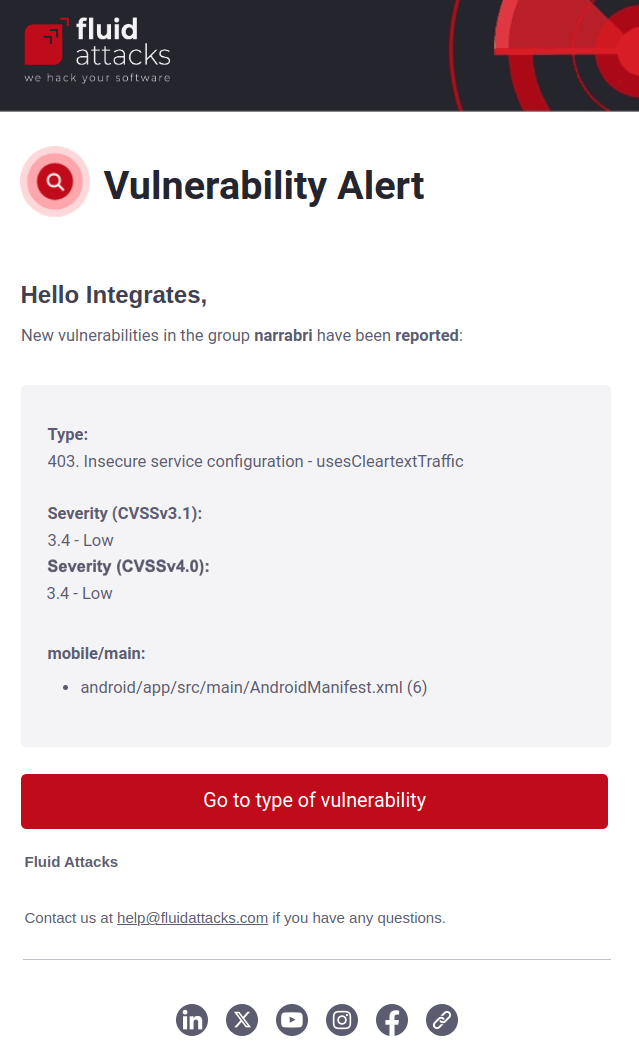
Vulnerability alert
If enabled, you receive emails when Fluid Attacks identifies (or your team remediates) a vulnerability in your system with a CVSS score that is equal to or more than the score that you specify in the Minimum severity field. The notification includes the name of the group, the reported weakness, its severity in CVSS v4.0, and a direct link to the weakness on the platform.
Not configurable
Access granted
To join an organization on the platform, you must get an invitation from an Organization Manager. To join a group, you must get an invitation from a Group Manager. You must confirm the invitation. The invitation email contains these items:
- The email address of the person who invited you
- The name and description of the organization or group
- A link to Fluid Attacks' Privacy Policy
When you confirm the invitation, you agree to the Privacy Policy. You have seven calendar days to confirm before the invitation expires.
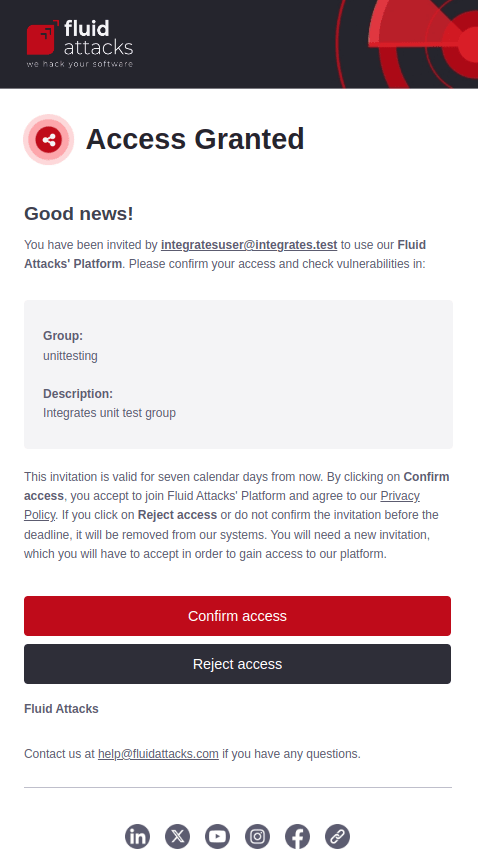
This notification is also the one sent to authors when invited to join the platform.
API deprecation notice
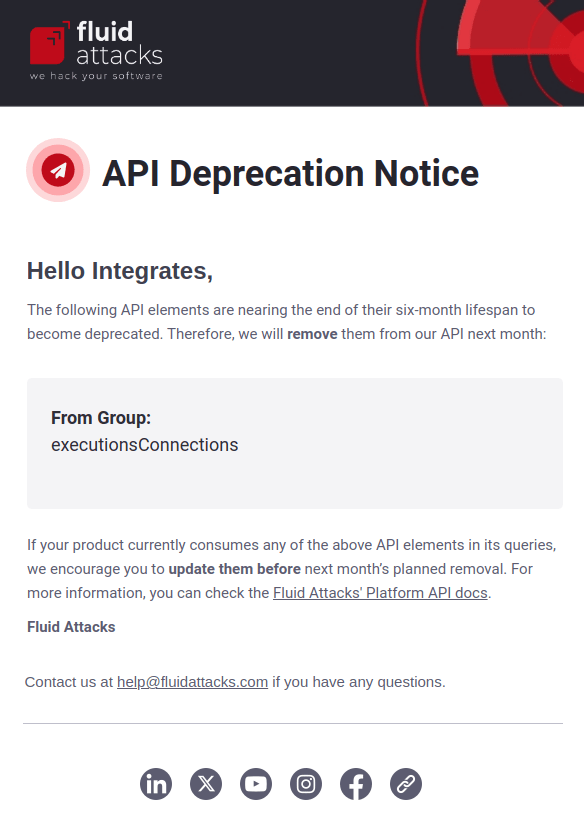
If you use Fluid Attacks' API token, you receive an email one month before Fluid Attacks removes a field of the API. The message shows the field(s).
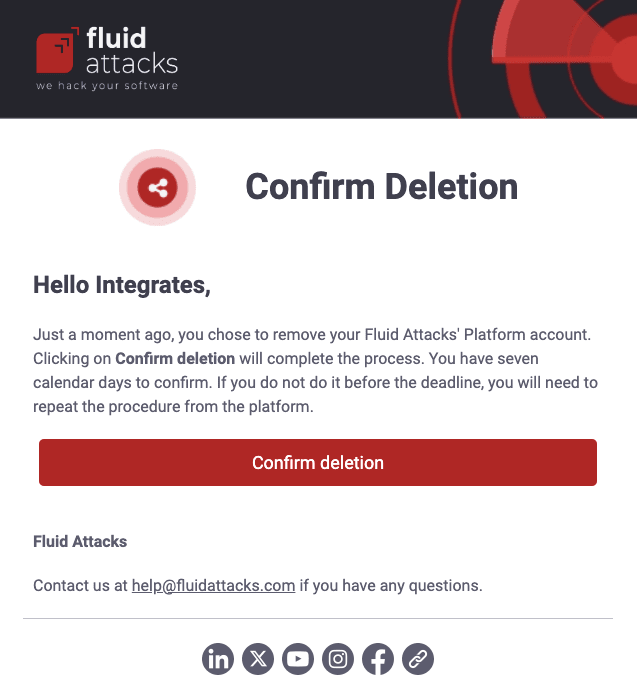
Confirm deletion
This notification is sent when you decide to delete your account from the platform. When you click the confirmation button, the platform deletes your account.
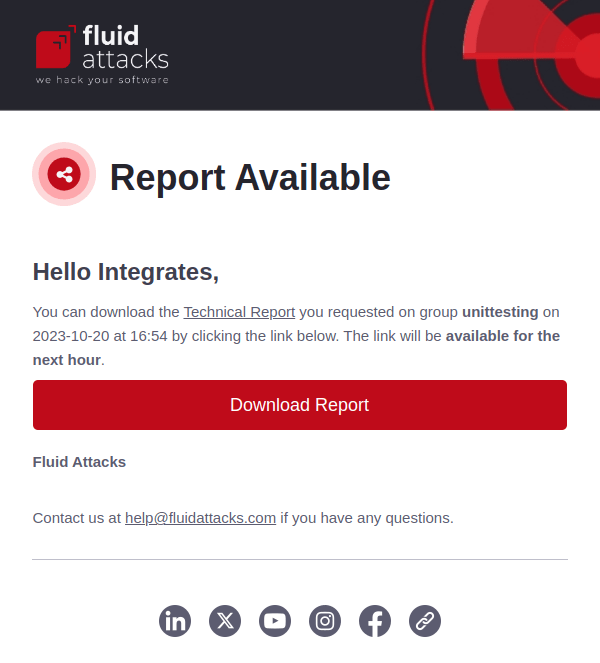
Group vulnerabilities report
Role required: Vulnerability Manager or Group Manager
If you request a vulnerability report for your group, you receive an email with a link to download the file. The link is valid for one hour.
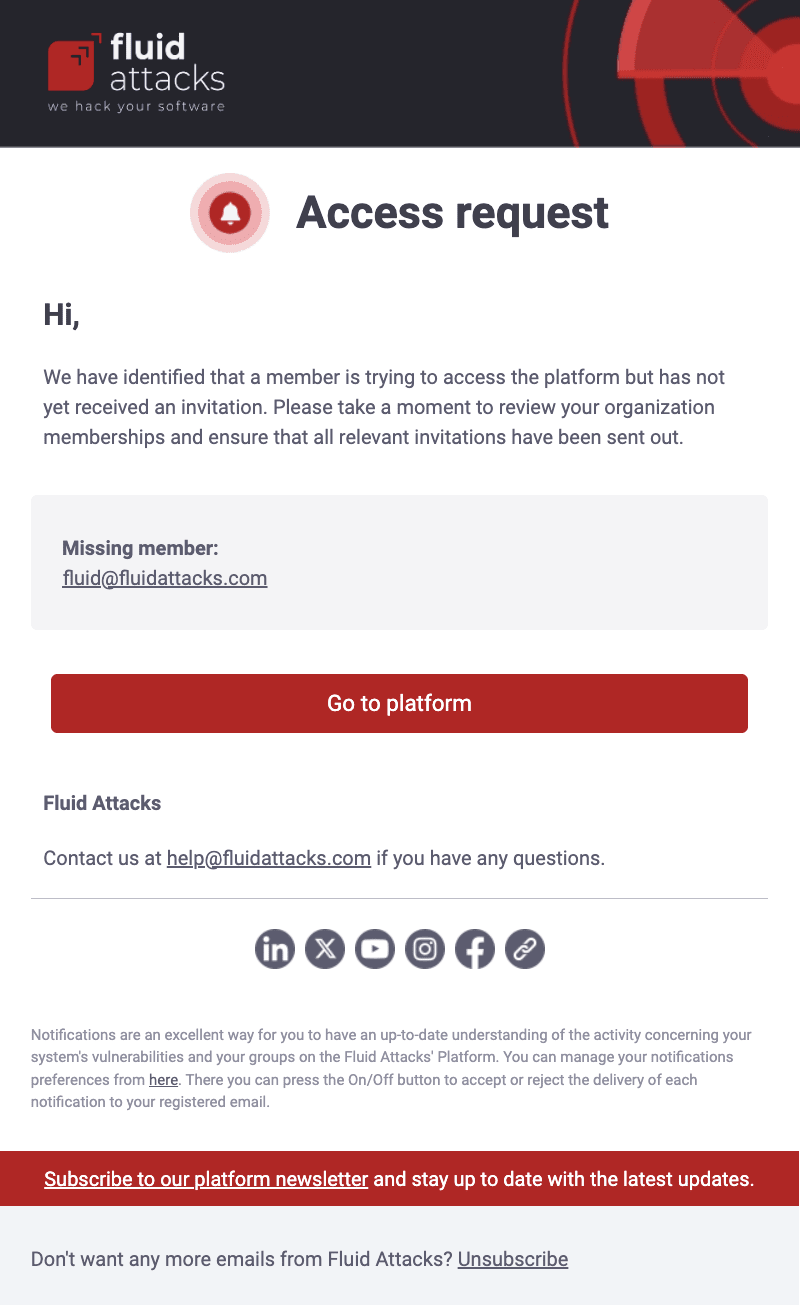
Missing member
Role required: Group Manager
You get this email when a person with no invitation tries to access the platform. The email address of that person has the domain of your company. The message shows the email address that the person used and gives you the link to the platform to send the invitation if necessary.
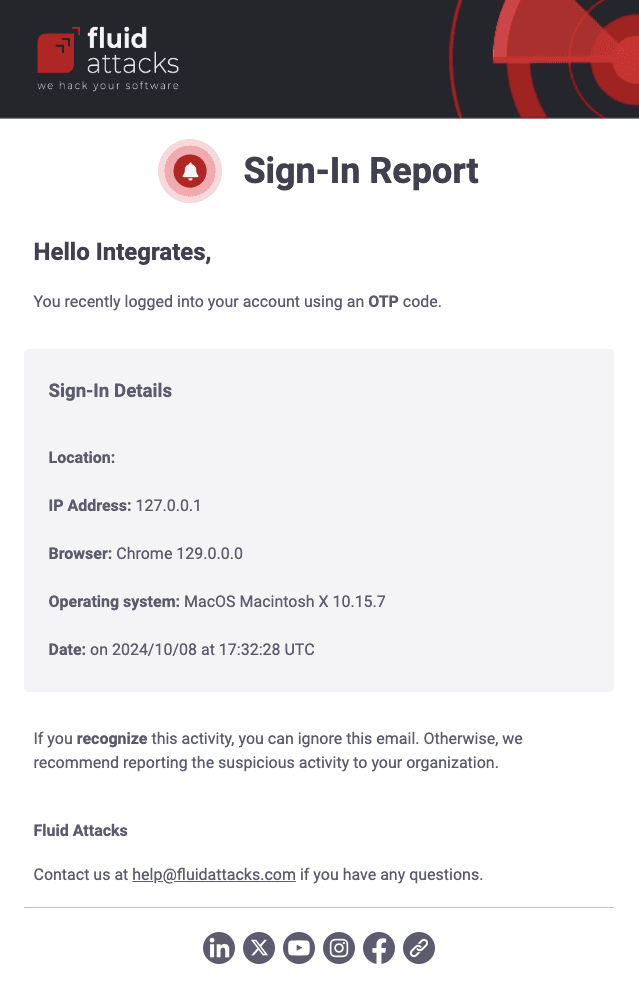
New sign-in report
You get this email every time you sign in to the platform. The message contains the location, IP address, browser, operating system and date of this activity. It also tells you to report suspicious activity to your organization.
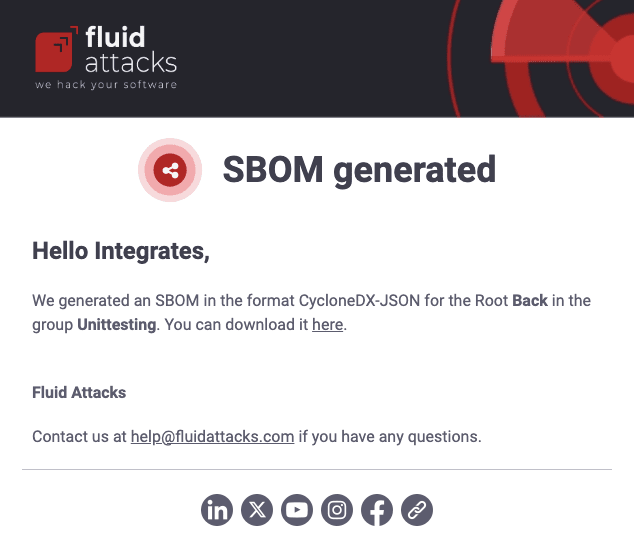
SBOM file
You get this email after you request an export of your software bill of materials (SBOM). The message shows how you configured the report and gives a link to download it.
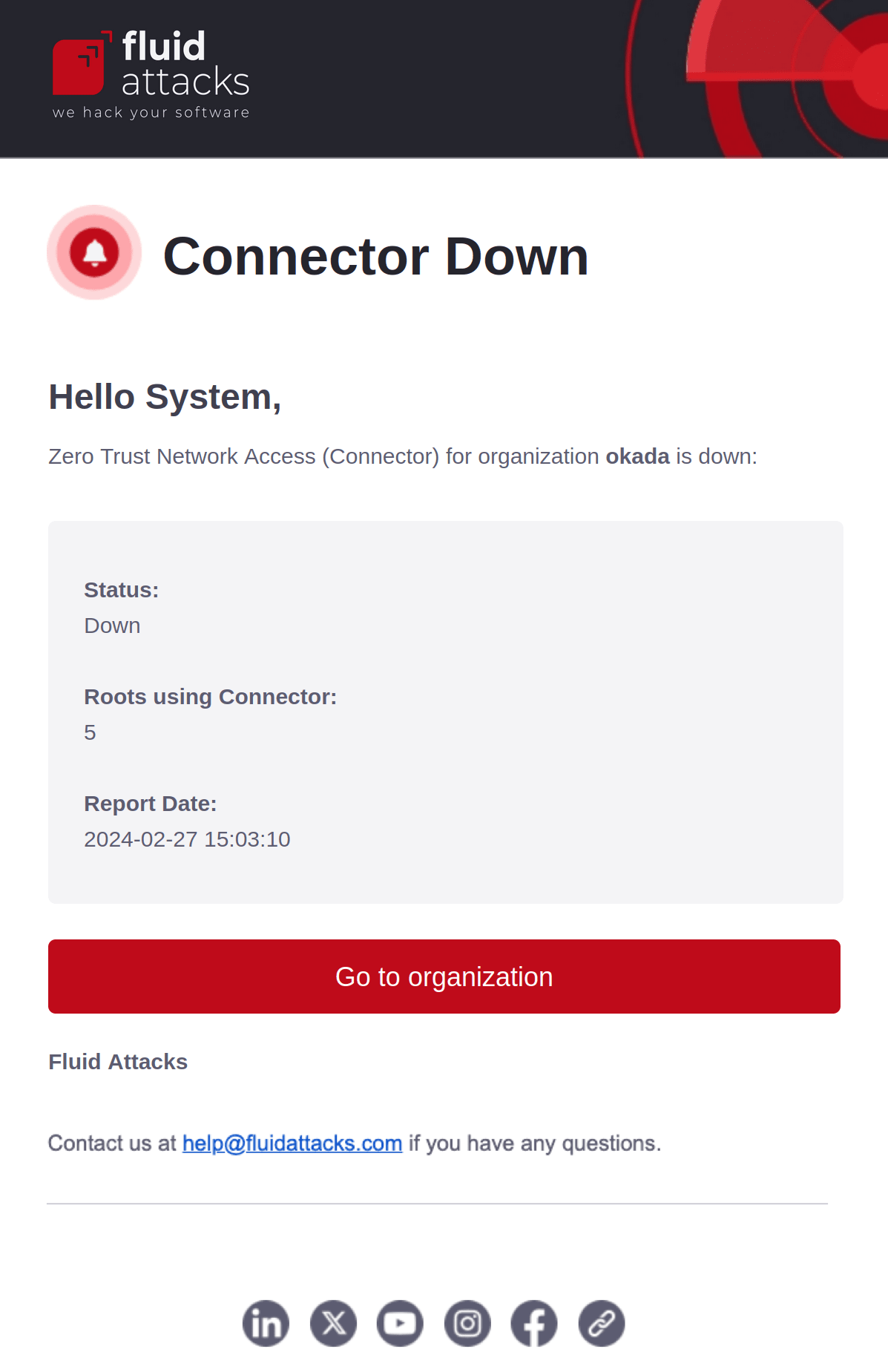
ZTNA down
Role required: Group Manager
If you use the Connector connection, you receive notifications when the connector status is down. These notifications tell you about connection problems. The email gives you information such as the name of the affected organization and the number of roots that use this connection.
Free-trial-exclusive notifications
Abandoned trial
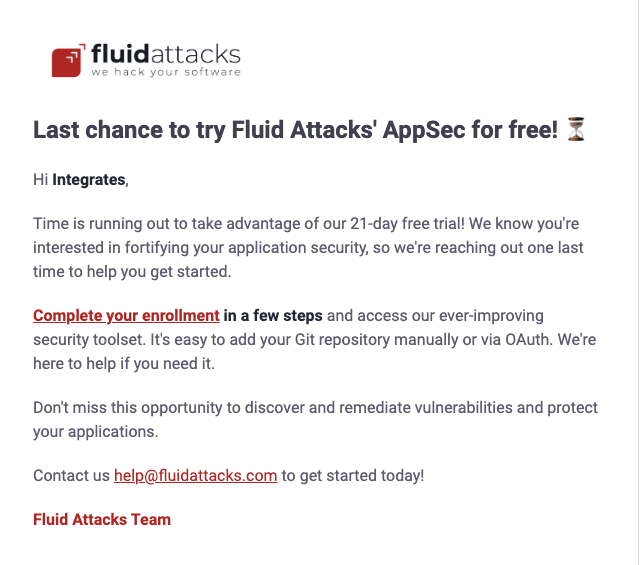
This notification goes to users who started but did not complete the free trial registration. It tells them that, after some more steps, they get the benefits of the Essential plan for 21 days. These benefits are Fluid Attacks' multi-method vulnerability scans, single-pane-of-glass platform, and remediation support through artificial intelligence.
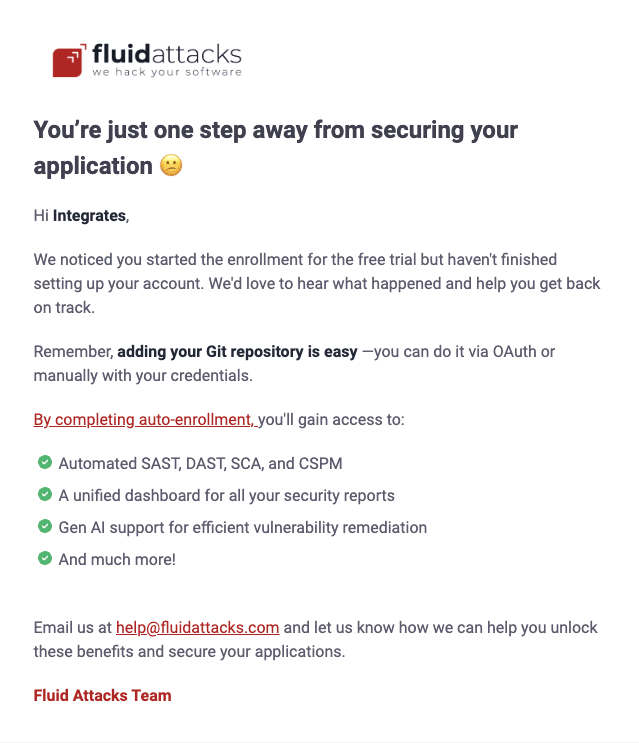
Abandoned trial 2
This notification goes to users who did not complete the free trial registration 24 hours after they started it. It tells them that they only have to add their Git repository. It also tells them to write to [email protected] if they have questions about the process.
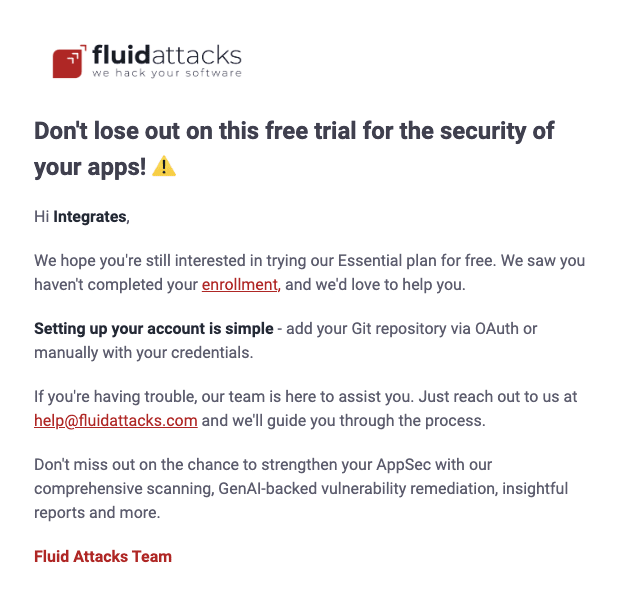
Abandoned trial 3
This notification goes to users who did not complete the free trial registration 48 hours after they started it. It tells them to go to app.fluidattacks.com/SignUp and continue the registration steps. It also tells them to contact [email protected] if they have a problem.
Free trial
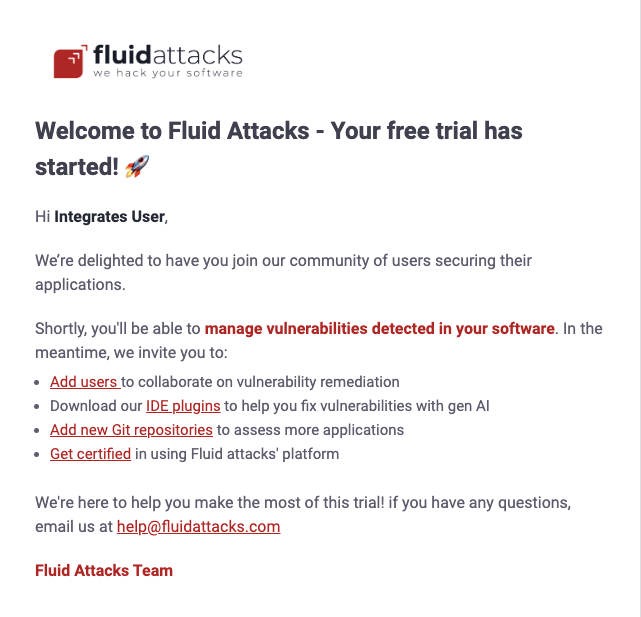
This notification welcomes new free trial users who completed the enrollment process. This email has links to the Fluid Attacks platform's certifications and to the documentation pages about these topics: inviting members, installing the IDE extensions, and adding Git repositories to test.
Free trial 2
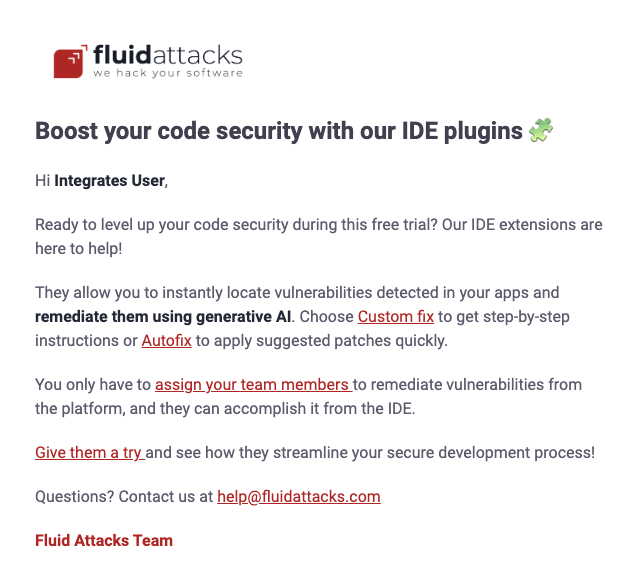
This email is sent to free trial users three days after they complete the enrollment process. It tells them that the integrations of Fluid Attacks show the location of each vulnerability in their IDE. It also tells them about the features that give fix suggestions with generative artificial intelligence (gen AI).
Free trial 3
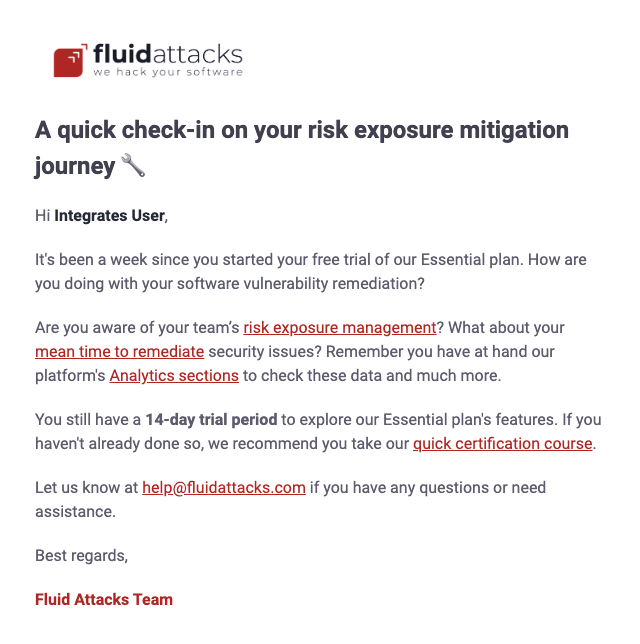
This email is sent to free trial users seven days after they complete the enrollment process. It recommends that they examine the graphs and figures about vulnerability remediation performance in the Analytics sections of the platform. The message also invites them to complete the free online certifications about how to use the platform.
Free trial 4
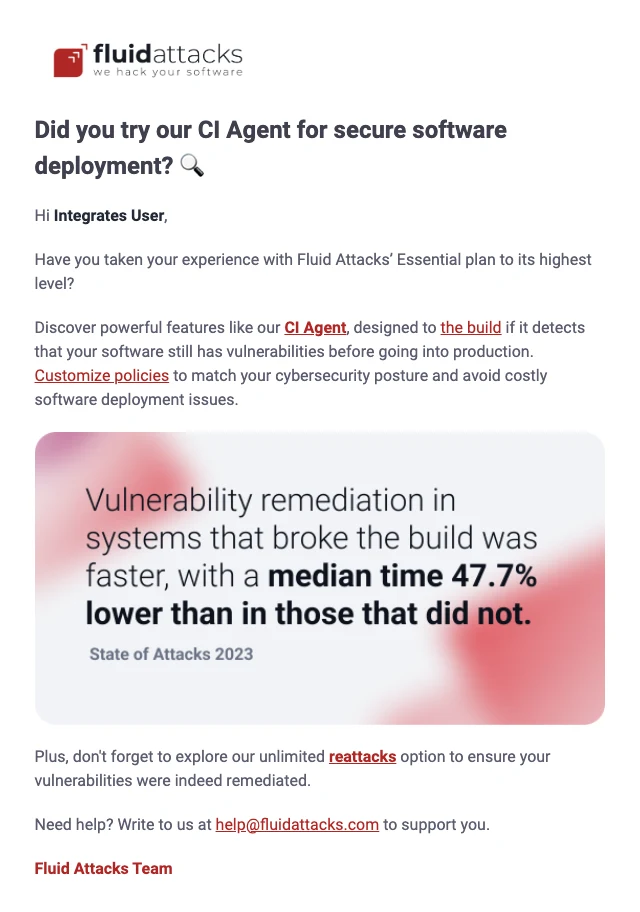
This email is sent to free trial users 14 days after they complete the enrollment process. Most of the email is about Fluid Attacks' CI Gate. You can run CI Gate in CI/CD systems. It breaks a build if the build has vulnerabilities that the customized policies do not accept. The email tells the user that this measure decreases the time to remediation, as Fluid Attacks' latest annual report shows.
Free trial 5
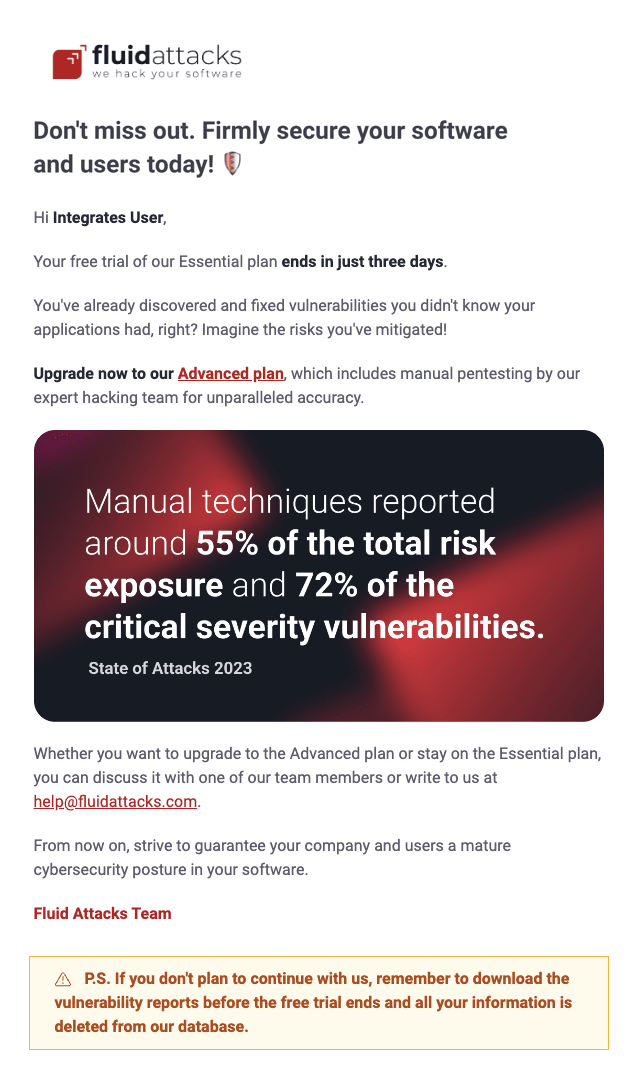
This email is sent to free trial users 18 days after they complete the enrollment process. It recommends that users change to the Fluid Attacks paid plan that includes manual security testing by the team of pentesters: Advanced.
The email tells the user the advantages of these tests to identify risk exposure and critical severity vulnerabilities, as Fluid Attacks' latest annual report shows. This email also warns users that the platform removes their information if they do not get a paid plan when the free trial expires.
Free trial 6
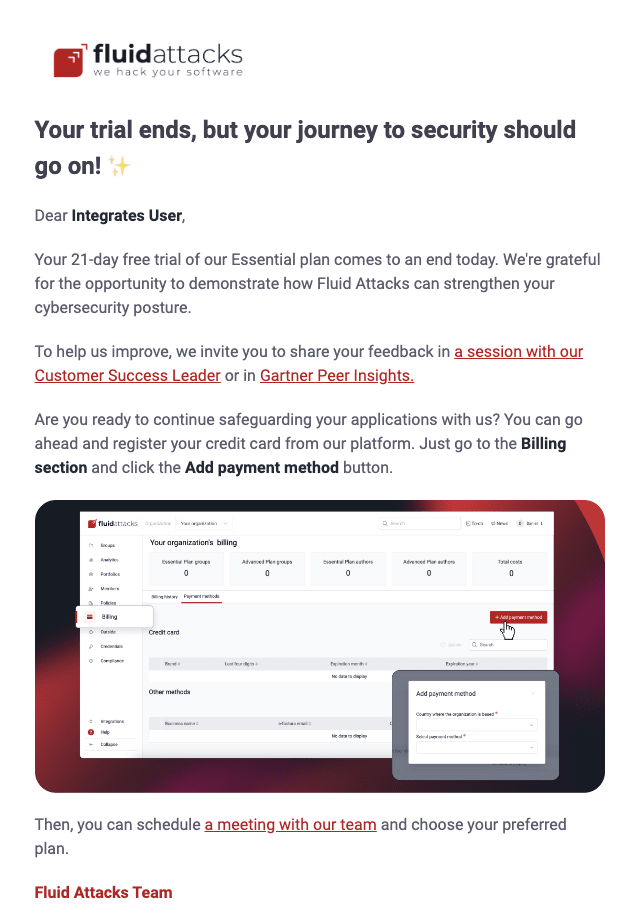
This email is sent to users the day their 21-day free trial expires. It tells them how to get a paid plan. It also invites them to give their feedback or submit a review on Gartner Peer Insights.
Free trial 7
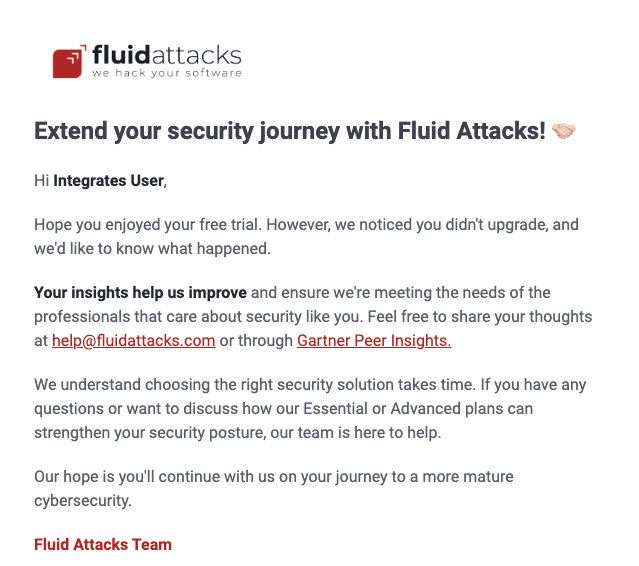
Fluid Attacks sends this email to free trial users who did not get a paid plan. It goes 24 days after they started the trial, three days after its expiration. The email invites users to share their opinion about Fluid Attacks' solution in an email to [email protected] or in a review on Gartner Peer Insights.
Free trial 8
Fluid Attacks sends this email to free trial users who did not get a paid plan. It goes 27 days after they started the trial, six days after its expiration. The email tells users that continuous cybersecurity is important. It also invites them to send their questions or feedback to [email protected].
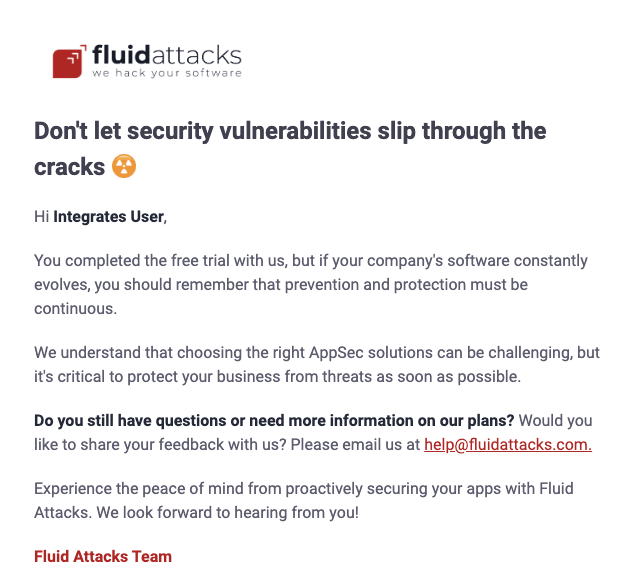
Free trial over
This notification informs users that their free trial ended. It also gives the option to continue with the solution. It tells users what happens to their information on the platform if they get a subscription plan and if they do not.
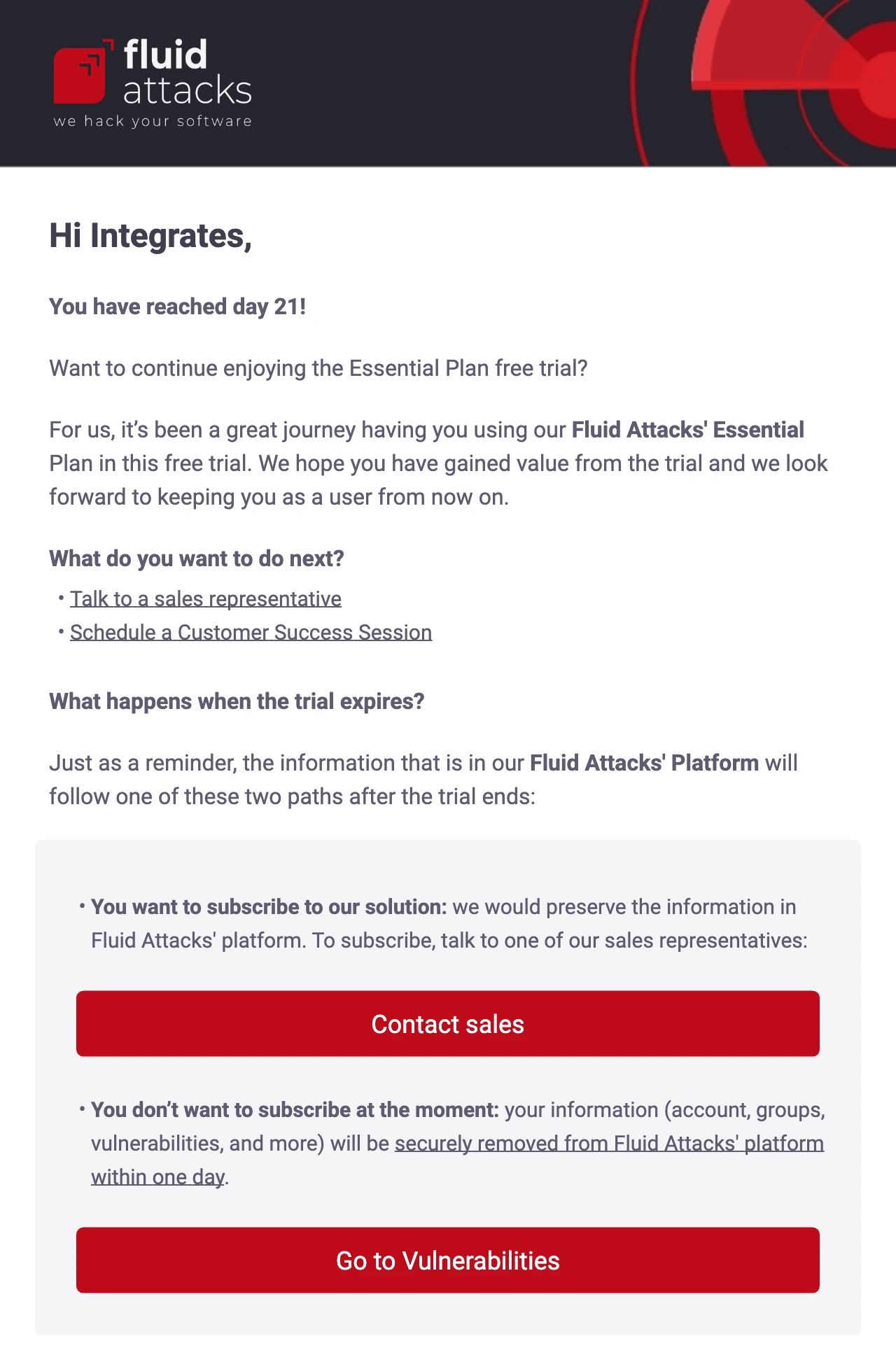
Trial first scanning
This email informs free trial users about the result of the first scan or about a scan failure. If the first scan found security vulnerabilities in their software, the message does these things:
- It tells users about this result.
- It recommends that they start the fix work.
- It gives a link to the Fluid Attacks platform.
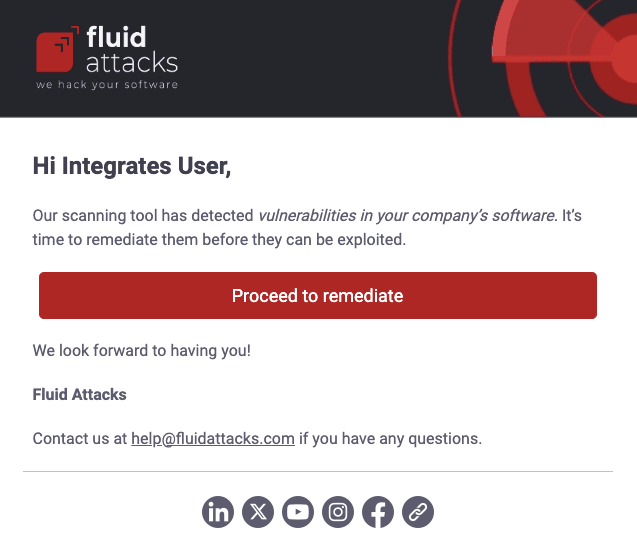
If the scan did not find vulnerabilities, the message tells users about this result and recommends that they add more repositories to test. It also gives a link to the platform.
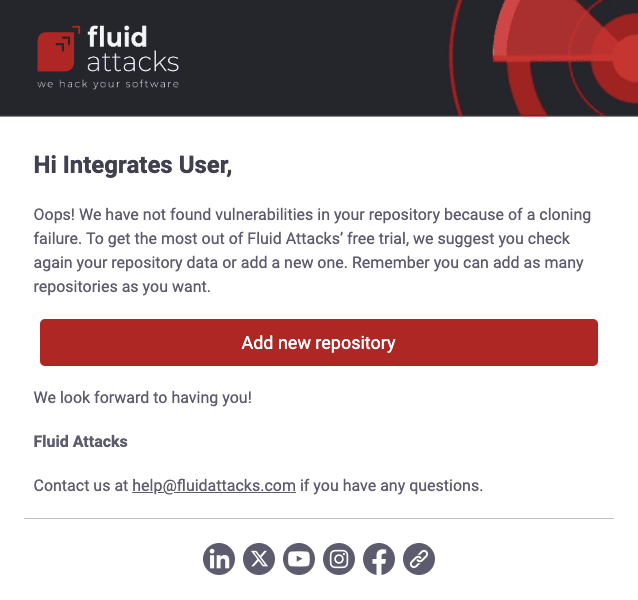
If the first scan fails because of a cloning problem, users get an email. The email tells them to examine the repository data or replace the repository if necessary. The email also gives a link to the platform.
Notifications exclusive to Fluid Attacks staff
Credit card added
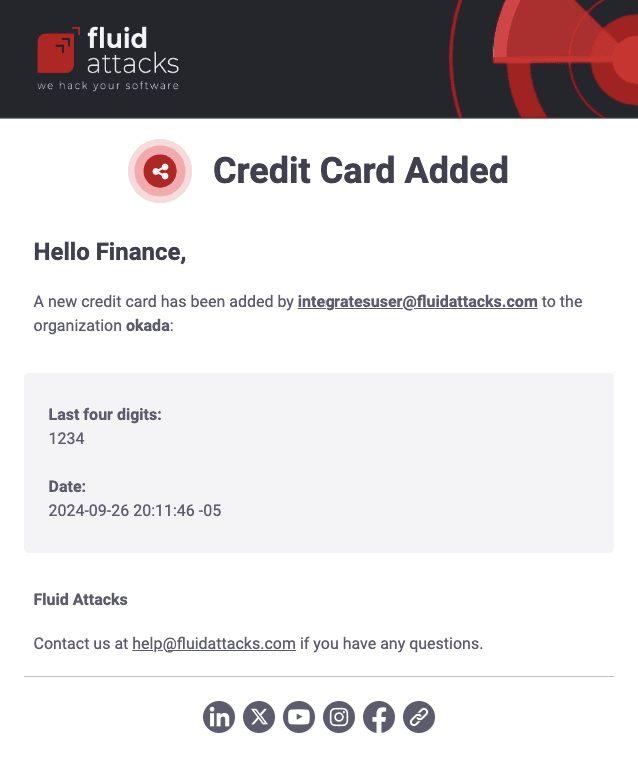
Authorized Fluid Attacks personnel get this email when a new credit card is added to an organization's payment methods. The message shows the name of the organization and the email of the user who added the card. It also shows the last four digits of the card and the date.
Draft updates
Vulnerability submission
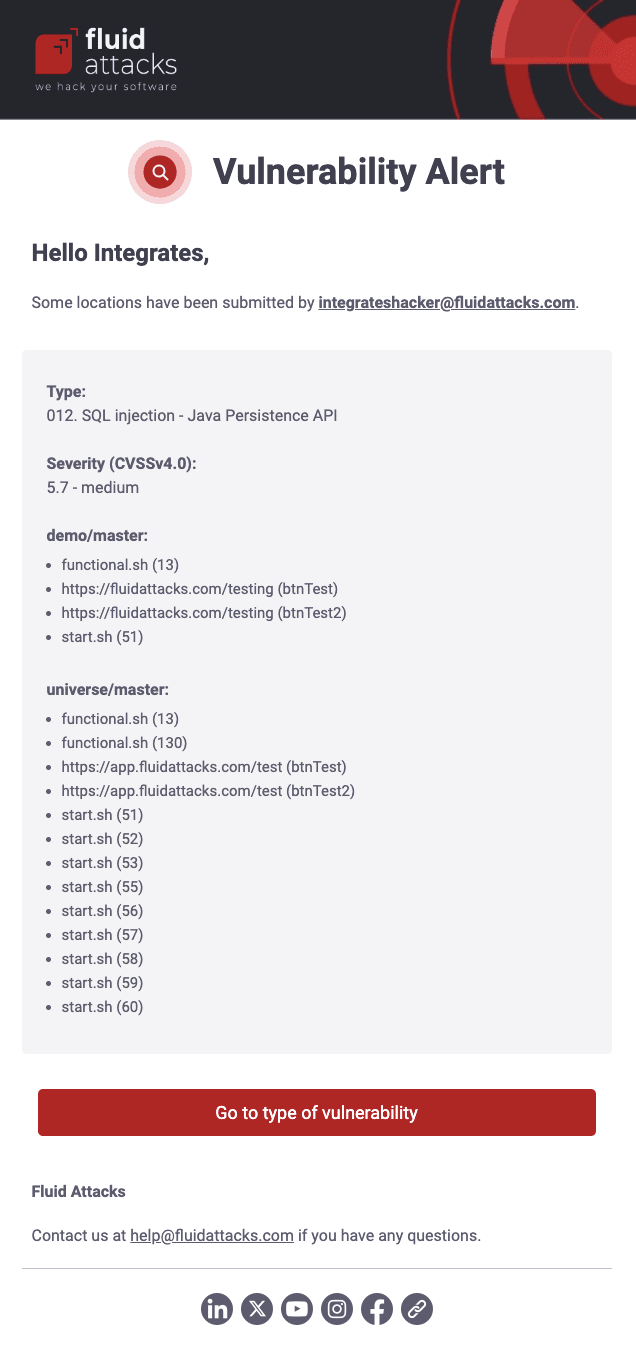
As a security analyst, you report vulnerabilities in a group as drafts. A reviewer then approves or rejects each draft. If you enable Draft updates notifications, you receive an email when a person submits a draft. It includes information such as the weakness, location(s), and CVSS severity score. At the end of the message, a button takes you to the weakness.
Vulnerability rejection
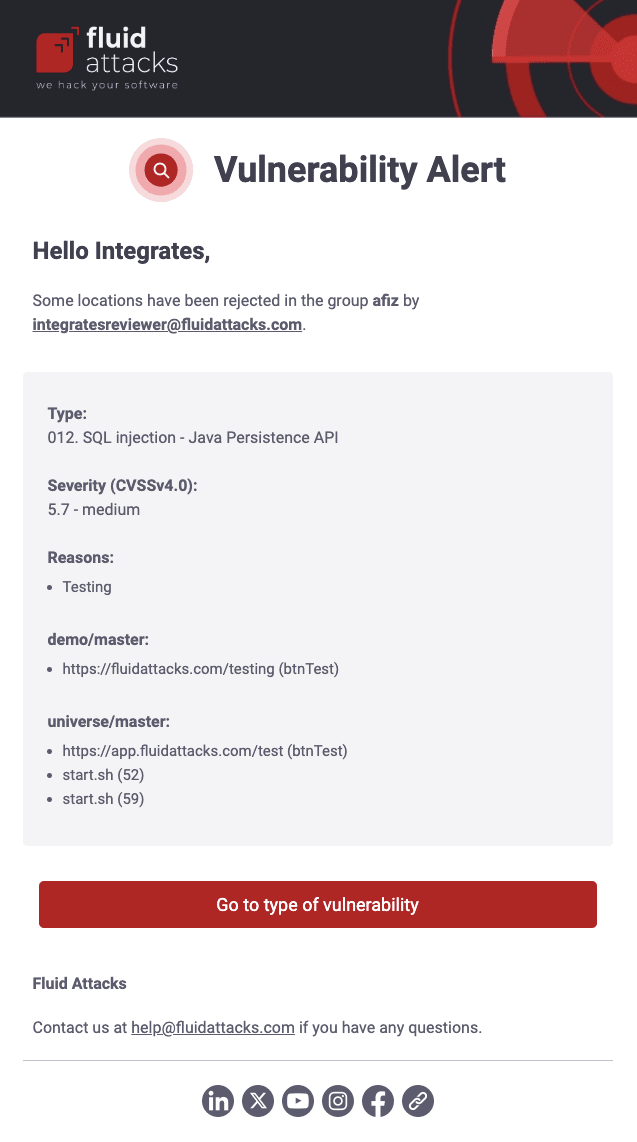
As a security analyst, if you enable Draft updates notifications, you receive an email when a reviewer rejects a draft (its status then changes to not-submitted). The message shows information such as who rejected it and the reason, the name of the weakness, its CVSS severity score, and who submitted it. At the end of the message, a button takes you to the weakness.
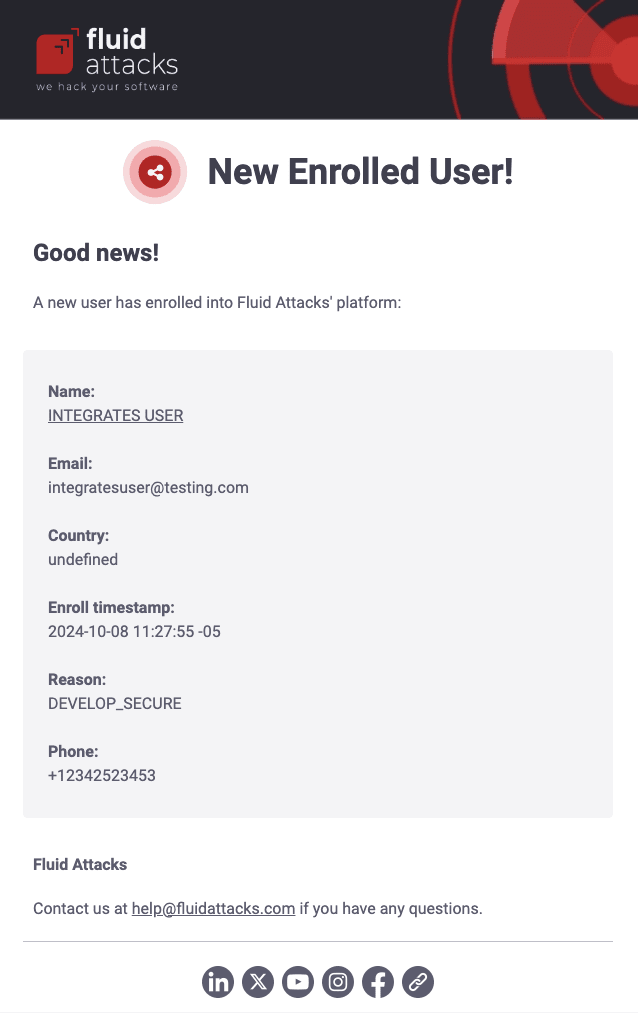
New enrolled
Authorized Fluid Attacks personnel get this email when there is a new member in an organization on the platform. The message gives a link to the LinkedIn profile of the member and other details, such as their email, phone number, and registered country.
Vulnerability updates for staff
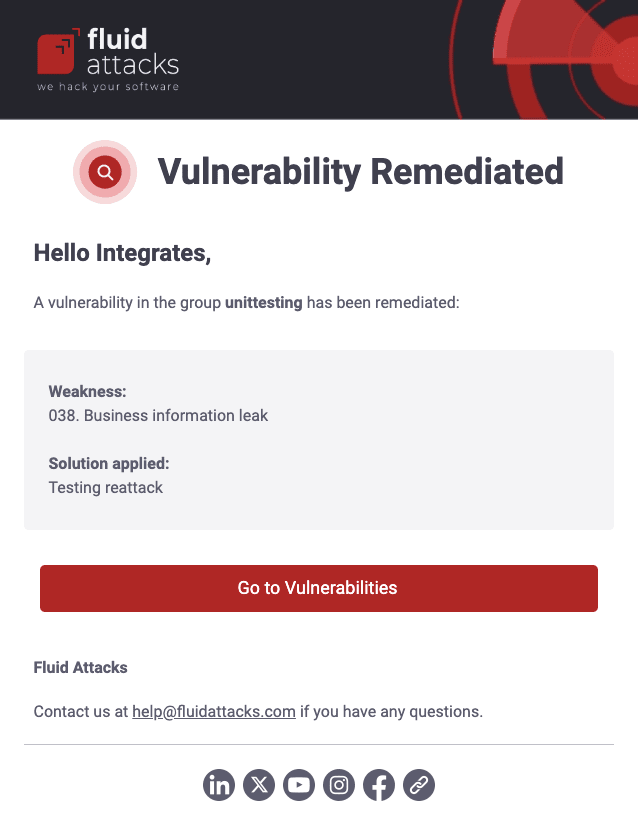
Vulnerability remediated
A Fluid Attacks Reattacker role is required.
If you enable the Vulnerability updates notifications, you receive emails when clients ask Fluid Attacks to make sure that the fix that they applied to a vulnerability works. The message contains the weakness that the client asks Fluid Attacks to reattack, the description of the fix that the client wrote, and the group of the vulnerability. The button at the end of the message takes you to the weakness on the platform.
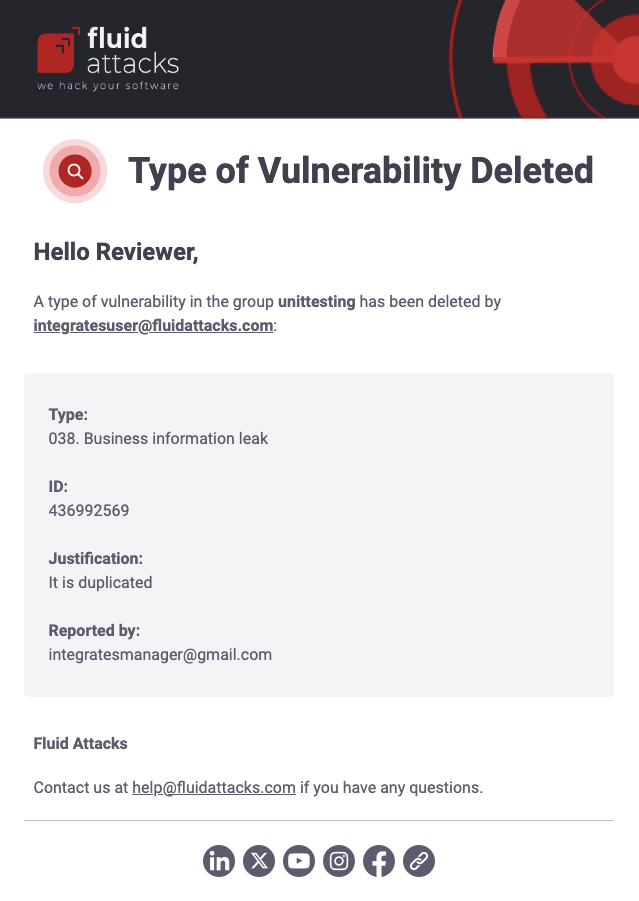
Type of vulnerability deleted
If you enable Vulnerability updates notifications, you receive emails when a person removes a weakness or a draft. The message contains the email address of the person who removed it and their justification, the group, the name of the weakness, and its ID.
Search for vulnerabilities in your apps for free with Fluid Attacks' automated security testing! Start your 21-day free trial and discover the benefits of the Essential plan. If you prefer the Advanced plan, which includes the expertise of Fluid Attacks' pentesting team, complete this contact form.
Explore the user menu
Access the options to manage notifications, get an API token, delete your account, etc., in the user menu on the Fluid Attacks platform.
Subscribe to News
Subscribe to news about the Fluid Attacks platform and other products via the website or platform to get updates about the latest features and enhancements.