Invite team members to sign up
Last updated: Mar 16, 2026
Role required: Group Manager or Organization Manager
Securing your software with Fluid Attacks requires your team’s commitment to fixing the code that has been reported as vulnerable. Fluid Attacks recommends you invite your team to sign up on the platform, so that they can be assigned vulnerabilities from there.
Follow these steps to invite a person to be a member:
-
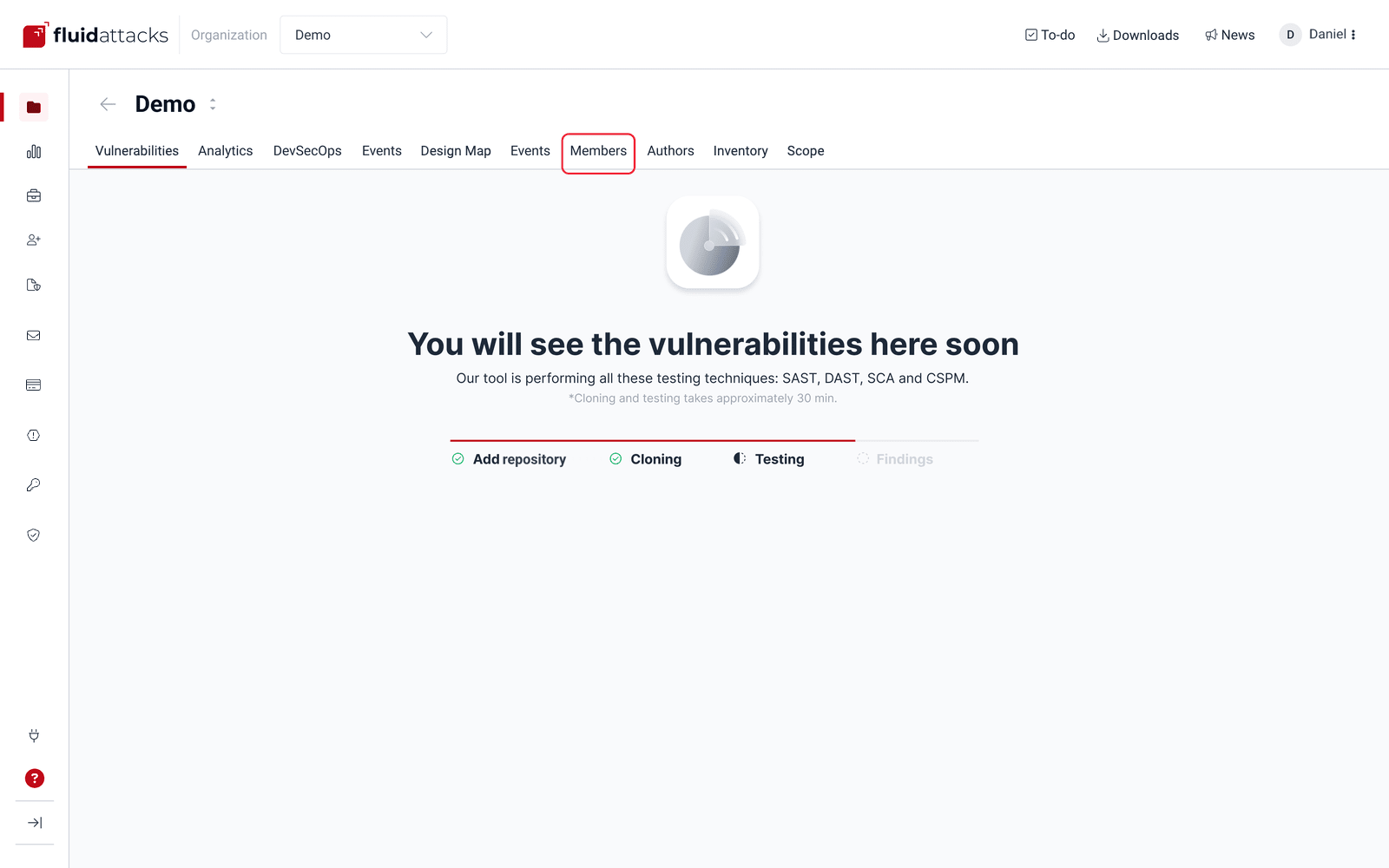
On the platform, enter your group and open the Members tab.
-
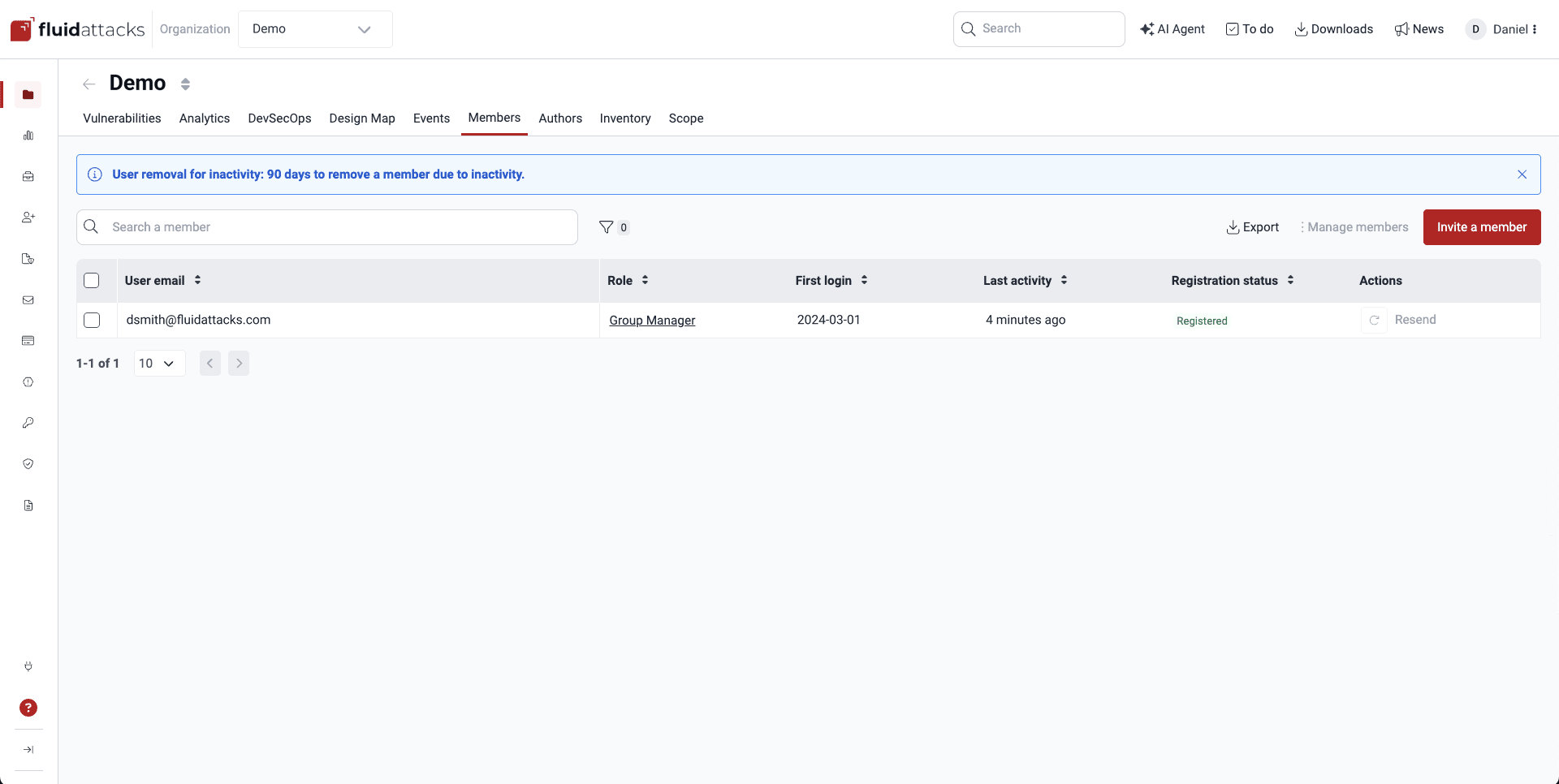
Click the Invite a member button.
-
Enter the person’s email address and choose their role. Click Confirm when you are done.
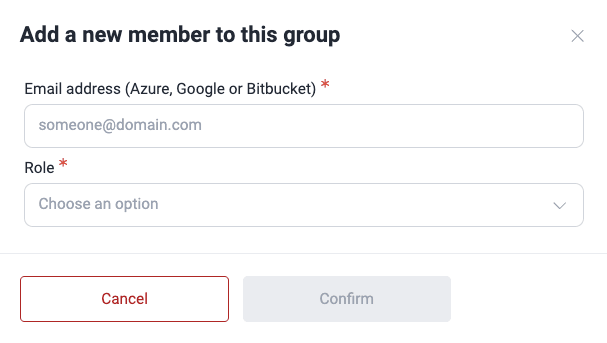
If you are adding a person who is responsible for remediating vulnerabilities, give them the User role. Learn more in the Understand roles page.
Invitations expire seven calendar days after delivery.
Your next step is to learn about the detected vulnerabilities and assign their remediation .
Want to learn all the details? Explore the section Manage members and roles .